9 mins read
Best WordPress Caching Plugins to Speed Up Your Website in 2026
Share Article :


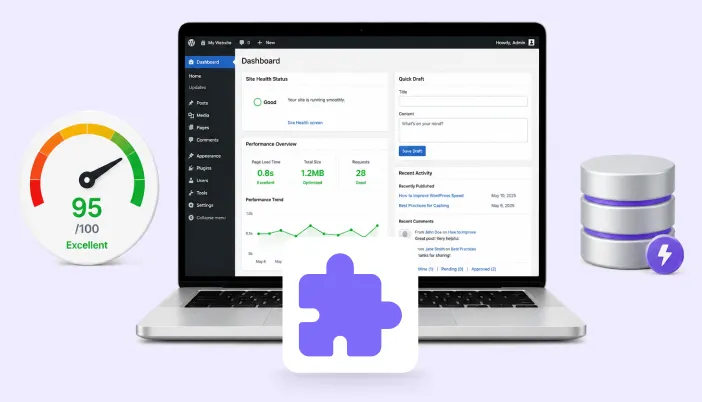
Most website owners spend hours perfecting their website design, choosing the right colors, selecting a modern theme, and making sure everything looks clean and professional.
But here’s something many people overlook: how fast their website actually loads.
Speed is not just a technical detail. It directly affects how visitors experience your website. Studies show that 53% of mobile users leave a website if it takes longer than three seconds to load
That means even a small delay can cost you real traffic and potential customers.
One of the easiest ways to improve WordPress website speed is by using a caching plugin. These plugins reduce the heavy work happening behind the scenes and deliver pages much faster to visitors.
However, with so many options available, choosing the right plugin can feel confusing.
In this guide, we’ll explore some of the best WordPress caching plugins in 2026 and help you understand which one might be the right fit for your website.
Best WordPress Caching Plugins You Should Consider
There are many options available in the market.But not all of them are equally easy, effective, or beginner-friendly. Let’s go through them one by one.
1. SpeedyGo
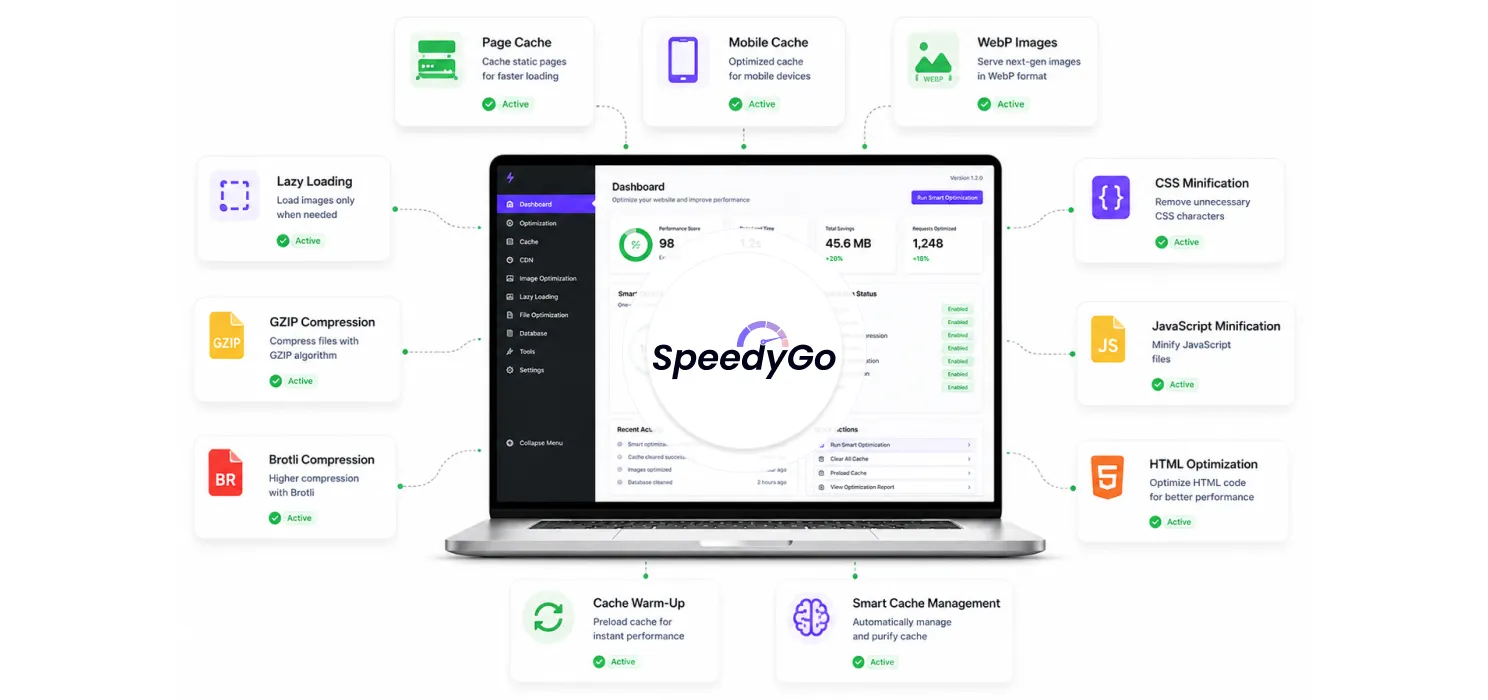
SpeedyGo is an all-in-one WordPress performance optimization plugin designed to make your website load dramatically faster without complicated setup or technical configuration.
It’s not just a caching tool. It’s a complete performance system.
Instead of installing separate plugins for caching, image optimization, compression, lazy loading, and file cleanup, SpeedyGo combines everything into one clean solution.
It’s built for people who want results, not technical headaches.
- Smart Page Caching
SpeedyGo stores ready-made versions of your pages so WordPress doesn’t have to rebuild them every time someone visits.
Result: Your pages load instantly instead of being generated again and again.
- Mobile Caching
Most visitors today come from mobile devices. So SpeedyGo creates optimized cached versions specifically for mobile users.
Result: Faster performance on phones and tablets, not just desktop.
- Image Optimization & WebP Conversion
Images are usually the heaviest part of any website.
SpeedyGo automatically:
- Compresses images
- Converts them into WebP format (which loads faster)
- Keeps visual quality intact
Result: Smaller image size = faster page load.
- Lazy Loading
Instead of loading every image and video at once, SpeedyGo loads them only when the user scrolls to them.
Result: Your first screen loads much faster. Visitors don’t have to wait for everything.
- GZIP & Brotli Compression
SpeedyGo compresses your website files before sending them to the browser.
A smaller file size means quicker delivery.
Result: Reduced data transfer and faster load times.
- CSS, JS & HTML Minification
Your website code often contains extra spaces and unnecessary characters.
SpeedyGo cleans and shrinks:
- CSS
- JavaScript
- HTML
Result: Lighter files, faster execution.
- Cache Preloading & Warm-Up
Instead of waiting for visitors to trigger cache creation, SpeedyGo pre-builds cached pages in advance.
Result: Even first-time visitors get fast-loading pages.
- Smart Auto Cache Management
You don’t need to manually clear the cache after every change. SpeedyGo intelligently manages cache purging when needed.
Result: No outdated pages. No manual stress.
- Server Compatibility Check
SpeedyGo checks whether your hosting supports the required performance features.
Result: No guessing. No hidden errors.
- Modular Design
Only the features you enable run. No bloated background processes.
Result: Clean performance without unnecessary load.
Most speed plugins promise faster load times. But the moment you install them, you’re staring at a dashboard full of settings you don’t fully understand. You start wondering, “Should I enable this? What if this breaks my site?” And suddenly, improving speed feels stressful instead of simple.
That’s exactly the complexity SpeedyGo eliminates.
SpeedyGo was built with one clear goal: make your WordPress site faster without making your life complicated.
With SpeedyGo, you get:
- Smart page caching
- Image optimization with WebP conversion
- Lazy loading for media
- CSS, JS, and HTML minification
- GZIP & Brotli compression
- Mobile caching
- Automatic cache management
All of this is handled inside one plugin.
You don’t need separate tools for caching, image compression, and code cleanup. Because when you install too many performance plugins, you increase:
- Plugin conflicts
- Extra background processes
- Dashboard clutter
- Maintenance headaches
SpeedyGo removes that complexity entirely.
Another big difference is automation. Many plugins give you power but expect you to configure everything correctly. SpeedyGo does the smart work in the background. It preloads cache, manages purging when you update content, compresses files properly, and keeps things running smoothly without you constantly checking settings.
SpeedyGo isn’t built just for developers. It’s built for real website owners. Bloggers. Freelancers. Agencies. Small business owners. Anyone who simply wants their site to load fast without needing technical knowledge.
2. WP Rocket
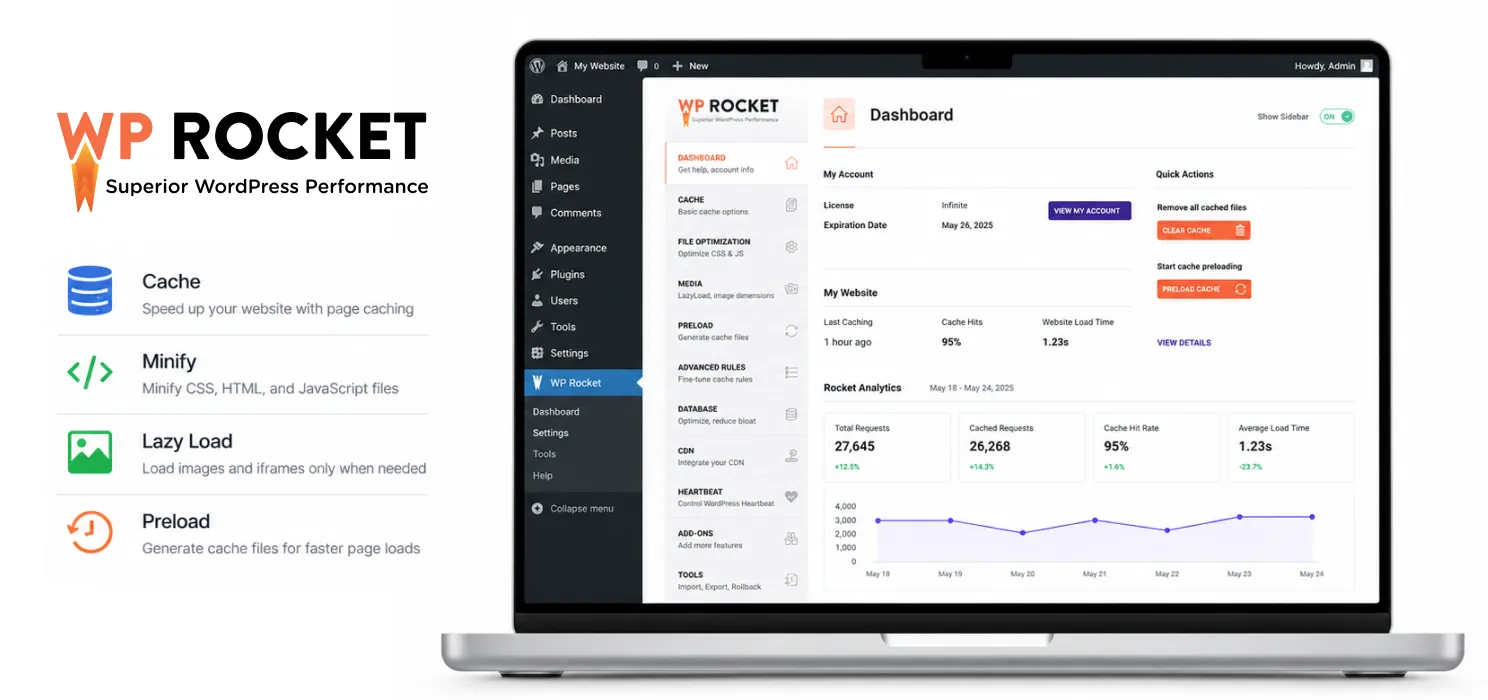
WP Rocket is one of the most popular premium caching plugins for WordPress, mainly because of how easy it is to use. Once installed, many of its performance features start working automatically without requiring deep technical setup.
It includes page caching, browser caching, file minification, lazy loading, and cache preloading. It’s a solid choice for users who want a reliable, paid solution that balances simplicity and performance. However, it does require a yearly subscription, which may not suit everyone
3. W3 Total Cache
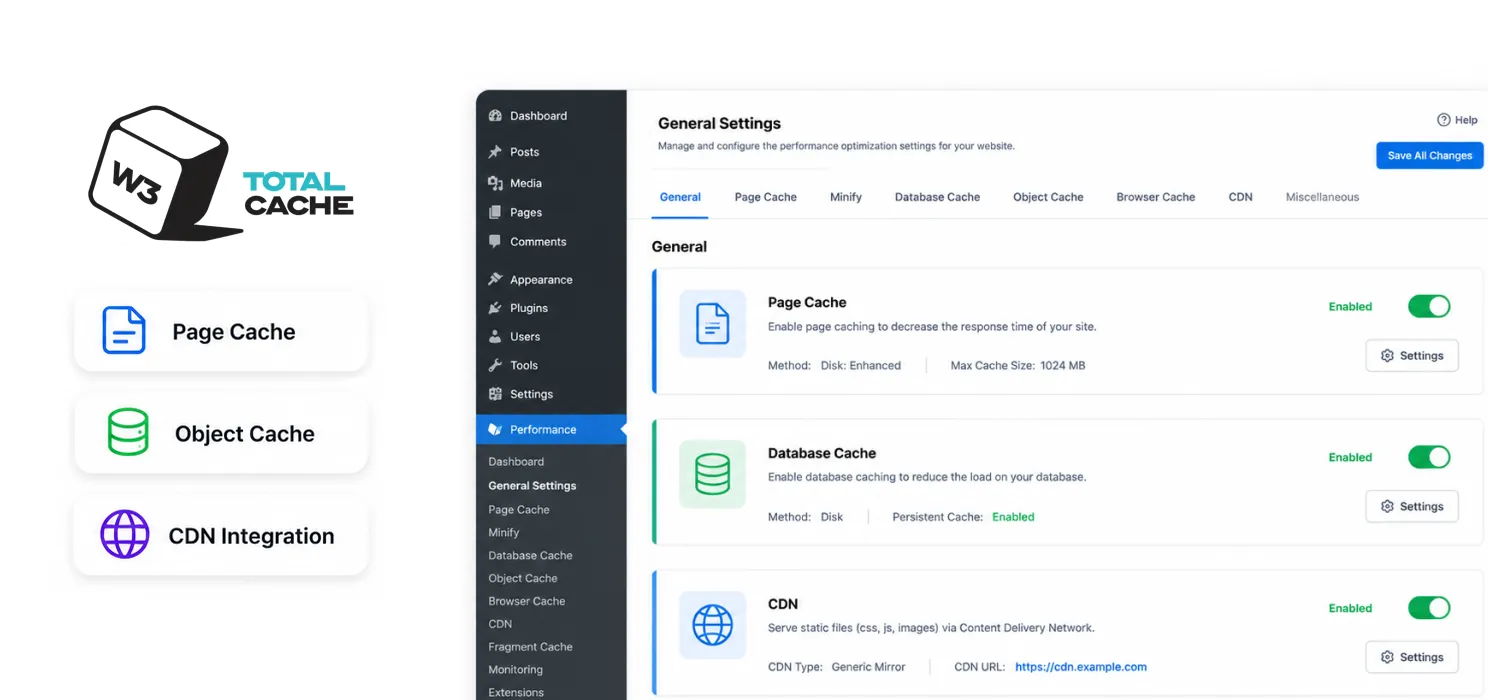
W3 Total Cache is known for being powerful and highly customizable. It offers advanced options for page caching, database caching, object caching, CDN integration, and more. This level of control makes it attractive for developers and technically experienced users.
However, its interface can feel complex for beginners, and incorrect configuration may affect website performance or layout. It’s best suited for users who are comfortable managing technical settings.
4. LiteSpeed Cache
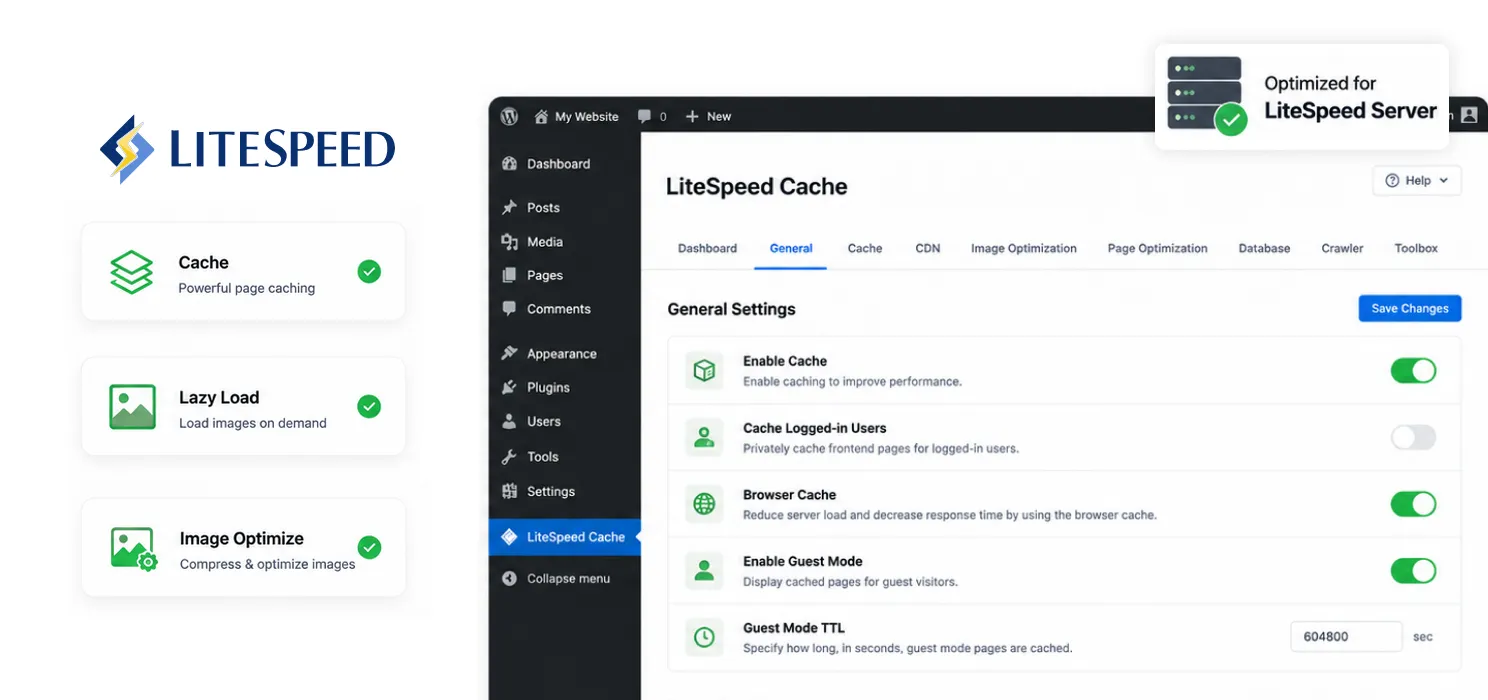
LiteSpeed Cache works best if your hosting provider uses LiteSpeed servers. Because it integrates directly with the server environment, it can deliver very strong performance results.
It includes page caching, image optimization, lazy loading, database cleanup, and CDN integration. When paired with compatible hosting, it’s extremely efficient. However, its full benefits depend heavily on server compatibility.
5. WP Super Cache
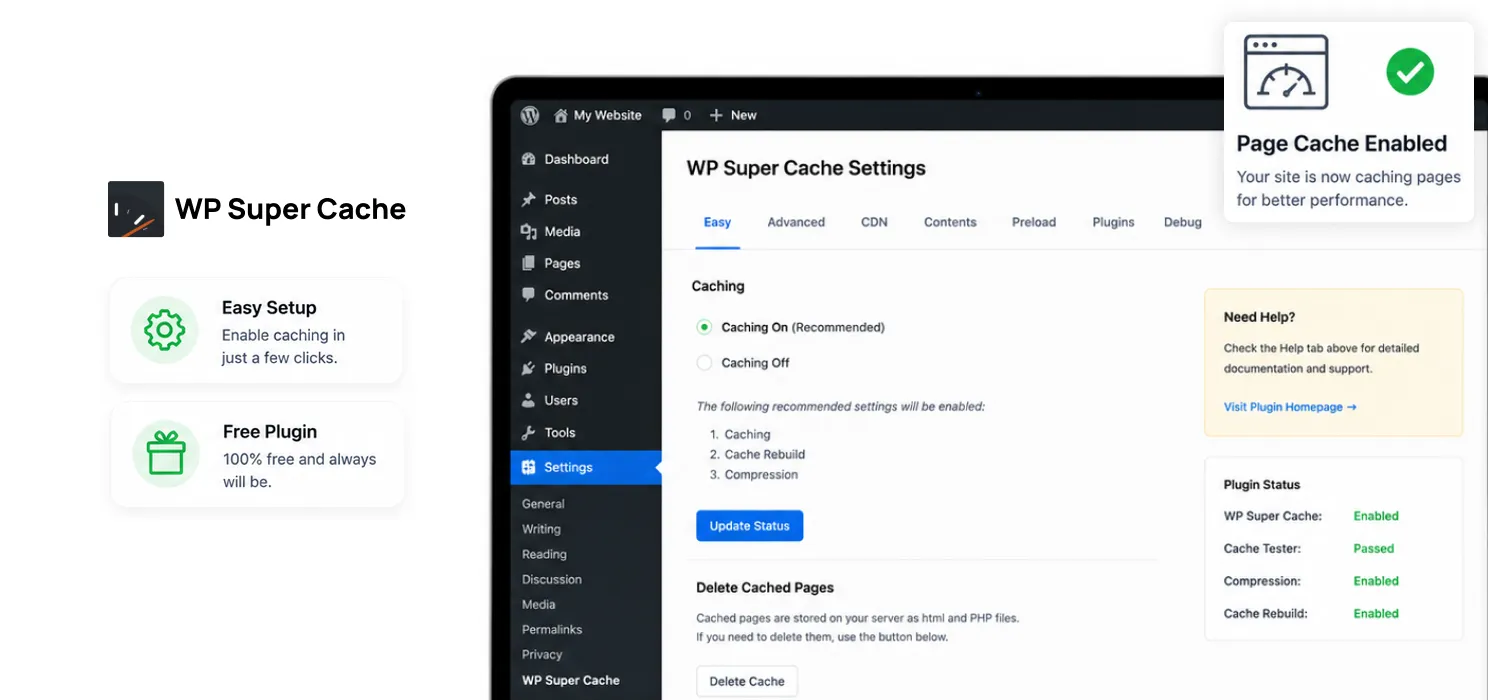
WP Super Cache is a simple and free caching plugin developed for straightforward page caching. It’s easy to set up and works well for smaller blogs or business websites that don’t need advanced optimization features.
While it doesn’t offer deep performance tools like image optimization or advanced compression, it remains a reliable entry-level solution for basic caching needs.
How to Choose the Right Caching Plugin for Your Website
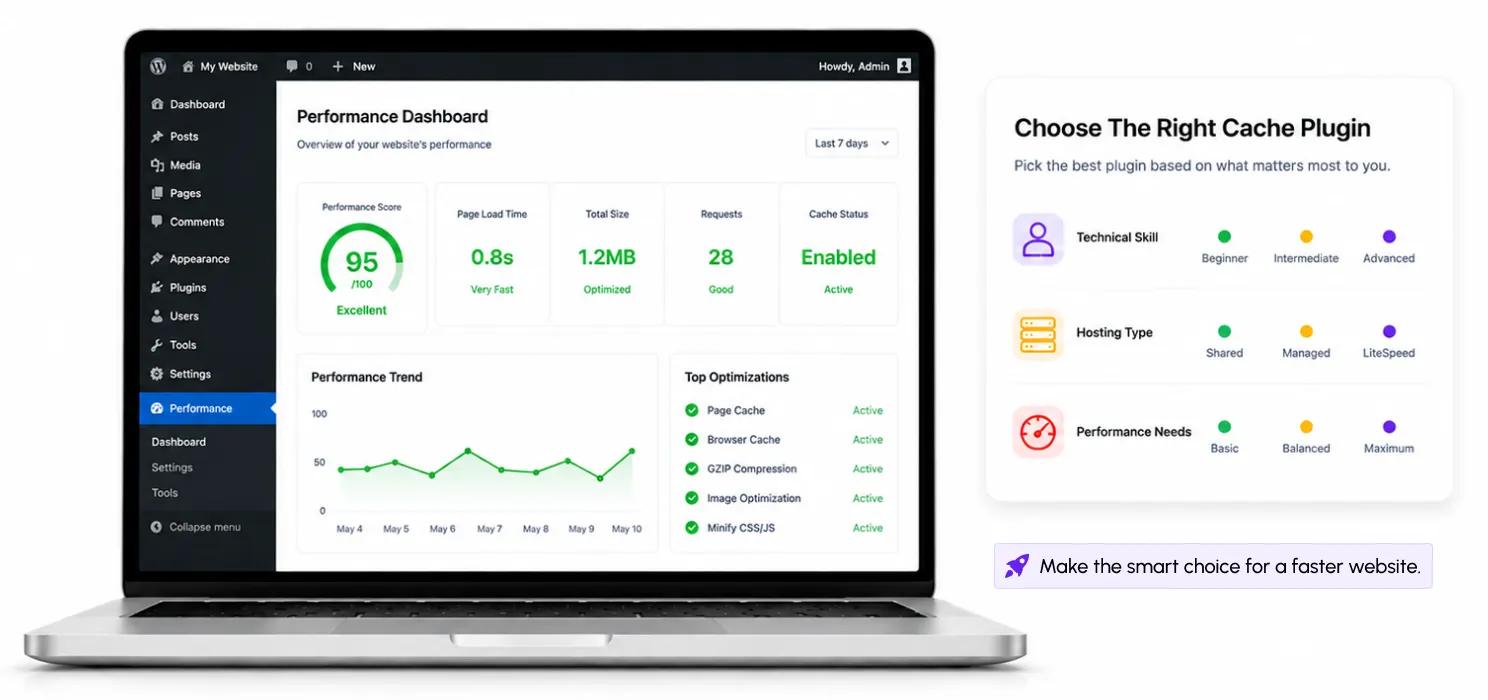
Now that you’ve seen the options, you might be thinking: “Okay… but which one is actually right for me?” And that’s a fair question.
Because the truth is, there is no single plugin that is perfect for every website. The right choice depends on three simple things:
- Your technical comfort level
- Your hosting environment
- How much control you want
Let’s simplify it.
If you’re a beginner, blogger, freelancer, or small business owner and you don’t want to deal with complicated settings, you need something that works out of the box. You don’t want to spend hours testing combinations of settings. You just want speed without stress. That’s where an all-in-one and automated solution like SpeedyGo makes sense.
If you’re a developer or someone who enjoys tweaking advanced settings, W3 Total Cache might suit you because it gives you deep control. But that control also means responsibility. One wrong setting can affect layout or performance.
If your hosting provider uses LiteSpeed servers, then LiteSpeed Cache can deliver excellent performance because it connects directly with the server.
If you want a well-known premium plugin with solid support and a simple setup, WP Rocket is a reliable option, though it comes at a cost.
And if you’re running a very simple blog and just want basic caching without extra features, WP Super Cache can do the job.
| The key is this: Don’t choose the plugin with the most features. |
Common Mistakes People Make with Caching Plugins
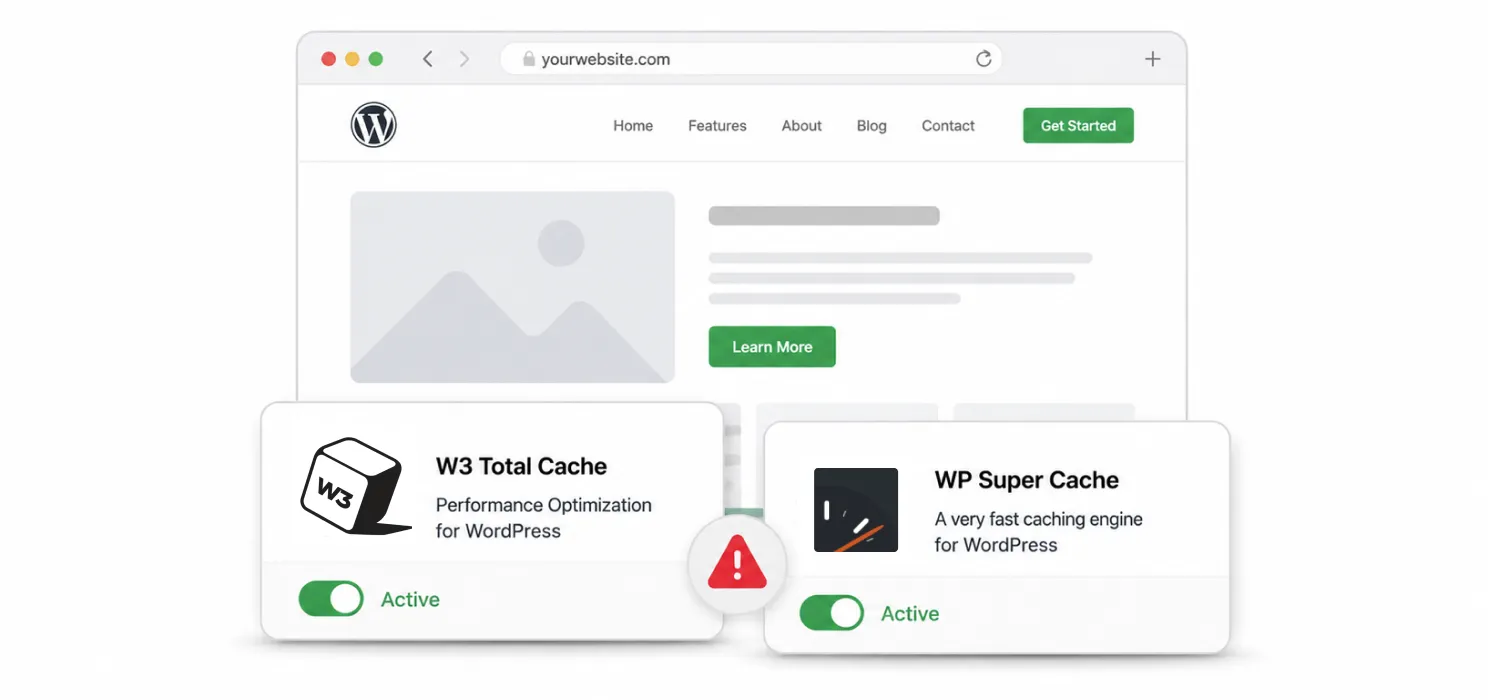
Caching can significantly improve website speed, but using it incorrectly can sometimes create problems. Here are some of the most common mistakes website owners make:
- Installing multiple caching plugins
Many people assume that more plugins will make their website faster. In reality, caching plugins can conflict with each other, which may cause layout issues, broken scripts, or even slower performance. - Enabling every optimization setting at once
Features like minification, file combination, and script deferring can help improve speed. However, activating everything without testing may break certain design elements or website functionality. - Forgetting to clear the cache after updates
When you update content, plugins, or design elements, the cached version of the page may still be shown to visitors. Clearing the cache ensures users see the latest version of your website. - Expecting caching to fix poor hosting
Caching reduces server workload, but it cannot fully compensate for slow or underpowered hosting. Website speed depends on multiple factors, including hosting quality.
A simple rule to follow:
- Use only one caching plugin
- Enable optimization features gradually
- Test your website after each change
- Combine caching with good hosting and optimized images
| 💡 Practical Tip Before enabling every optimization setting in your caching plugin, turn on one feature at a time and test your website after each change.For example:
Making changes step by step helps you quickly identify if a setting affects your layout, scripts, or functionality. Small, controlled adjustments are always safer than activating every optimization feature at once. |
To Conclude
Improving website speed doesn’t always require complex technical changes. In many cases, the right caching plugin can significantly improve performance by reducing the workload on your server and delivering pages more efficiently.
Whether you choose an all-in-one solution, a customizable performance tool, or a simple caching plugin, the goal remains the same: create a faster and smoother experience for your visitors.
Because in the digital world, even a small delay can influence how people interact with your website.
A fast website doesn’t just perform better technically. It builds trust, improves engagement, and allows your visitors to focus on what truly matters: your content.
See what fast feels like
Start free, no credit card needed — or pick the plan that fits your site.
Frequently Asked Questions
What is a WordPress caching plugin?
A WordPress caching plugin stores commonly requested website data so it can be delivered faster to visitors. This reduces the work required from the server and can improve page load times and overall website performance.
Which is the best WordPress caching plugin in 2026?
The best caching plugin depends on your hosting setup, website type, and performance requirements. Popular options include WP Rocket, LiteSpeed Cache, FlyingPress, WP-Optimize, NitroPack, and SpeedyGo.
Does a caching plugin improve WordPress website speed?
Yes. A caching plugin can improve website speed by serving cached pages, reducing database and server requests, optimizing files, and sometimes handling features such as browser caching and asset optimization.
Can I use more than one WordPress caching plugin?
It is generally not recommended to run multiple full-page caching plugins at the same time. They can conflict with each other and cause unexpected caching or optimization issues. Choose one primary caching solution and configure it properly.
What should I look for in a WordPress caching plugin?
Look for features such as page caching, browser caching, CSS and JavaScript optimization, cache preloading, lazy loading, CDN integration, image optimization, and compatibility with your hosting environment and other WordPress plugins.