5 mins read
How to Choose a WordPress Caching Plugin: A Practical Buyer’s Guide (2026)
Share Article :


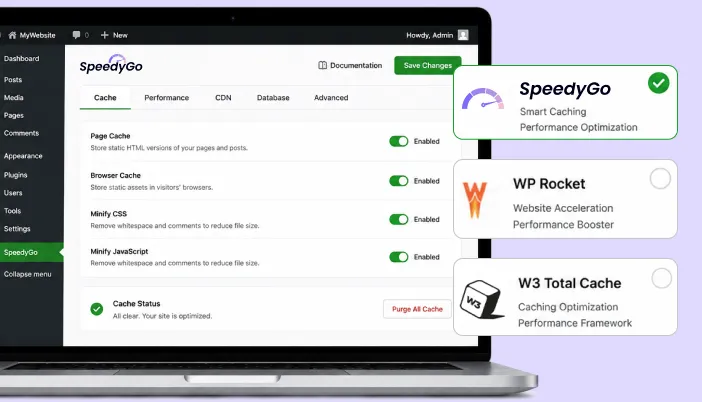
Caching plugins are not all the same. Some are license-only. Some bundle a CDN. Some are priced by pageviews. Some are priced by sites. Some include human support; most do not.
This guide walks through the seven questions that actually matter when picking one, so you do not end up paying for the wrong product.
The Seven Questions to Answer First
- What type of site is this?
- Roughly how much monthly traffic do you have?
- What kind of hosting are you on?
- How many plugins and how heavy is your theme?
- What is your budget and what is the real total cost?
- How technical are you, honestly?
- Do you want a human to help, or are you fine in settings panels?
Answer each one before reading any review.
1. What Type of Site Is This?
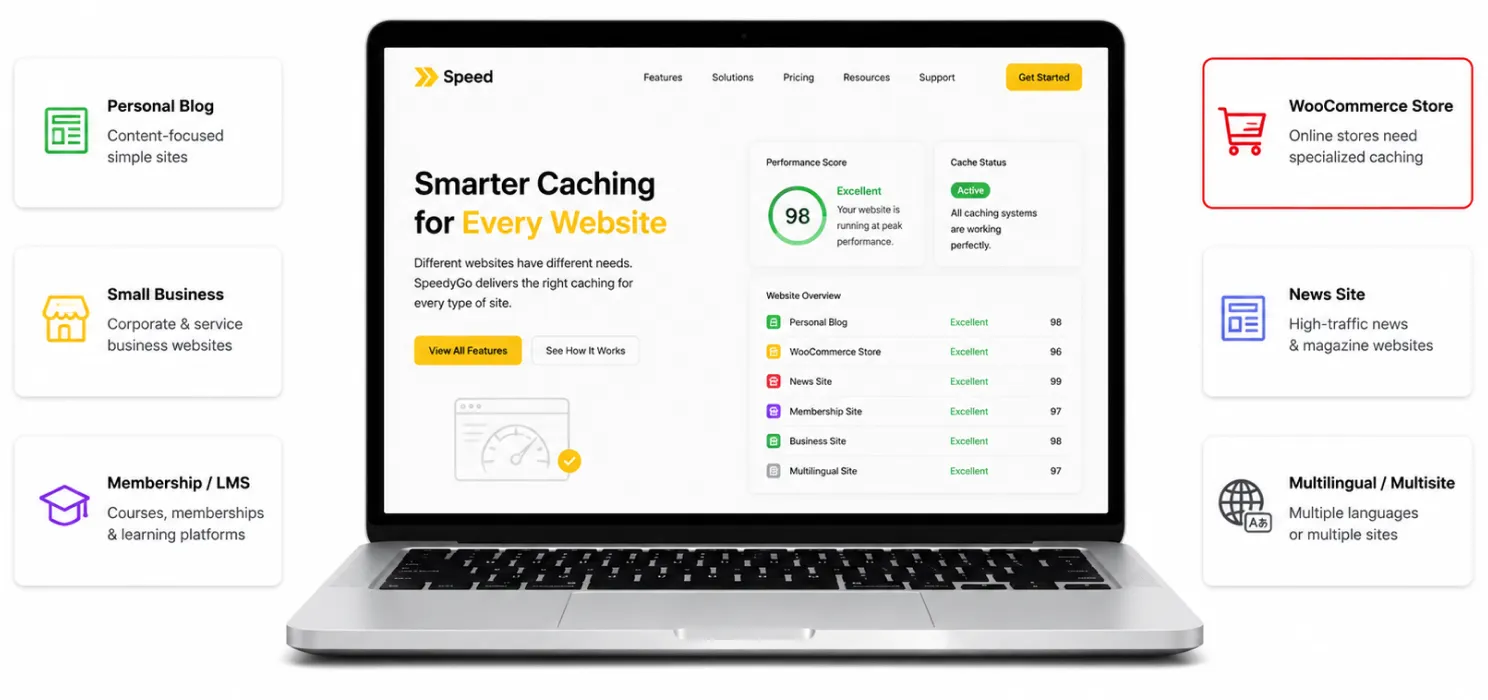
| Site type | What it needs from a caching plugin |
|---|---|
| Personal blog or portfolio | Basic page caching, lazy load. Free plans usually enough. |
| Small business site | Page + browser caching, mobile caching, WebP, a CDN, simple support. |
| WooCommerce store | WooCommerce-aware caching (cart/checkout exclusions), object caching, CDN for product images. |
| Membership site / LMS | Cache exclusions for logged-in users, careful object caching. |
| News / content site | Aggressive page caching, edge HTML caching, CDN with global POPs. |
| Multilingual / multisite | Network-aware caching, per-locale handling. |
The mistake: treating a WooCommerce store like a blog. If you are running a store, look specifically for “WooCommerce-aware caching” not just “WooCommerce-compatible”.
2. Roughly How Much Monthly Traffic Do You Have?
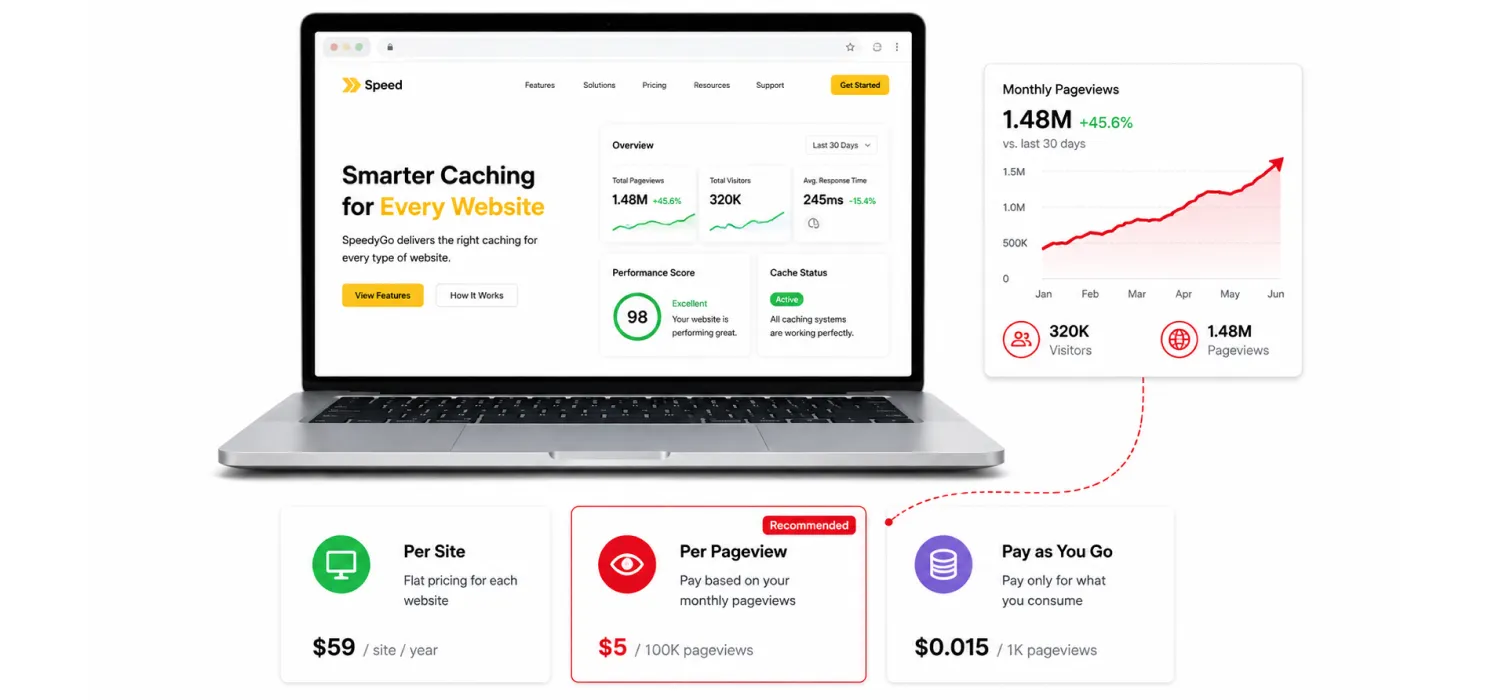
Pricing models react very differently to traffic:
- Site-based pricing (WP Rocket, FlyingPress, SpeedyGo): you pay per site. A traffic spike does not change your bill unless you blow through your CDN bandwidth cap.
- Pageview-based pricing (NitroPack): you pay by monthly pageviews. A viral post or a campaign can push you into a higher tier overnight.
- Pay-as-you-go (LiteSpeed Cache + QUIC.cloud): you pay only for what you use, but your bill is harder to predict.
If your traffic is volatile (news, e-commerce sales, social spikes), site-based pricing is usually safer.
3. What Kind of Hosting Are You On?
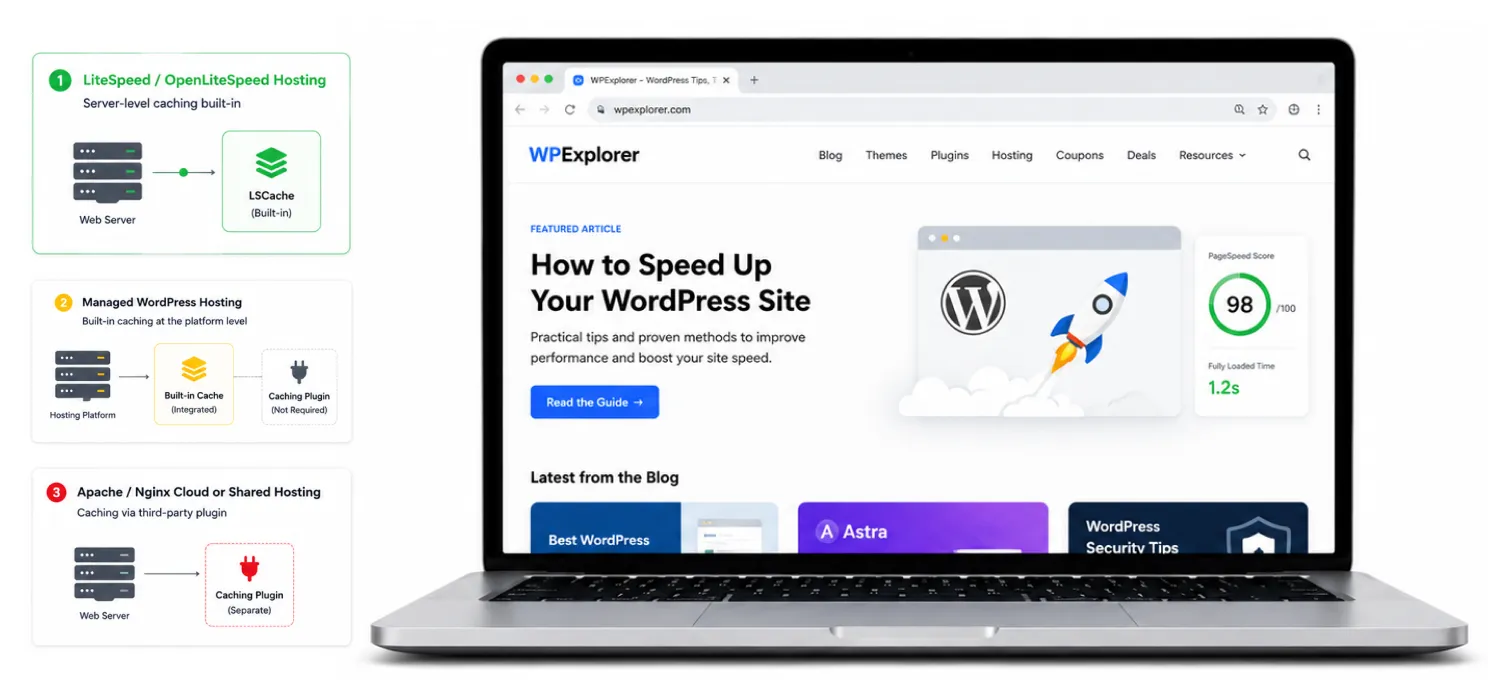
- LiteSpeed / OpenLiteSpeed hosts (Hostinger, NameHero, A2 Hosting): the free LiteSpeed Cache plugin uses your host’s server-level cache. That is the fastest option on those hosts.
- Managed WordPress hosts (Kinsta, WP Engine, Pressable): they often have their own server-level cache and disallow most third-party caching plugins.
- Cloud / shared hosting on Apache/Nginx: any third-party caching plugin works fine.
4. How Many Plugins and How Heavy Is Your Theme?
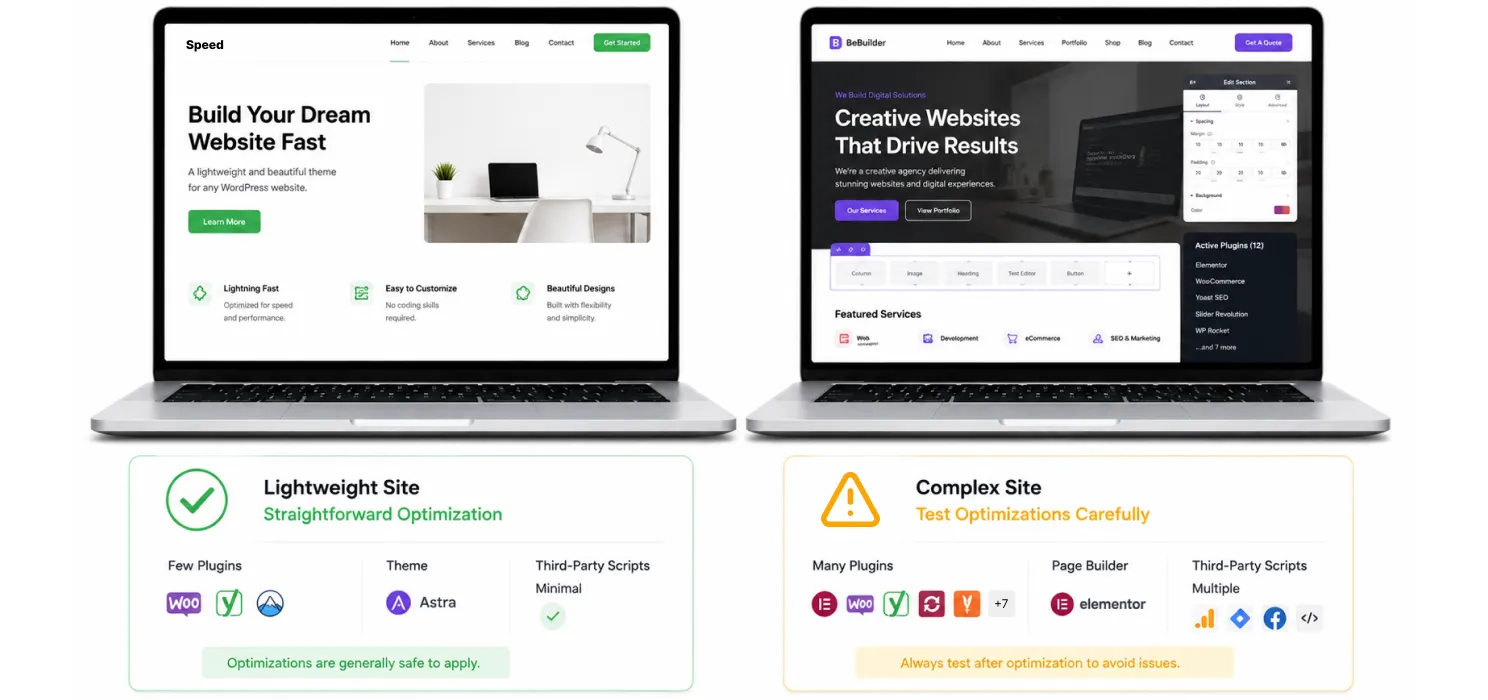
- Light, modern theme + under 20 plugins: even free plugins will give you a real lift. Aggressive optimization is usually safe.
- Heavy page builder (Elementor, Divi, WPBakery) + 40+ plugins: be conservative. Test combination and JS delay on a staging copy.
- Complex front-end (multiple sliders, animations, third-party scripts): test every optimization, one at a time. Use a plugin with clear exclusion rules.
5. What Is Your Budget and What Is the Real Total Cost?
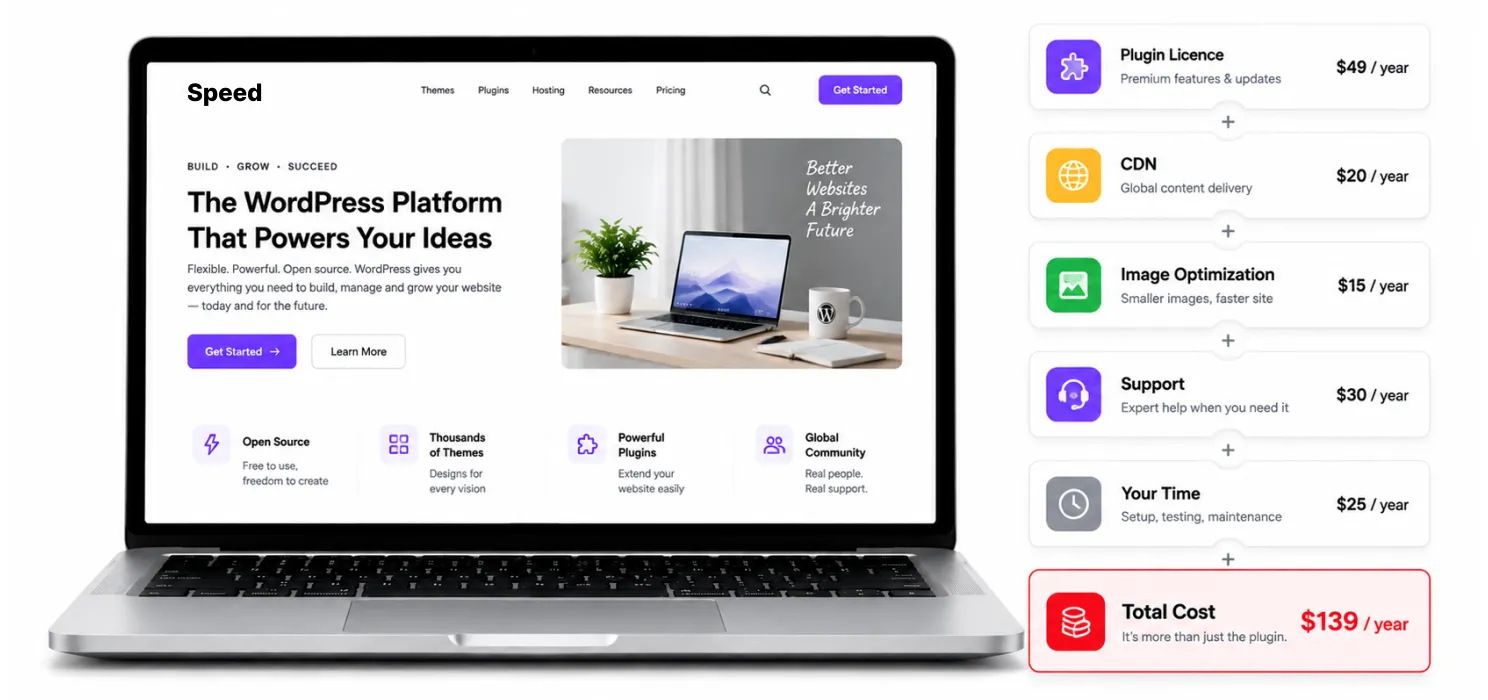
The licence sticker is not the bill. The real cost is:
Plugin licence + CDN + image optimization + support + your time
| Stack | Plugin | CDN | Image opt | Support | Approx. monthly |
|---|---|---|---|---|---|
| WP Rocket + RocketCDN + Imagify | $5 | $8-10 | $5-10 | Email ticket | ~$18-25 |
| FlyingPress + FlyingCDN | $4 | $5+ | included | Community | ~$9-15 |
| NitroPack Plus | $22 | included | included | Ticket | $22 |
| SpeedyGo Plus | $19 | included | included | Ticket + onboarding call | $19 |
| LiteSpeed Cache + QUIC.cloud | $0 | ~$2-10 | credits | Community | Variable |
6. How Technical Are You, Honestly?
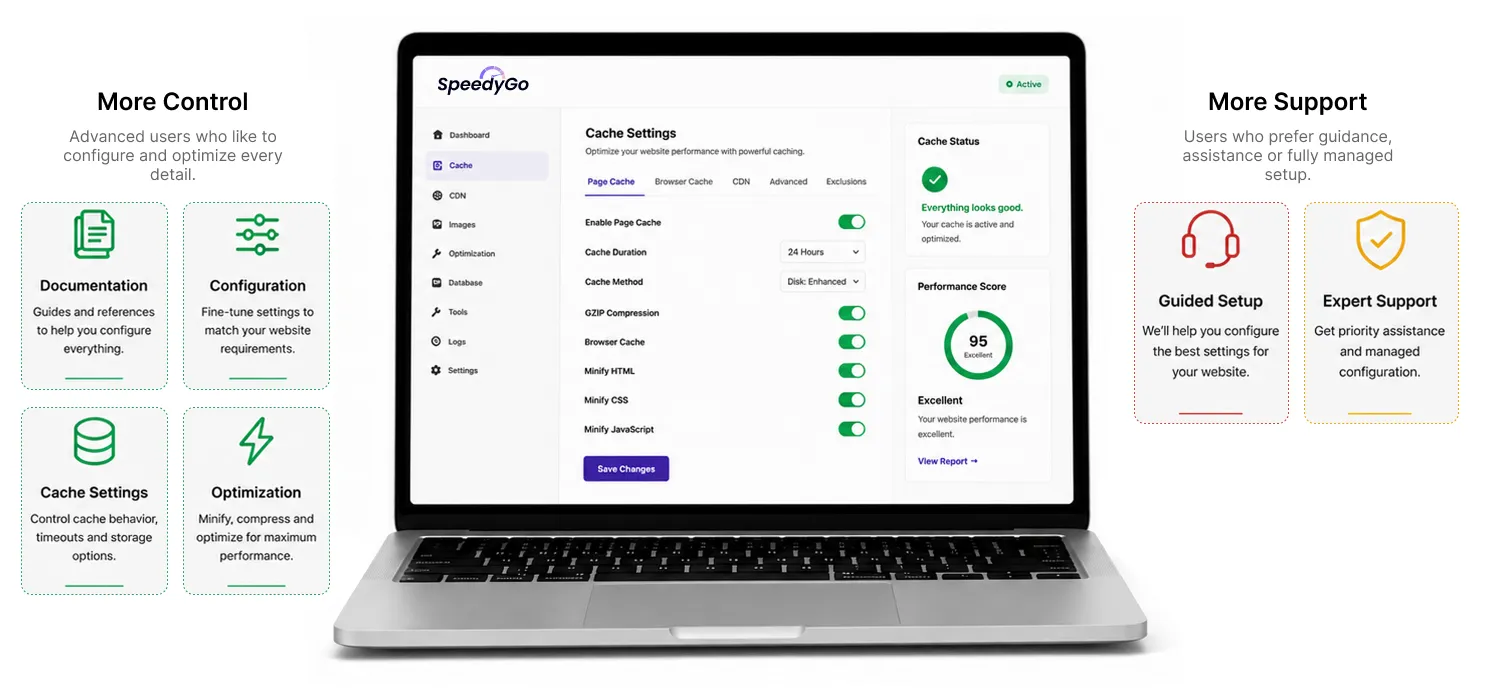
| Self-assessment | Plugin that fits |
|---|---|
| “I can read a documentation page and follow it.” | FlyingPress, WP Rocket, LiteSpeed Cache, SpeedyGo |
| “I can install a plugin but settings panels intimidate me.” | SpeedyGo, NitroPack |
| “I want someone to set it up for me.” | SpeedyGo (Plus or Pro) |
| “I am a developer or agency owner.” | All of the above, plus consider SpeedyGo Agency for managed-with-support |
7. Do You Want a Human to Help or Are You Fine in Panels?
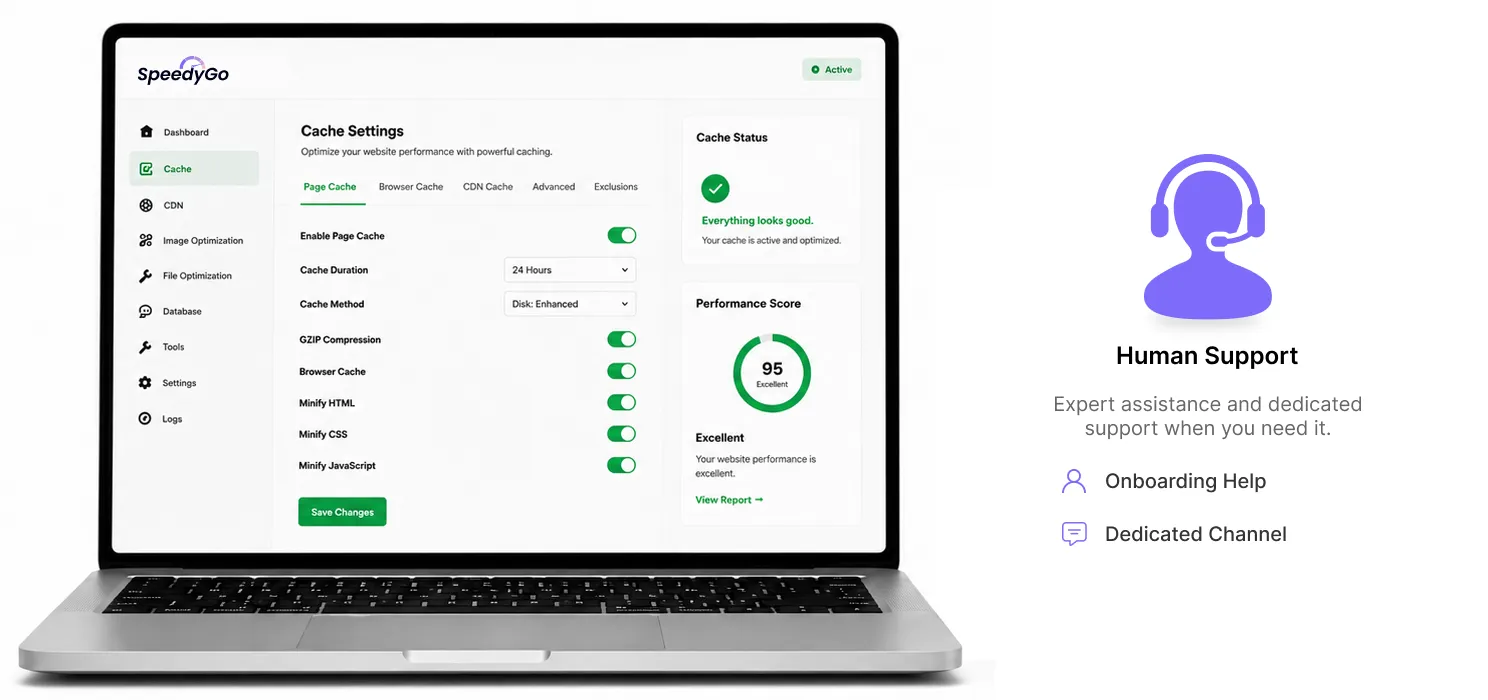
- Plugin-only support (email/ticket): WP Rocket, NitroPack, WP-Optimize.
- Community-first support: FlyingPress, LiteSpeed Cache.
- Graduated human support (onboarding call, managed help time, dedicated channel): SpeedyGo.
If you have ever paid for a product and then quietly given up on it because nobody helped you set it up buy the support tier, not the cheapest licence.
Red Flags to Avoid
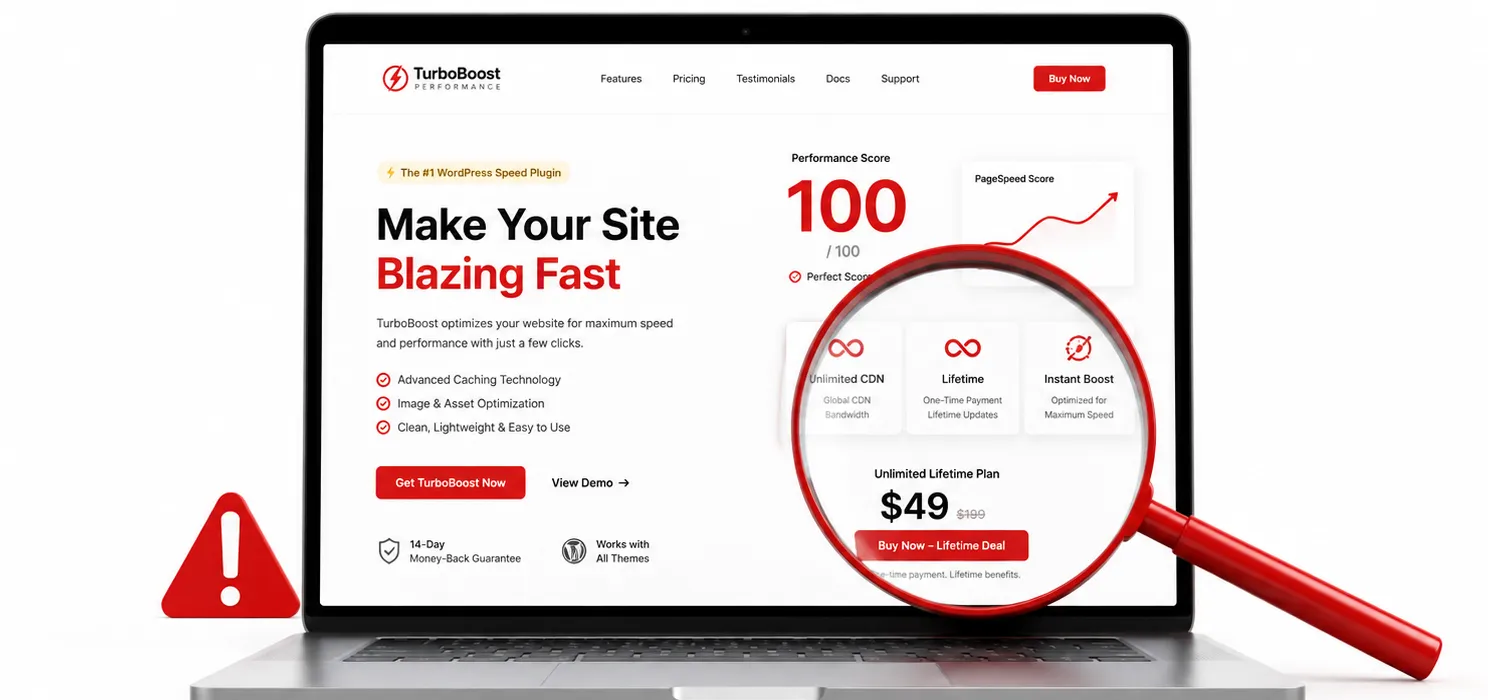
- “Guaranteed PageSpeed 100” claims. Nobody can guarantee a perfect score across all sites.
- “One-click and you are done” promises with no presets explained. Look for a real preset model.
- Lifetime deals from new brands. A 5-year lifetime licence on a 1-year-old plugin is risky.
- “Unlimited CDN” in fine print. Bandwidth is real. “Unlimited” usually has a soft cap.
- No free trial and no refund window. Walk away from any plugin that does not give you at least a 14-day refund or a free plan to test.
Common Mistakes When Buying
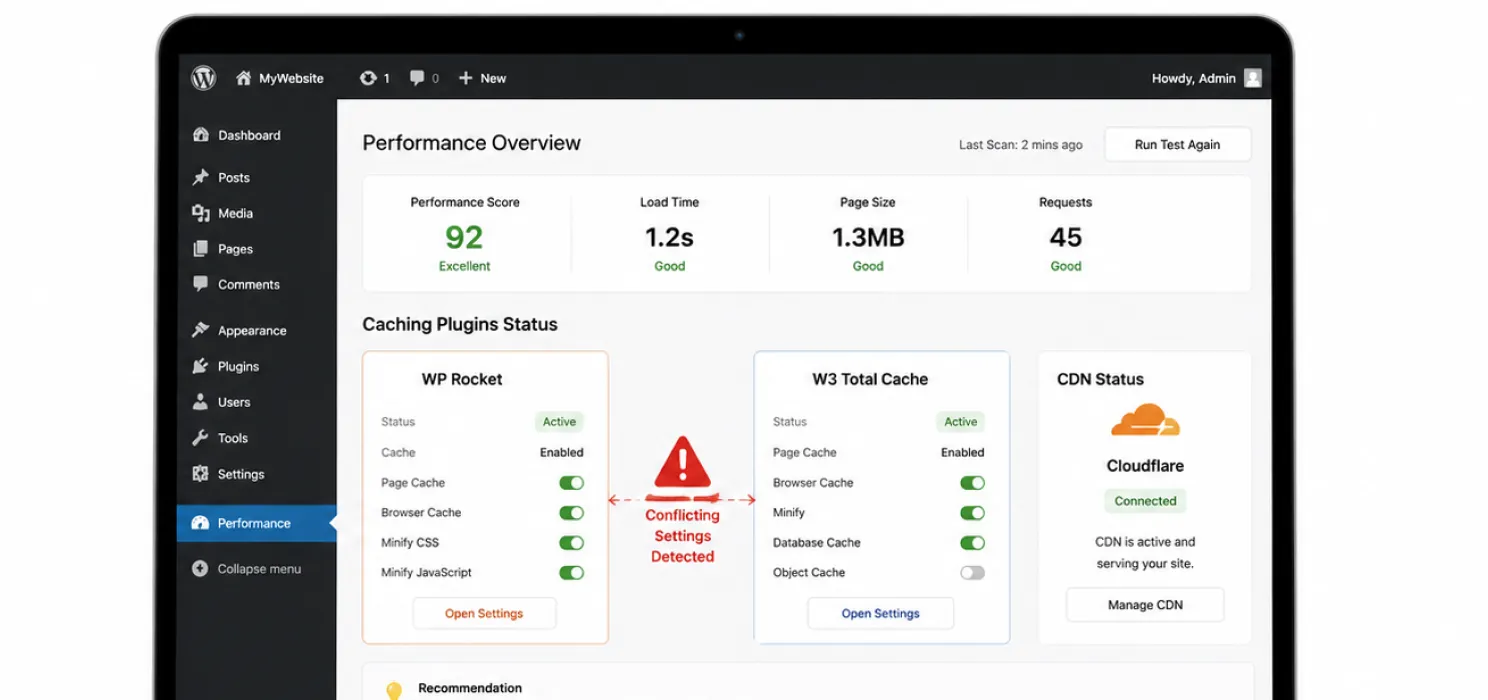
- Buying for features you will never use. Most sites do not need Critical CSS or AVIF to load fast.
- Skipping the CDN. A caching plugin without a CDN is a half-solution.
- Running two caching plugins together. This causes conflicts and slows the site. Pick one.
- Not testing on staging first. Aggressive optimizations sometimes break complex front-ends.
A Simple Recommendation Tree
One small site, you handle settings, you have a CDN already?
→ WP Rocket or FlyingPress.
One small site, you do not want to think about settings, you want a CDN included?
→ SpeedyGo Starter or Plus. Or NitroPack if your traffic is high.
WooCommerce store, you want WooCommerce-safe caching and human help?
→ SpeedyGo Plus.
High-traffic content site with a global audience?
→ NitroPack but watch your pageview bill.
You are on LiteSpeed hosting?
→ Free LiteSpeed Cache + QUIC.cloud credits.
Agency managing 10+ sites?
→ SpeedyGo Agency, FlyingPress Unlimited or WP Rocket Multi licences.
The Verdict
There is no single best WordPress caching plugin. There is a best one for your site, your budget and your honesty about your own technical comfort.
Want to speed up your WordPress website without handling every technical setting manually? Try SpeedyGo and start optimizing your site performance faster.
See what fast feels like
Start free, no credit card needed — or pick the plan that fits your site.

Do I really need a paid caching plugin?
For a personal blog or low-traffic site, no. For a business site or WooCommerce store generating revenue, yes the time saved by a paid product with support pays for itself within months.
How do I test if it is actually working?
Run PageSpeed Insights and GTmetrix before and after activation. Look at the mobile score and Core Web Vitals.
What if the plugin breaks my site?
Every serious caching plugin has exclusion rules. If you can identify the URL that breaks, add it to the exclusion list. If you cannot, switch the optimization off and ask support.