8 mins read
Expert WordPress Technical Support for Lead Developers
Share Article :


In this blog, you will learn what “expert WordPress technical support” actually means once you’re past the beginner stage, why even genuinely skilled lead developers still hit walls they can’t solve alone, and how the right kind of outside support fits into a team without stepping on anyone’s toes.
If you’re leading a dev team, you already know the basic WordPress stuff isn’t the problem. You’re not googling “how to install a plugin.” Your problem shows up at 11 pm on a Friday when a client’s checkout starts silently failing for one specific payment gateway, on one specific browser, and nobody on your team has seen this exact combination before. Sound familiar?
Here’s a number that might explain why that keeps happening: 45% of employers globally report severe difficulty filling web development roles right now, because the talent gap has gotten that wide. Which means even strong, well-staffed teams are running lean, and lean teams hit their limits faster, especially when WordPress problems get genuinely weird instead of textbook.
What does “expert support” even mean at this level?
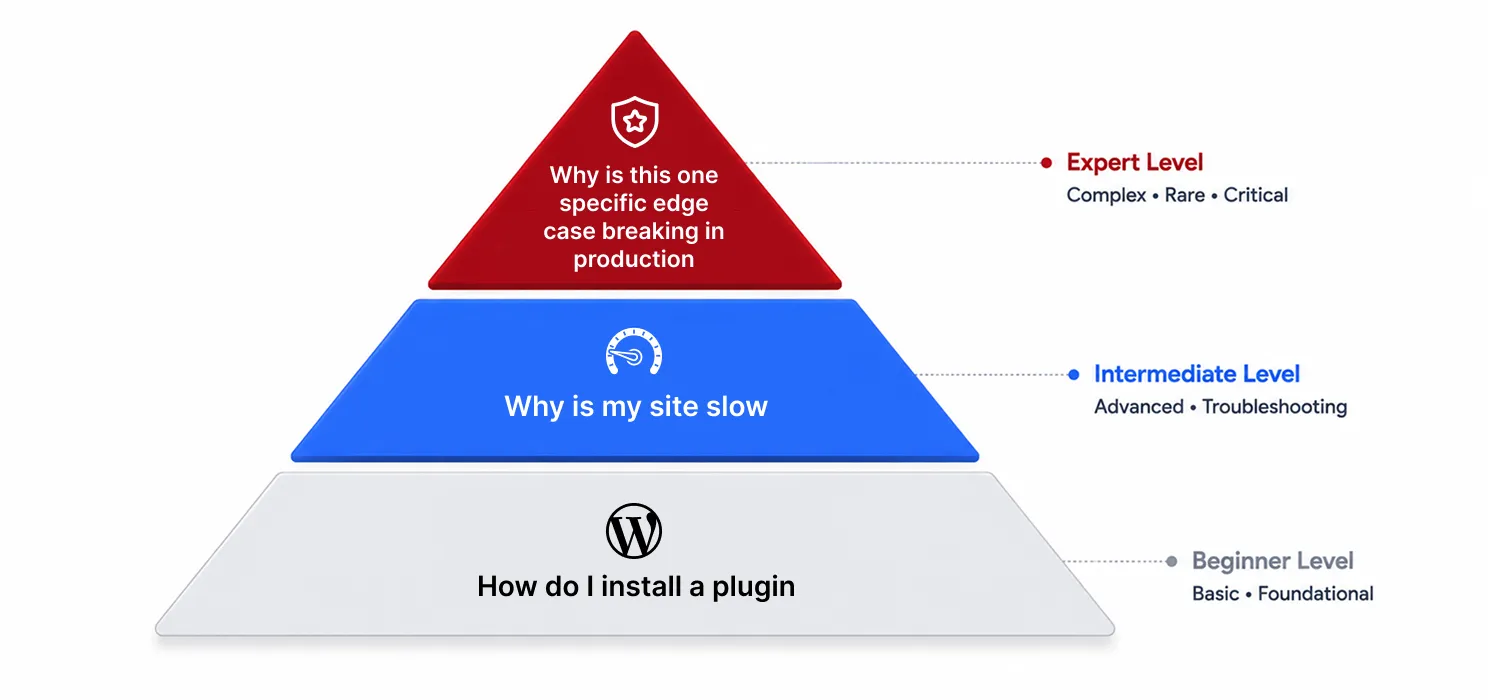
Let’s be honest about something first: most WordPress “support” content online is written for beginners. Install this plugin, clear your cache, check your PHP version. That’s genuinely useful advice, but it’s not what a lead developer is looking for when they’re stuck.
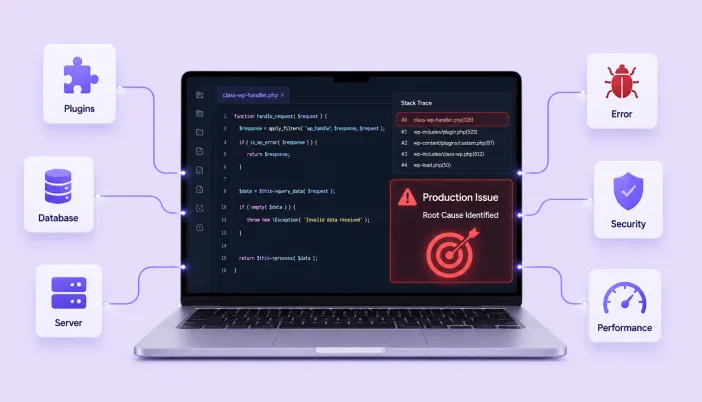
Expert-level support means something different. It’s the person who can look at a stack trace and immediately know it’s a race condition between two plugins hooking into the same action. It’s someone who’s seen a specific WooCommerce and payment gateway conflict before, because they’ve debugged it on three other client sites. It’s not googling the error message, it’s already knowing what usually causes it.
As one industry breakdown of the current developer market put it, pretty bluntly:
“Installing a theme doesn’t make someone a developer.”
That line stuck with us, because it draws exactly the line we’re talking about. There’s a big difference between someone who can configure WordPress and someone who understands what’s actually happening underneath it when something breaks in a way nobody’s documented yet.
Why does your team hit walls even when they’re genuinely good?
This isn’t a skill problem, and it’s worth saying that clearly. Even excellent developers run into WordPress issues that fall outside their specific experience, because the WordPress ecosystem is enormous. Nobody has touched every plugin combination, every hosting quirk, every edge case a theme introduces.
A few reasons this happens more than people expect:
- WordPress is extensible by design, which means the number of possible plugin and theme interactions is basically infinite, and no one developer has seen them all
- Deep performance and security issues often require specialized experience that doesn’t come up in day-to-day feature work
- Your team is probably focused on shipping features for your product or your clients, not on staying current with every obscure core update and plugin vulnerability disclosure
- The problems that actually need escalation tend to be rare by nature, which means your team gets less practice at them, not more
That last point matters more than it sounds like it should. A problem you hit once every two years doesn’t build the pattern recognition a problem you hit every week does. That’s not a gap in your team’s ability, it’s just how experience naturally works.
What kind of problems usually need this level of help
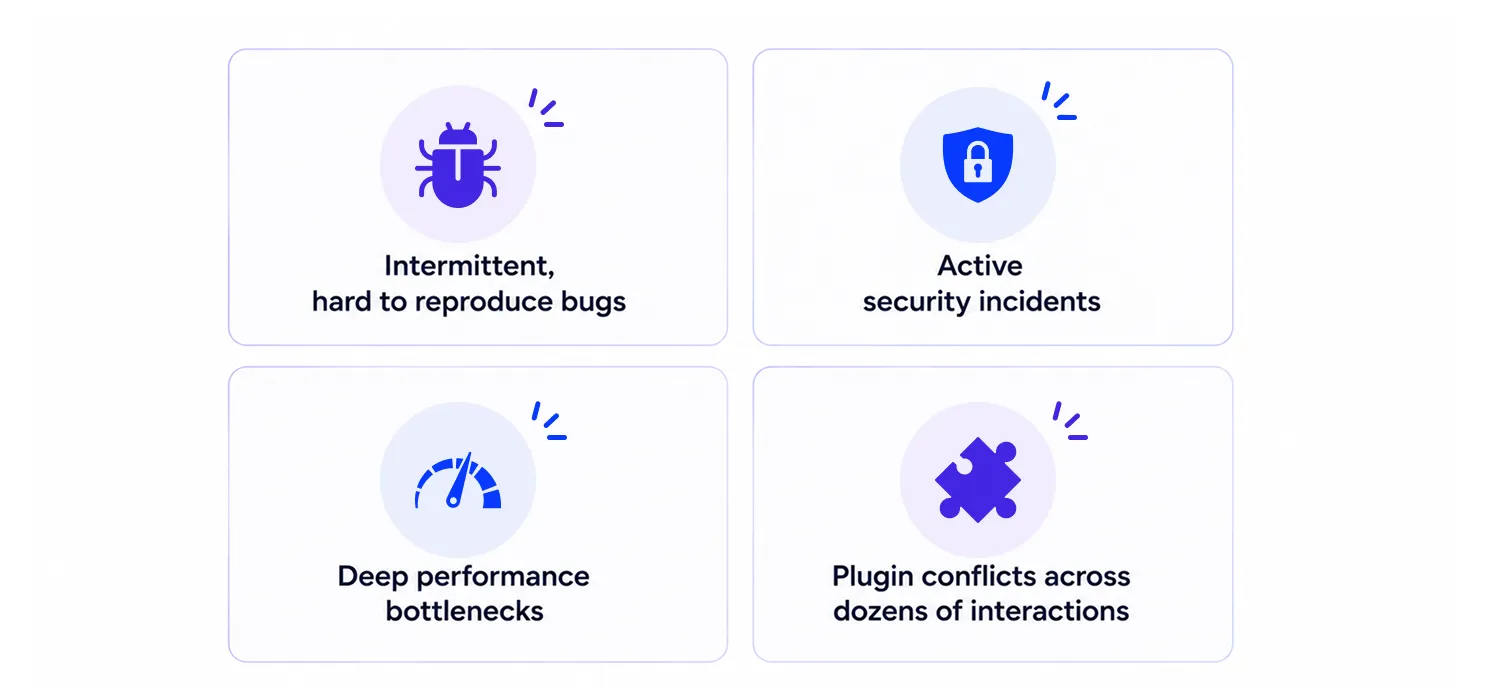
| Type of problem | Why it usually needs escalation |
| Intermittent bugs that won’t reproduce reliably | Often caused by race conditions, caching layers, or environment differences that take specialized debugging tools to isolate |
| Active security incidents | Speed and experience matter enormously here, a slow or incorrect response can make things worse |
| Deep performance bottlenecks | Requires knowing which of dozens of possible causes to check first, rather than working through all of them one by one |
| Plugin or theme conflicts | Needs someone who’s likely seen that specific combination fail before, or knows how to isolate it fast |
| Legacy code from a previous developer | Reading and safely modifying someone else’s undocumented decisions is its own distinct skill |
The signs your team could actually use outside expert support
We’d rather you recognize these signs early than after a bad week. A few honest questions worth asking yourselves:
- Has the same “mystery bug” been open for more than a sprint, with no real progress?
- Is your team spending hours on a WordPress-specific issue that isn’t really your product’s core competency?
- Have you had a security scare, even a small one, where you weren’t fully confident in the response?
- Is your best developer becoming the unofficial “WordPress person” for every hard problem, regardless of what they were actually hired to build?
- Are client deadlines slipping specifically because of platform-level issues rather than feature work?
| Tip: If you find yourself answering yes to more than one of these, it’s worth treating it as a real signal rather than a one-off bad sprint. These patterns tend to repeat, not resolve on their own. |
What genuinely good expert support actually looks like
Not all outside help is equal, and it’s worth knowing what separates a good partner from someone who just knows slightly more WordPress than your team does.
- They ask before they touch anything. Good expert support doesn’t just start changing things in production. They understand your setup first.
- They explain what they found, not just what they fixed. You should walk away understanding the actual root cause, not just a vague “it’s fixed now.”
- They respect your existing codebase and conventions. They’re not there to rewrite your architecture, they’re there to solve the specific problem in front of them.
- They’re available when it actually matters. A security incident or a broken checkout on a Saturday doesn’t wait for business hours, and neither should real support.
- They leave you more capable, not more dependent. The best engagements end with your team understanding something new, not just a closed ticket.
| Note: Be cautious of support that treats every engagement the same way, regardless of what’s actually broken. A performance bottleneck and a security incident need genuinely different expertise and urgency, and a good partner treats them differently. |
In-house only vs having expert backup
| In-house only | In-house plus expert backup | |
| Coverage for rare, complex issues | Depends entirely on what your team happens to have encountered before | Backed by patterns seen across many different sites and setups |
| Response time on urgent issues | Limited to your team’s availability | Can be structured for after-hours or emergency coverage |
| Team focus | Gets pulled into deep platform debugging regularly | Stays focused on product and client work more consistently |
| Cost | Lower until something genuinely hard shows up | Predictable, and often cheaper than the hours lost debugging blind |
| Risk during a crisis | Learning under pressure, in production | Experienced hands who’ve likely handled a similar crisis before |
Neither side of this is automatically right for every team. A team that rarely runs into anything unusual might not need this at all. A team supporting several client sites, or a product with real complexity, tends to feel the gap a lot sooner.
Bringing in expert support without it feeling like a step down
This is the part team leads worry about most, and it’s a fair worry. Nobody wants outside help to feel like a vote of no confidence in their own developers. A few things that make this work well in practice:
- Frame it as backup for the rare stuff, not a replacement for your team’s daily work
- Involve your existing developers in the process, so they’re learning alongside the expert support, not sidelined by it
- Use it selectively, for genuinely hard problems, not as a first call for anything mildly confusing
- Be upfront with your team about why you’re bringing someone in. Most developers actually appreciate having a resource for the truly nasty stuff, rather than being expected to know everything
SpeedyGo
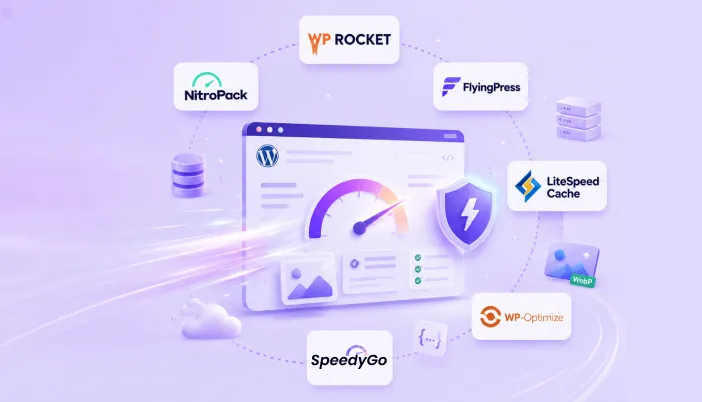
If WordPress performance is something your team keeps having to revisit, SpeedyGo brings the key optimization tasks into one place.
With SpeedyGo, you can handle:
- Caching to reduce server load and improve page delivery
- Lazy Loading to avoid loading images and media before they’re needed
- Image Optimization & WebP to reduce image sizes without compromising quality
- Code Minification & Asset Optimization to reduce unnecessary files and improve loading
- CDN to deliver website content faster to visitors in different locations
- Mobile Caching to improve performance for mobile visitors
- PageSpeed Analytics to identify performance issues and track improvements
The idea is simple: let SpeedyGo handle the repetitive performance work, while your developers focus on the problems that actually require their expertise. It gives WordPress teams a practical performance layer without adding another pile of disconnected optimization tools to manage.
The bottom line
Every WordPress team, no matter how skilled, eventually runs into something outside their collective experience. That’s not a reflection on your developers, it’s just what happens on a platform this large and this extensible. The teams that handle this well aren’t the ones who never hit hard problems, they’re the ones who have somewhere to turn when they do, without it costing them a weekend or a client relationship figuring it out alone.
If your team’s been quietly absorbing that risk on its own, it might be worth asking whether that’s actually the best use of your best people’s time, or whether a bit of expert backup would let them get back to the work they were actually hired to do.

Frequently Asked Questions
Doesn't this just mean my team isn't good enough?
No, and this is worth internalizing. Even excellent developers hit problems outside their specific experience. Expert support exists because the WordPress ecosystem is too large for any one person to have seen everything, not because your team is lacking.
How do we know when it's actually worth bringing someone in versus just pushing through?
A rough rule that works well: if a problem has eaten more than a day of a senior developer’s time with no clear progress, or if it touches security or an active outage, that’s usually the point where outside expertise pays for itself.
Will an outside expert actually understand our specific codebase quickly enough to help?
A good one will ask the right questions upfront and move efficiently once they understand your setup. This is actually a good filter, someone who dives in without asking anything first is a warning sign, not a good one.
Is this only useful during emergencies?
Not at all. Some of the most valuable engagements happen proactively, catching a performance issue or a security gap before it becomes an emergency, rather than only showing up once something’s already on fire.