12 mins read
Best Alternatives to WP Rocket, NitroPack, LiteSpeed Cache & More
Share Article :


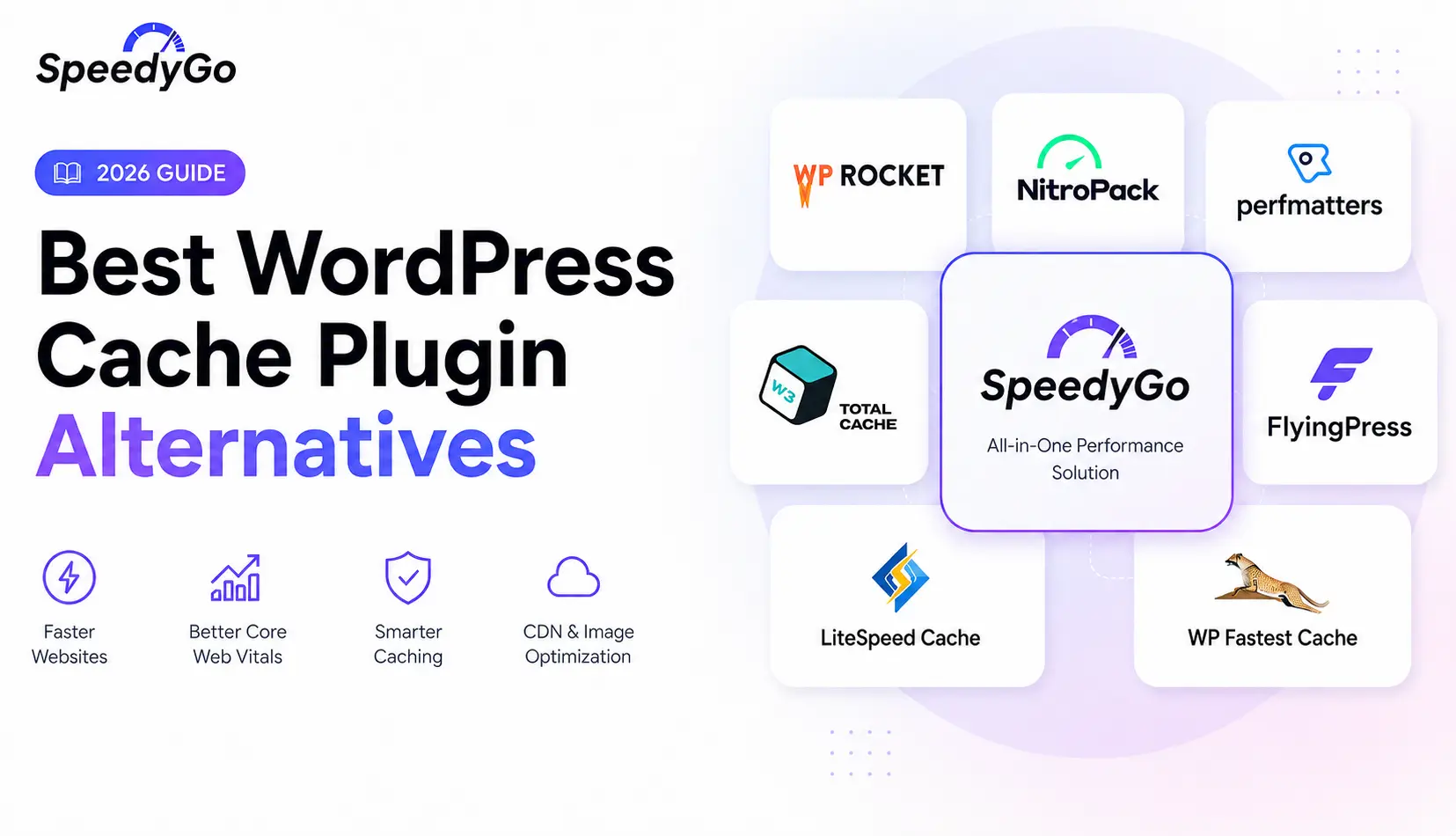
If you are looking for a WP Rocket alternative, NitroPack alternative, FlyingPress alternative or another WordPress caching plugin, comparing feature lists alone will give you the wrong answer.
WP Rocket, NitroPack, Perfmatters, W3 Total Cache, FlyingPress, LiteSpeed Cache, WP Fastest Cache and SpeedyGo do not all solve WordPress performance in exactly the same way.
Some generate static HTML on your server. Some integrate deeply with server-level caching. Some offload significant optimization work to cloud infrastructure. Others focus more heavily on removing WordPress bloat and controlling scripts.
That difference matters more than the number of checkmarks in a feature table.
Quick Recommendation
| Requirement | Good option to evaluate |
|---|---|
| Want caching, CDN, WebP and guided support together | SpeedyGo |
| Want an established premium caching plugin | WP Rocket |
| Want heavily automated cloud optimization | NitroPack |
| Already run LiteSpeed infrastructure | LiteSpeed Cache |
| Want granular script and WordPress-bloat control | Perfmatters |
| Want extensive cache configuration | W3 Total Cache |
| Want advanced modern WordPress optimization controls | FlyingPress |
| Want straightforward traditional caching | WP Fastest Cache |
There is no universal winner. Your hosting environment, traffic, WooCommerce requirements, budget and willingness to configure advanced settings matter.
Why Look for an Alternative to Your Current Caching Plugin?
Most users do not change performance plugins because caching suddenly became unnecessary.
They switch because their requirements changed.
Common reasons include:
- license cost
- needing a CDN
- wanting image optimization
- complicated configuration
- hosting changes
- WooCommerce requirements
- Core Web Vitals issues
- needing better JavaScript control
- managing multiple websites
- wanting more hands-on assistance
- preferring cloud-based optimization
- preferring site-controlled caching rather than a cloud service
Current WordPress community discussions reflect exactly this pattern, with users frequently recommending different products depending on whether the site runs LiteSpeed, whether the owner wants advanced controls, and how much configuration they are comfortable managing.
Why Consider SpeedyGo?
SpeedyGo takes an all-in-one approach to WordPress performance.
Its current WordPress.org listing includes full-page caching, browser caching, HTML/CSS/JS minification, GZIP and Brotli compression, built-in CDN support and advanced Pro capabilities such as cache warm-up, mobile caching, object caching, database-query caching, Critical CSS and WebP optimization.
Recent releases have also added:
- stale-while-revalidate caching
- background rebuilding after purges
- smart targeted cache invalidation
- automatic JavaScript optimization rollback after detected errors
- page-builder compatibility safeguards
- cache-before-WordPress loading
- optimization debugging tools
That combination makes SpeedyGo particularly interesting for users who want more than a simple static cache but do not want to build a performance stack from several unrelated tools.
Who Should Consider SpeedyGo?
SpeedyGo is worth evaluating if you want:
- page caching plus a built-in CDN
- WebP conversion
- CSS and JavaScript optimization
- cache preloading
- WooCommerce-aware caching
- mobile caching
- Critical CSS
- guided presets
- a performance dashboard
- paid plans that include human support time
SpeedyGo’s current annual pricing starts at $36/year for Starter, $108/year for Plus and $192/year for Pro. A free plan is available.
Who Might Be Better With Another Plugin?
SpeedyGo is not automatically the correct choice.
If your server already runs LiteSpeed and you want deep integration with the LiteSpeed cache engine, LiteSpeed Cache deserves serious consideration.
If your main requirement is granular script unloading and WordPress-bloat removal rather than page caching, Perfmatters is more specialized.
If you want the maturity of a long-established premium caching product, WP Rocket has a much longer market history.
If you want optimization work heavily offloaded to cloud infrastructure, NitroPack uses a different model that may fit better.
That distinction is more useful than pretending one plugin wins every category.
SpeedyGo vs WP Rocket
WP Rocket remains one of the most established premium caching plugins.
It automatically applies page caching and includes cache preloading, browser caching, GZIP compression, CSS optimization, JavaScript defer/delay, media optimization and database cleanup.
It also now includes RocketCDN Free, although the free tier is limited to three pages and 10 edge locations. RocketCDN Pro extends coverage across the full site.
SpeedyGo differs by bundling CDN bandwidth and WebP conversion directly into its plan structure and by placing more emphasis on included human optimization/support hours in paid tiers.
Consider WP Rocket if: you want a mature premium caching plugin with broad ecosystem familiarity.
Consider SpeedyGo if: bundled CDN, WebP conversion and hands-on support matter to you.
SpeedyGo vs NitroPack
NitroPack is closer to a cloud performance platform than a conventional caching plugin.
Its optimization infrastructure handles caching, CSS, JavaScript, images and CDN delivery, and its CDN is powered by Cloudflare.
It can be attractive for owners who want much of the optimization process automated.
The tradeoff is pricing architecture. NitroPack’s paid tiers include pageview and CDN bandwidth allowances. The Starter tier currently includes 8,000 monthly pageviews and 5 GB CDN bandwidth, while higher plans increase those limits.
SpeedyGo’s pricing is also tiered by CDN resources and WebP usage, but its positioning remains WordPress-first, with caching and optimization handled through the plugin plus SpeedyGo’s managed services.
Consider NitroPack if: cloud automation is your highest priority.
Consider SpeedyGo if: you prefer a WordPress-focused caching stack with bundled CDN, WebP and support options.
SpeedyGo vs Perfmatters
This comparison needs an important clarification:
Perfmatters is not a direct one-to-one SpeedyGo replacement.
Perfmatters focuses heavily on reducing WordPress overhead and controlling what loads on each page.
Its Script Manager can disable plugin and theme assets by page, device and user state. It also offers database cleanup, lazy loading, JavaScript delay/defer, CSS and JS minification and resource preloading.
Page caching remains listed as a requested feature rather than a core Perfmatters capability.
That means Perfmatters may actually complement a dedicated cache layer rather than replace one.
Choose Perfmatters if: granular asset unloading and WordPress-bloat removal are your main goals.
Choose SpeedyGo if: you need full-page caching and performance optimization in the same product.
Some advanced users may even build a stack using a dedicated caching layer plus Perfmatters, provided overlapping optimizations are configured carefully.
SpeedyGo vs W3 Total Cache
W3 Total Cache is the option here for users who want extremely granular caching controls.
It can cache pages, database queries, objects, browser assets and fragments. It can also integrate with CDNs and memory caching systems such as Redis and Memcached.
W3 Total Cache Pro adds functionality such as full-site CDN delivery, delay scripts, advanced CSS optimization and higher WebP conversion limits. Its one-site Pro license currently costs $99/year.
The tradeoff is configuration depth. More options can be useful for an experienced developer, but they also create more opportunities for incorrect configuration.
Choose W3 Total Cache if: maximum caching control is important.
Choose SpeedyGo if: you prefer a more guided performance workflow with caching, CDN and optimization bundled together.
SpeedyGo vs FlyingPress
FlyingPress has become one of the strongest direct competitors to traditional premium caching plugins.
It includes page caching, preloading, remove-unused-CSS processing, JavaScript optimization, image optimization, database features and real-user Core Web Vitals tracking.
Its newer architecture also uses cloud-based browser rendering for certain optimization analysis tasks.
FlyingPress pricing currently starts at $59/year for one site and reaches $279/year for unlimited websites.
Choose FlyingPress if: you are comfortable configuring modern performance controls and want strong technical flexibility.
Choose SpeedyGo if: included CDN resources, built-in WebP quotas and developer-support hours are more important to your workflow.
SpeedyGo vs LiteSpeed Cache
LiteSpeed Cache is the plugin in this comparison where your web server matters most.
Its WordPress plugin communicates with the LiteSpeed server cache engine, which performs the actual server-level caching.
The plugin itself also offers many optimization features and supports WordPress Multisite and WooCommerce.
If your host runs LiteSpeed, using LiteSpeed Cache is a very logical option because the caching layer is designed around that infrastructure.
If your environment does not provide the required LiteSpeed cache engine, the comparison changes significantly.
Choose LiteSpeed Cache if: your hosting environment already supports the LiteSpeed caching architecture.
Choose SpeedyGo if: you want caching that is not tied to one specific web-server family.
SpeedyGo vs WP Fastest Cache
WP Fastest Cache focuses on straightforward static caching.
Its free version provides caching, cache timeout, cache preloading, browser caching, GZIP, minification, exclusions and Cloudflare cache-purge integration.
Premium adds mobile caching, JavaScript optimization, image optimization, WebP, database cleanup, lazy loading and Delay JS.
Choose WP Fastest Cache if: you primarily want a familiar and relatively straightforward caching system.
Choose SpeedyGo if: you want caching combined with included CDN resources, WebP conversion, advanced cache behavior and managed support options.
These Plugins Do Not Cache WordPress the Same Way
This is the most important technical distinction in the comparison.
WordPress-level caching
Plugins can generate static versions of WordPress pages and serve those instead of repeatedly executing PHP and database queries.
WP Rocket, FlyingPress, WP Fastest Cache, W3 Total Cache, and SpeedyGo all provide forms of page caching.
Server-level caching
LiteSpeed Cache can communicate directly with LiteSpeed’s caching engine.
The cache happens deeper in the server stack rather than being implemented only through normal WordPress execution.
Cloud optimization
NitroPack sends significant optimization work through its own infrastructure and CDN.
FlyingPress also now uses cloud browser rendering for some optimization analysis, although cached pages are still served through its WordPress/server architecture.
Asset optimization
CSS, JavaScript, images and fonts are a separate performance layer.
This is why a page cache alone cannot fix every Core Web Vitals problem.
Which Plugin Is Best for Core Web Vitals?
Do not choose a plugin based on a promise of a 100 PageSpeed score.
Google’s current Core Web Vitals are:
- LCP: good at 2.5 seconds or less
- INP: good below 200 ms
- CLS: good at 0.1 or less
Caching can improve server response and loading behavior, but passing Core Web Vitals also depends on:
- hosting
- theme
- page builder
- JavaScript
- images
- fonts
- third-party scripts
- DOM complexity
- plugins
- dynamic content
Google explicitly says good Core Web Vitals can contribute to page experience, but a perfect performance score does not guarantee high rankings.
Choose the plugin that addresses the actual bottleneck on your website.
Which Caching Plugin Is Better for WooCommerce?
WooCommerce makes caching more complicated because pages such as:
- Cart
- Checkout
- My Account
- personalized content
should not normally be treated like static public pages.
SpeedyGo documents automatic bypassing of Cart, Checkout and My Account pages.
WP Rocket also automatically excludes sensitive eCommerce pages from caching.
LiteSpeed Cache supports WooCommerce and can handle advanced cache variation when its server infrastructure is available.
For WooCommerce, compatibility and cache exclusions matter more than an aggressive benchmark score.
Which Plugin Works Best With Your Hosting?
LiteSpeed hosting
Start by evaluating LiteSpeed Cache.
Its architecture is specifically designed around LiteSpeed’s caching engine.
Apache
SpeedyGo, WP Rocket, FlyingPress, W3 Total Cache and WP Fastest Cache can all be considered depending on requirements.
Nginx
Again, evaluate application-level caching and your host’s own cache before adding another layer.
Managed WordPress hosting
Check whether your host already provides page caching.
Some managed hosts disable WP Rocket’s own page cache while still allowing its other optimization functions.
Adding another page-cache layer blindly can create unnecessary complexity.
M. Comparison Tables
Quick Feature Comparison
| Plugin | Full Page Cache | CDN Option | Image Optimization | CSS/JS Optimization | Free Version | Main Strength |
| SpeedyGo | Yes | Included by plan | WebP | Yes | Yes | Integrated stack + support |
| WP Rocket | Yes | RocketCDN Free/Pro | Media optimization, not full native compression stack | Yes | No | Mature premium caching |
| NitroPack | Yes | Built-in Cloudflare CDN | Yes | Yes | Limited | Cloud automation |
| Perfmatters | No dedicated page cache verified | Use external | Format/lazy-load tools | Strong | No | Script and bloat control |
| W3 Total Cache | Yes | Integrations + Pro FSD | WebP | Yes | Yes | Granular caching |
| FlyingPress | Yes | CDN options | WebP/AVIF | Strong | Trial, not permanent free tier | Modern optimization |
| LiteSpeed Cache | Server-level with compatible infrastructure | QUIC.cloud | Available through ecosystem | Yes | Yes | LiteSpeed integration |
| WP Fastest Cache | Yes | CDN integration | Premium | Yes | Yes | Simplicity |
Sources:
Pricing Snapshot
Pricing verified August 23, 2026. Prices can change.
| Plugin | Entry pricing |
| SpeedyGo | Free / $36 yearly Starter |
| WP Rocket | $59/year |
| NitroPack | Free limited plan / about $7 monthly billed annually |
| Perfmatters | $29.95/year |
| W3 Total Cache | Free / $99/year Pro |
| FlyingPress | $59/year |
| LiteSpeed Cache | Free plugin |
| WP Fastest Cache | Free + Premium available |
Sources:
Which Plugin Should You Choose?
Best fit for LiteSpeed hosting
LiteSpeed Cache
Its server-level architecture is the main reason.
Best fit for granular script control
Perfmatters
Its Script Manager is significantly more specialized than ordinary cache-plugin asset toggles.
Best fit for deep cache configuration
W3 Total Cache
It exposes page, database, object, browser and fragment caching.
Best fit for cloud-first automation
NitroPack
Much of its optimization pipeline runs through cloud infrastructure.
Best fit for an established premium cache plugin
WP Rocket
It remains one of the mature mainstream premium choices.
Best fit for advanced modern optimization controls
FlyingPress
Particularly strong if you are comfortable tuning WordPress performance.
Best fit for simple traditional caching
WP Fastest Cache
A sensible option for users who want fewer moving parts.
Best SpeedyGo use case
A WordPress owner who wants page caching, CDN, image optimization, frontend optimization and human support available within the same product ecosystem.
Switching From Another Caching Plugin to SpeedyGo
Do not activate two full-page cache systems and hope they cooperate.
SpeedyGo’s own FAQ recommends disabling the previous caching plugin before activating SpeedyGo.
Use this migration process:
- Create a complete backup.
- Use staging for important production sites.
- Record current performance results.
- Purge the old plugin’s cache.
- Disable its optimization features.
- Deactivate the old caching plugin.
- Clear server or CDN caches.
- Install and connect SpeedyGo.
- Start with conservative optimization settings.
- Test the frontend.
- Test forms and logins.
- Test WooCommerce cart, checkout and account pages.
- Enable stronger CSS or JavaScript optimizations gradually.
- Retest PageSpeed Insights and real navigation.
- Monitor PHP and JavaScript errors.
A migration should be judged by real site behavior, not just a benchmark screenshot.

Frequently Asked Questions
Find answers to common questions about mobile speed, WordPress bounce rates, page load times, and practical ways to improve your website’s mobile performance.
What is the best WP Rocket alternative?
There is no universal replacement. FlyingPress is a close traditional performance competitor, LiteSpeed Cache makes sense on LiteSpeed hosting, NitroPack favors cloud automation, and SpeedyGo is worth evaluating if you want caching, CDN, WebP optimization and support within one ecosystem.
Is SpeedyGo an alternative to WP Rocket?
Yes. Both provide WordPress page caching and frontend optimization. Their CDN, pricing, support and feature packaging differ.
What is the best NitroPack alternative?
Users wanting less reliance on a cloud-first architecture can evaluate SpeedyGo, WP Rocket, FlyingPress or LiteSpeed Cache depending on their hosting environment.
Is SpeedyGo an alternative to NitroPack?
Yes, but they use different architectures. NitroPack performs substantial optimization through cloud infrastructure, while SpeedyGo combines its WordPress plugin with managed CDN and optimization services.
Is Perfmatters a caching plugin?
Not in the same sense as WP Rocket, SpeedyGo or FlyingPress. Perfmatters focuses mainly on script management, asset optimization, database cleanup and WordPress-bloat reduction. A dedicated page-cache feature is not currently part of its main product.
Does LiteSpeed Cache work without LiteSpeed hosting?
Many optimization functions can be used, but LiteSpeed’s primary cache functionality depends on access to the LiteSpeed caching engine or compatible LiteSpeed infrastructure.
Can I use two caching plugins together?
Generally, do not enable two full-page caches simultaneously. Overlapping caching and optimization layers can cause inconsistent content and difficult troubleshooting.
Which plugin is best for WooCommerce?
There is no universal winner. Prioritize plugins with documented dynamic-page exclusions, WooCommerce compatibility and reliable cache invalidation.
Which plugin is best for Core Web Vitals?
Choose based on the metric you are failing. LCP, INP and CLS have different causes, and no caching plugin can guarantee passing Core Web Vitals on every site.
Does SpeedyGo include a CDN?
Yes. SpeedyGo currently includes limited CDN access in the free tier and increased CDN bandwidth/storage across paid plans.
Does SpeedyGo optimize images?
Yes. Current plans include image optimization and WebP conversion, with quotas depending on the plan.
Does WP Rocket include a CDN?
WP Rocket now includes RocketCDN Free with every license, covering up to three pages. Full-site RocketCDN Pro is available separately.