7 mins read
Speed Up Elementor Website Performance the Right Way
Share Article :



In this blog, you will: Understand why Elementor sites tend to slow down in the first place; learn the six real bottlenecks behind almost every slow Elementor site; Get practical, do-today fixes for each one no jargon-soup; know exactly when it’s a five-minute setting versus a job for a developer
You built your site on Elementor because it gave you the freedom to drag, drop, design, done. But somewhere along the way, that freedom quietly started costing you something else: speed.
If you’re reading this, you’ve probably already felt it. The editor takes a beat too long to load. Your homepage crawls on mobile. Maybe you ran a PageSpeed test out of curiosity, and the score made you wince a little.
Here’s what you’ll walk away with by the end of this page: why Elementor sites tend to slow down, the six real bottlenecks behind it, practical fixes for each one, and how to know when it’s a five-minute setting versus a job for a developer. No jargon-soup. Just a clear map and where to go if you’d rather have someone just handle it for you.
Why it matters: Speed isn’t a “nice to have” anymore
It’s tempting to treat speed as a technical detail, something for developers to worry about while you focus on content and design. But speed is a business metric now, not just a performance one.
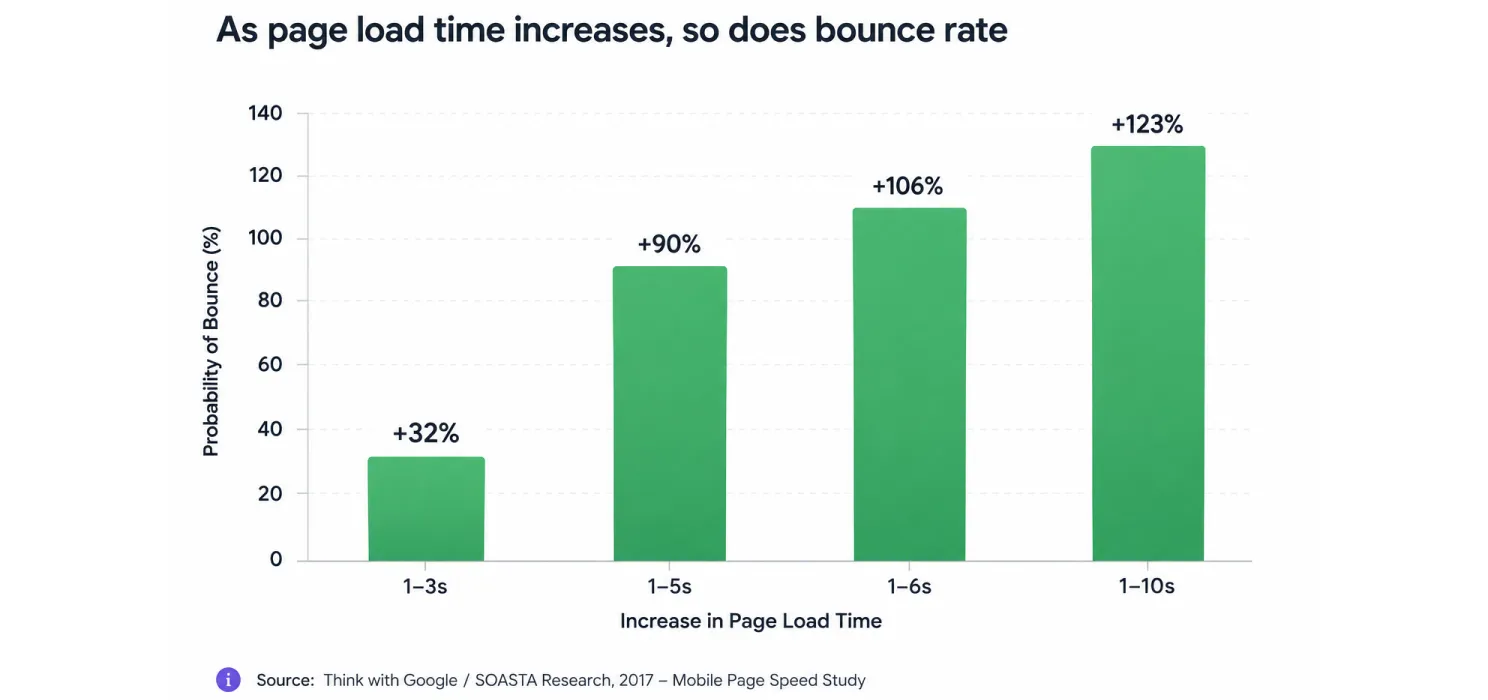
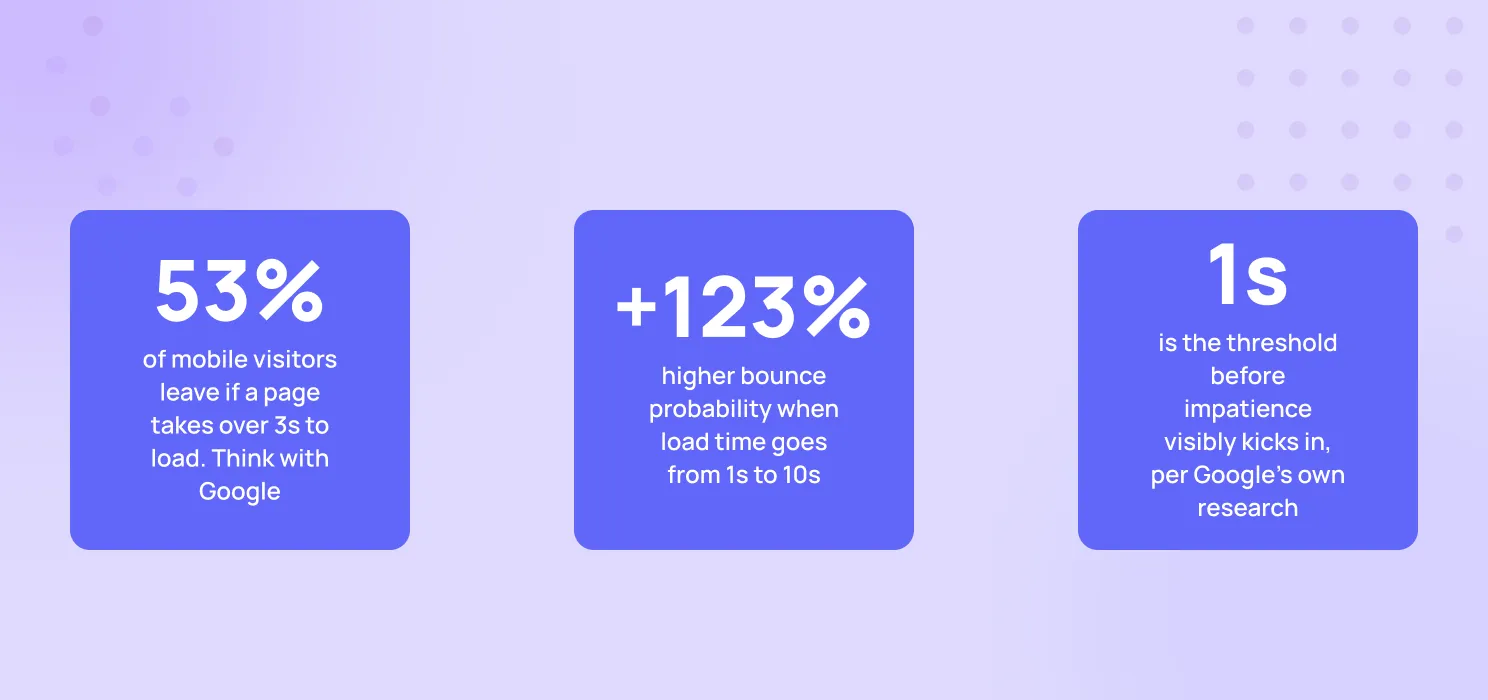
The moment your load time crosses the 3-second mark, visitors start leaving, and the drop-off accelerates from there. That’s not a UX footnote. That’s traffic you paid for, walking out the door before it even sees your offer. Google has also said openly that page experience, including speed, factors into search rankings so a slow site loses visitors it already has and becomes harder to find in the first place.

Notice the order. Speed comes last in that quote, but it’s still on the list. A beautiful Elementor design that loads slowly isn’t finished work. It’s a good idea, waiting to be optimized.

The diagnosis: Is it really “Elementor” that’s slow?
Worth asking before you touch a single setting. Elementor, as a page builder, does add some overhead by design; it generates extra CSS and JS to power all that visual flexibility. Fair trade-off for the control it gives you.
But in most real cases, Elementor isn’t the main bottleneck. It’s usually one or several of these six things:
- Hosting: the foundation you can’t skip
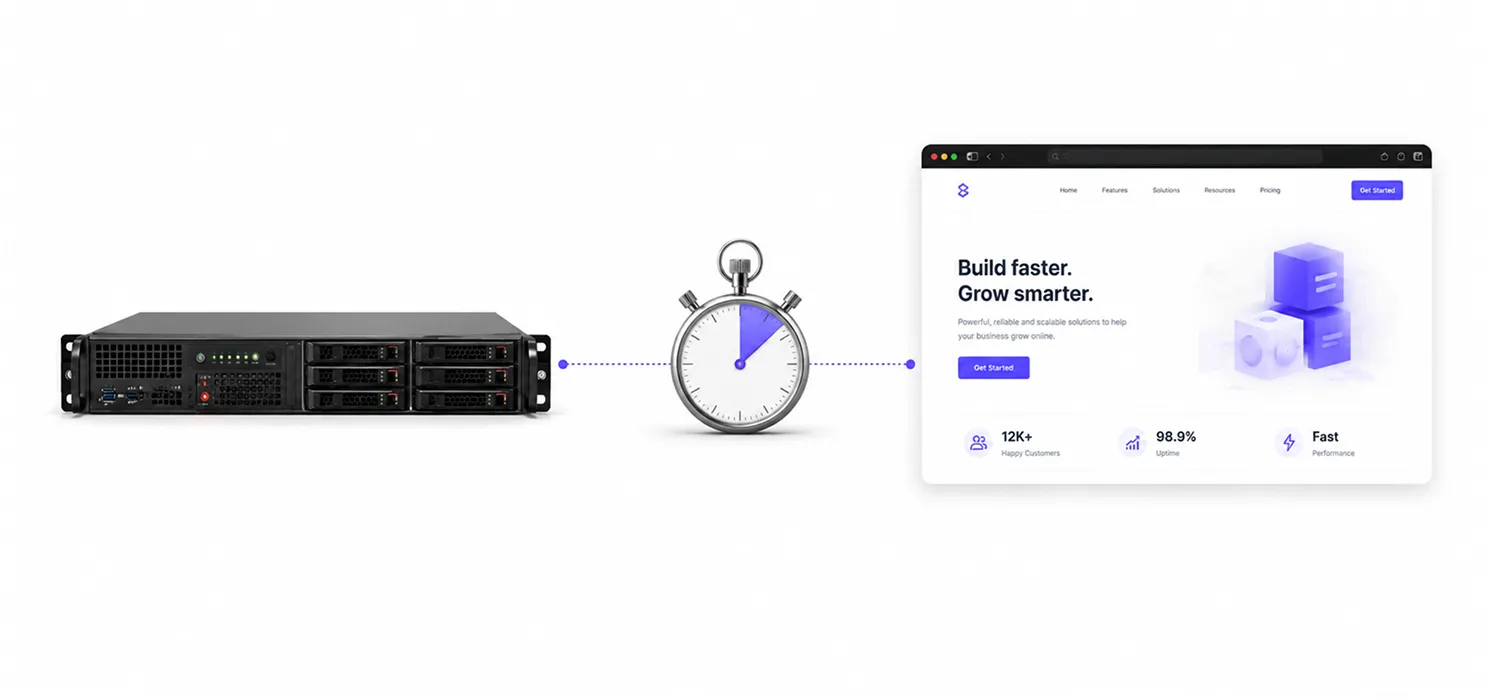
No amount of optimization fixes bad hosting. If your site sits on an overcrowded shared server, you’re fighting an uphill battle before Elementor even loads a single widget.
| TIP If your Time to First Byte (TTFB) is consistently above 600ms even on a clean test, hosting is very likely your bottleneck not your theme, not your plugins. |
Look for: server-level caching, LiteSpeed or Nginx over plain Apache, PHP 8+ support, and a data center close to your actual audience. Switching hosts sounds drastic, but it’s often the single highest-impact change you can make.
- Images: the silent speed killer
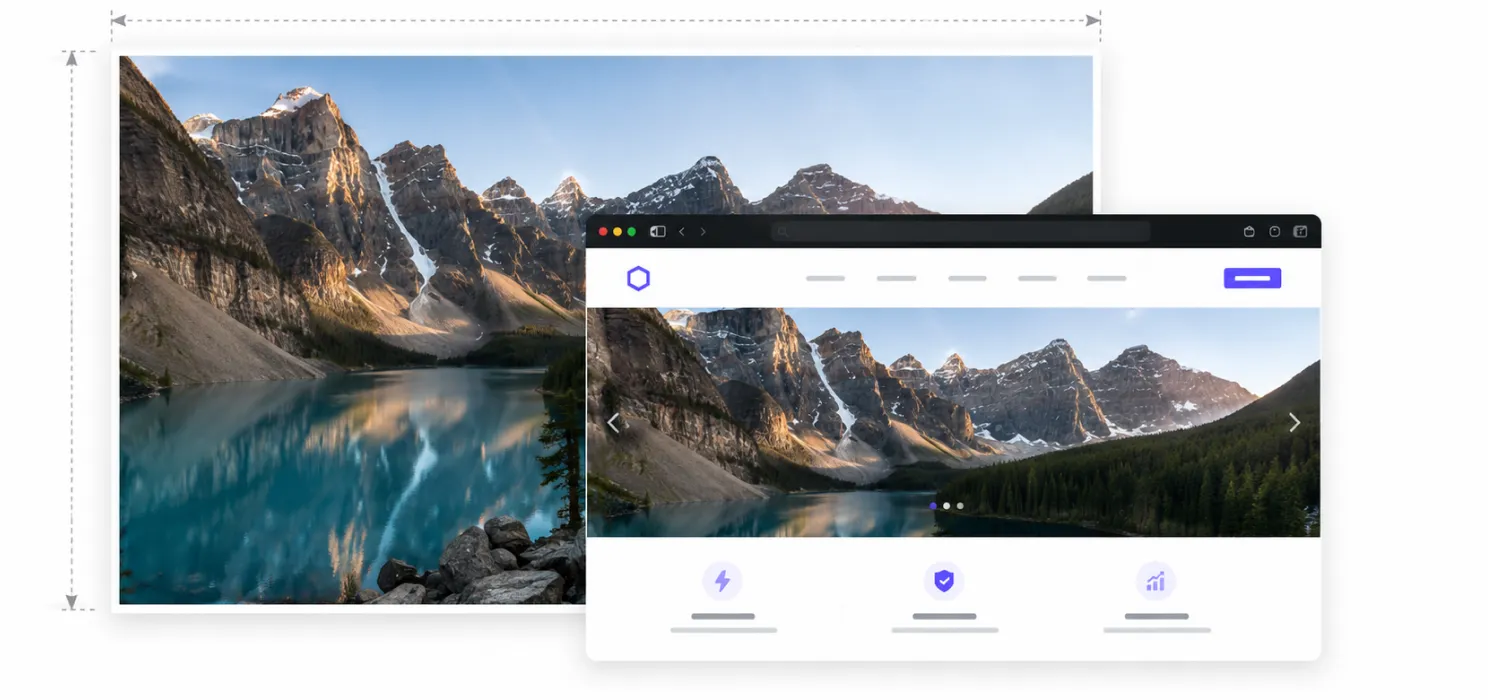
This is the one almost everyone underestimates. A single unoptimized hero image can be heavier than your entire homepage should be.
- Compress before upload; use WebP or AVIF instead of raw JPG/PNG
- Resize to actual display size; don’t upload a 4000px image into a 600px container
- Enable lazy loading, built into Elementor under Site Settings → Performance
- Use responsive sizes so mobile isn’t downloading desktop-sized files
| TIP Elementor Pro’s built-in image tools are a good start; pairing them with a dedicated compression tool usually gets noticeably smaller files with no visible quality loss. |
- Widget & plugin overload
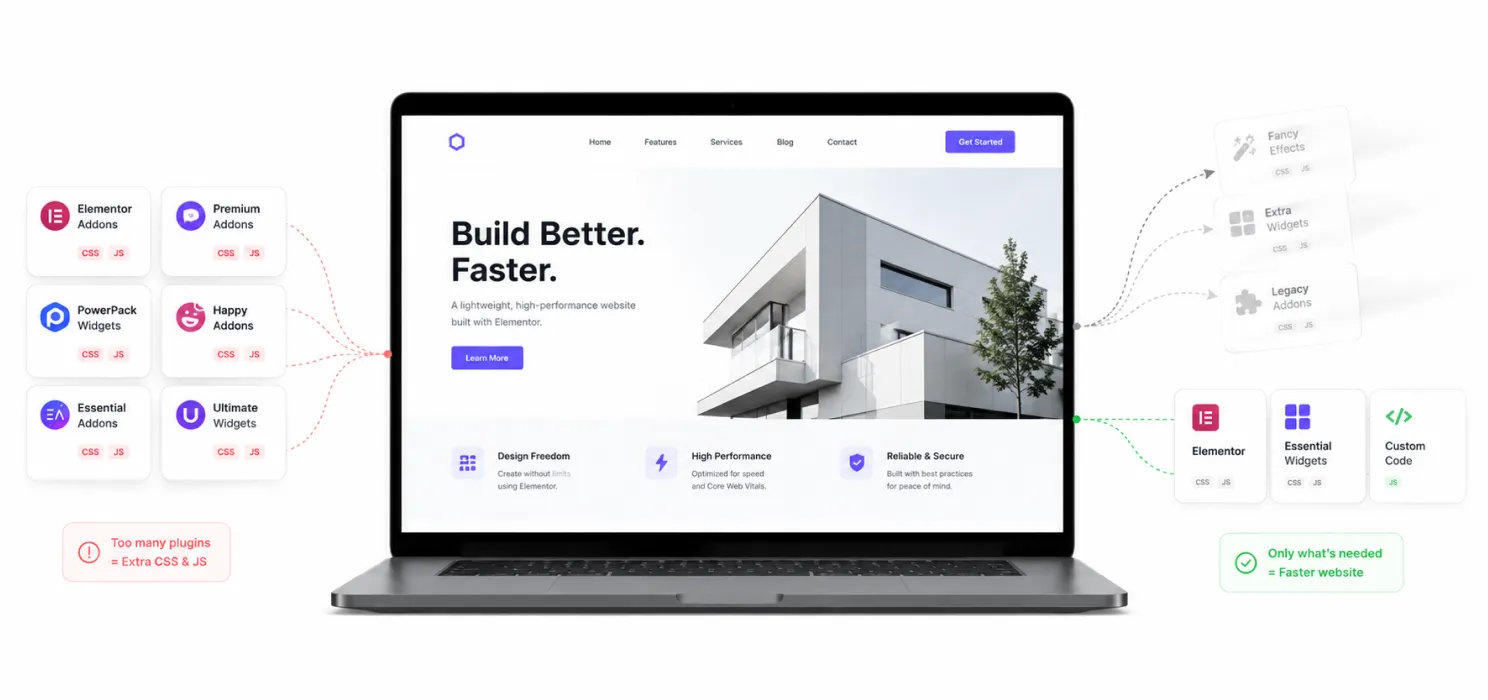
Every widget and addon you activate loads its own CSS and JS even on pages that don’t use them, unless configured otherwise.
Do an honest audit: which addon packs are you using more than a handful of widgets from? Are two plugins doing the same job? Is “Improved Asset Loading” switched on in Elementor’s performance settings, so CSS/JS only loads where it’s needed?
A leaner widget footprint often does more for load time than any single “speed plugin” you could install.
- CSS, JavaScript & render-blocking resources
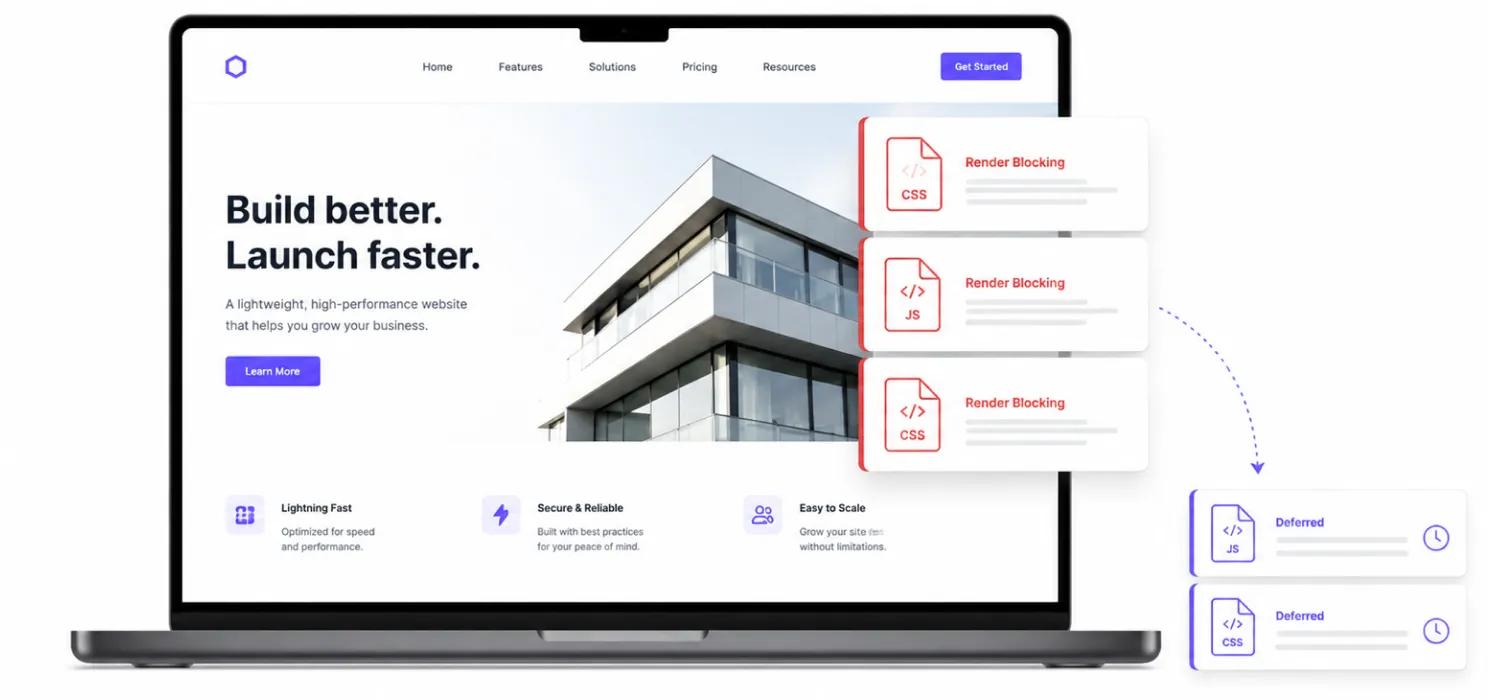
The more technical layer, where a professional often helps most. The core idea is simple:
- Minify CSS/JS to strip unnecessary characters
- Combine files where safe, to cut down requests
- Defer non-critical JS, so it loads after visible content
- Eliminate unused CSS. Elementor generates a lot by default
Elementor’s own Optimized CSS Loading setting handles part of this automatically; worth double-checking it’s on.
- Database bloat
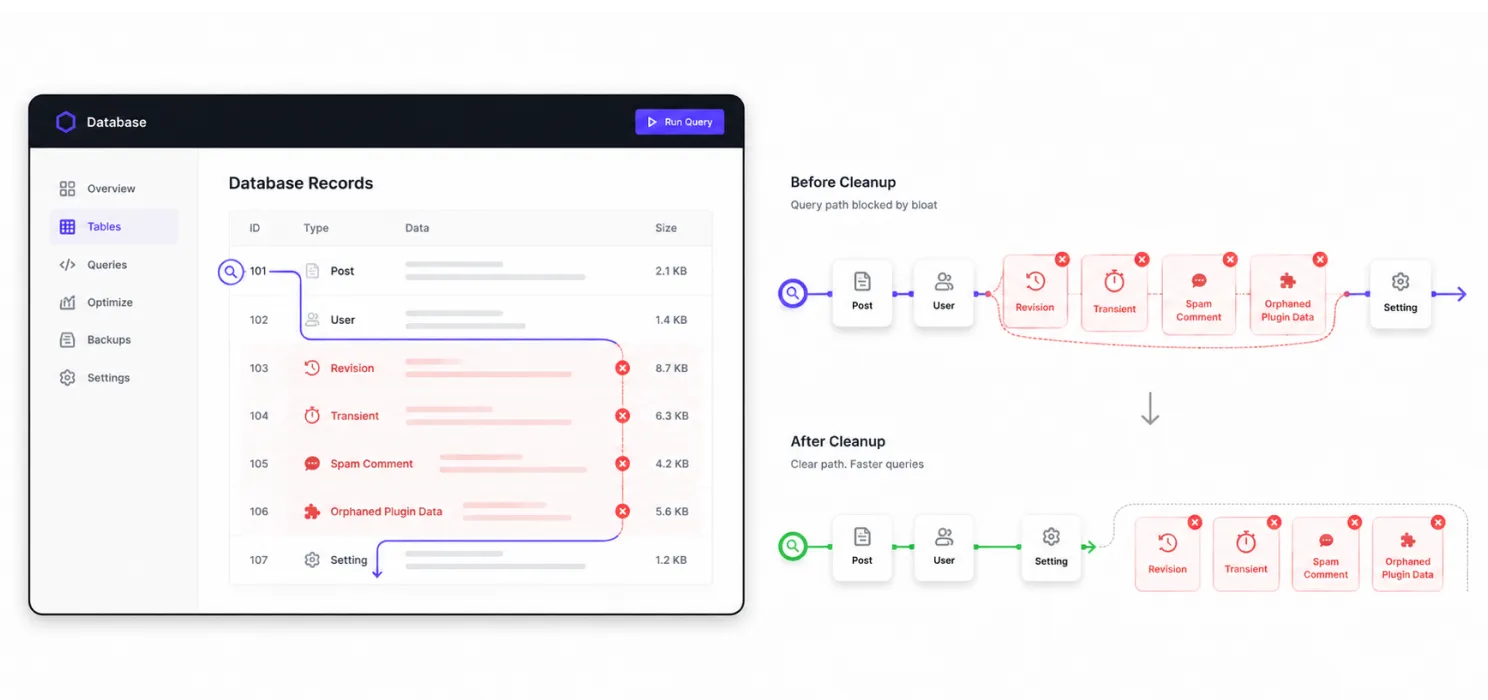
Over time, WordPress databases fill up with post revisions, expired transients, spam comments, and orphaned plugin data. None of it shows visually, but it slows every query your site runs.
| TIP A database untouched for over a year is one of the most common “invisible” causes of a slow admin dashboard and slow front-end queries. |
A periodic cleanup done carefully, with a backup first, keeps queries fast and stops hosting resources going to waste.
- Caching & CDN

If hosting is the foundation, caching and a CDN are the multipliers. Caching stores a ready-to-serve version of your page so the server isn’t rebuilding it for every visitor. A CDN serves static files from servers physically closer to your visitor, cutting transfer time significantly. Together, they can shave seconds off load time especially for visitors far from your primary server.
About SpeedyGo
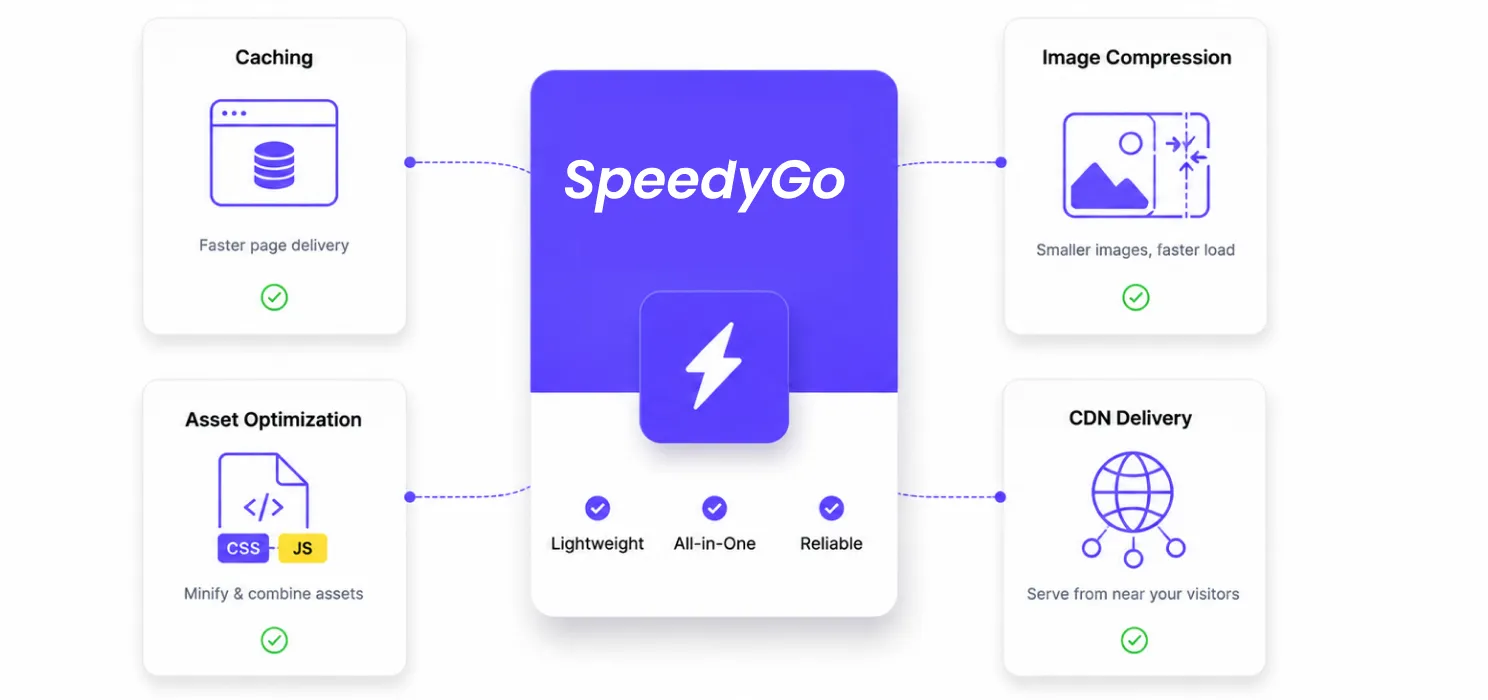
SpeedyGo isn’t just a plugin; think of it as your site’s performance engine. It’s a lightweight WordPress speed plugin built by developers who’ve spent years fixing slow sites and kept running into the same three problems: bloated plugins, unoptimized images, and confusing cache settings that nobody had time to configure properly.
So SpeedyGo was built to solve exactly that: a clean setup that delivers real, measurable speed improvements without the unnecessary complexity most “all-in-one” optimization plugins bury you in.
It’s made for every kind of WordPress site: personal blogs, business sites, WooCommerce stores, and agency projects alike. Smart caching, asset optimization, and image compression all run automatically in the background no coding, no confusing options, just a faster site. And because it’s updated regularly to stay compatible with the latest WordPress releases, performance standards, and hosting environments, it keeps working quietly in the background, release after release.
What’s actually inside it
Full-Page Caching: Stores ready-to-serve versions of every page so visitors never wait on a rebuild.
WebP Image Optimization: Automatically converts images to WebP so every page loads lighter, with no visible quality loss.
Cache Preloading & Warm-Up: Preloads your cache so pages are ready to load instantly the moment a visitor arrives.
Automatic Lazy Rendering: Delays loading images and videos until they’re actually needed, on every device.
Browser Caching: Lets returning visitors reload your site faster by reusing what their browser already stored.
eCommerce Optimization: Speeds up WooCommerce and other WP stores without touching cart or checkout functionality.
Gzip & Brotli Compression: One-click compression plus CSS, JS, and HTML minification smaller files, faster pages.
Built-in CDN (BunnyCDN): Delivers your content from servers closer to every visitor, anywhere in the world.
Real Human Support: A WordPress-fluent team on hand for setup help, troubleshooting, and fine-tuning.
Fully compatible with Elementor, Divi, Astra, and every major WordPress theme, plugin, or page builder tested to avoid the conflicts that usually come with “optimize everything” plugins. A Pro tier adds deeper image media optimization, WebP quality control, and built-in PageSpeed & Core Web Vitals analytics with a Google PageSpeed API integration, right inside your dashboard.
Quick Recap
| Area | Common Problem | Fastest fix |
| Hosting | Overcrowded shared server | Move to performance-focused hosting |
| Images | Oversized, uncompressed files | Compress, resize, lazy load |
| Widgets/Plugins | Redundant or unused addons | Audit, enable improved asset loading |
| CSS/JS | Render-blocking, unused code | Minify, defer, strip unused CSS |
| Database | Years of accumulated bloat | Clean revisions, transients, spam |
| Caching/CDN | Server rebuilds pages each visit | Enable caching, add a CDN |

Frequently Asked Questions
Find quick answers to common questions about speeding up Elementor websites, including image optimization, caching, plugins, hosting, CSS and JavaScript, and other ways to improve WordPress performance.
Does Elementor slow down a website by default?
Not inherently, but it does add more CSS/JS than a bare-bones theme. With the right settings (Optimized CSS Loading, Improved Asset Loading) and clean hosting, an Elementor site can perform just as well as any other WordPress build.
How fast should my site actually load?
Under 3 seconds is the widely cited threshold before bounce rates start climbing sharply, based on Google’s own mobile speed research. Aiming for under 2.5 seconds gives you a comfortable margin.
Can I fix all of this myself?
Many of the smaller wins- image compression, enabling built-in Elementor performance settings, basic database cleanup are very doable on your own. Hosting migrations and code-level optimization are where most people bring in help, simply because the margin for error is higher.