8 mins read
WP Rocket Alternatives in 2026: 7 WordPress Speed Plugins Worth Comparing
Share Article :


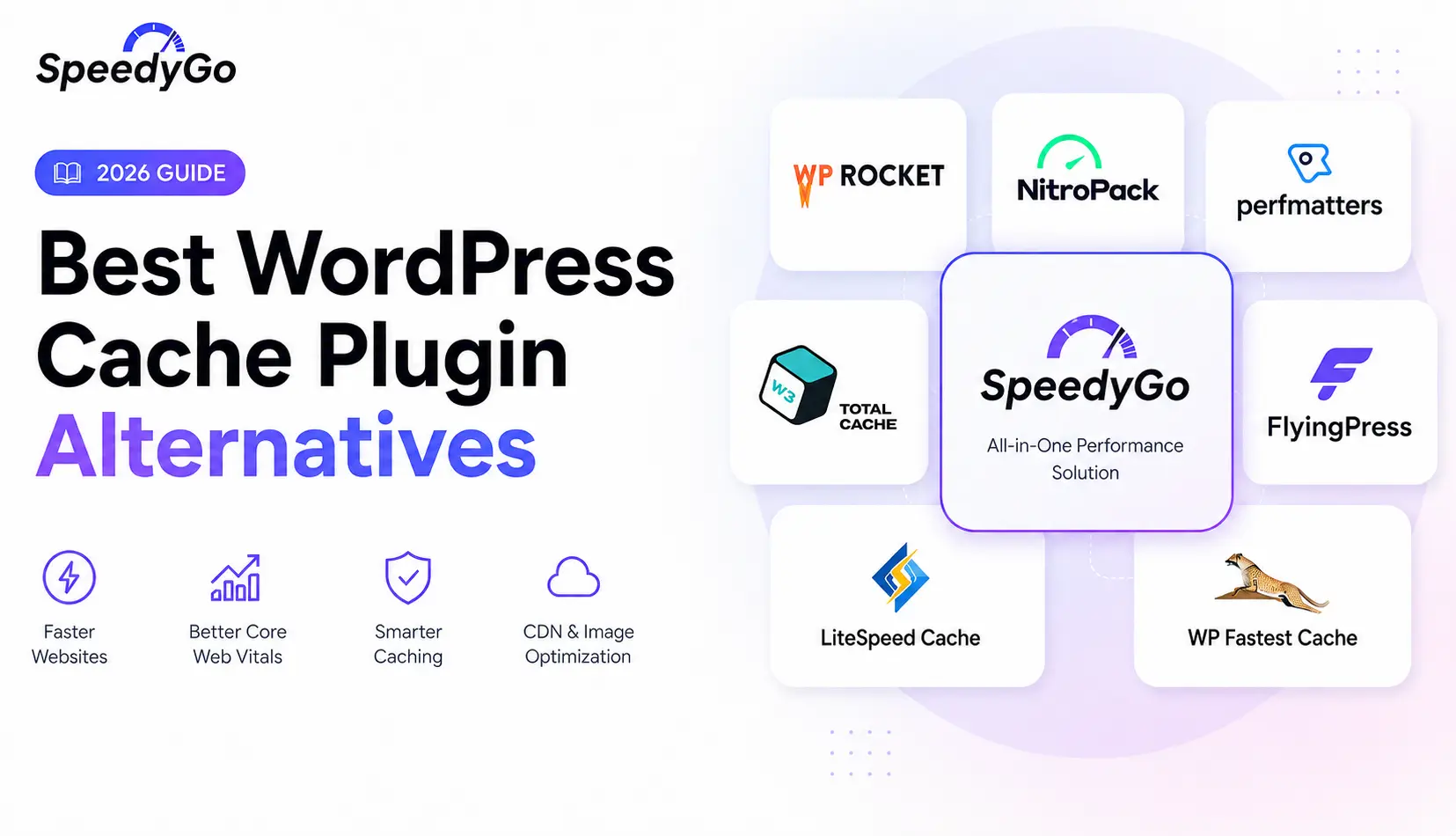
This blog covers the seven strongest WP Rocket alternatives in 2026, whether you’re looking for a free option, a lighter setup, or a plugin that fits a specific hosting environment WP Rocket doesn’t optimize for.
You’ll get a real comparison of each WordPress caching plugin alternative, what it does well, where it falls short, and which situations actually call for switching away from WP Rocket. There’s a comparison table, a practical example, and an FAQ section covering the questions people ask before making the switch.
Why look for a WP Rocket alternative in the first place?
WP Rocket is a strong plugin, and for a lot of sites it remains a solid choice. But it isn’t the best fit for every situation, and there are a few common reasons people go looking for alternatives.
Cost is the most obvious one. WP Rocket has no free tier, and some site owners want the same core benefit without paying a full subscription price. Setup complexity is another. Not everyone wants a plugin that assumes they’ll dig into advanced settings, and not everyone wants one so automated it hides what’s actually happening under the hood. Hosting environment matters too, since a server-level plugin can outperform a PHP-based one depending on your stack.
None of this means WP Rocket is a bad plugin. It means the best caching plugin for WordPress depends on your specific setup, your budget, and how much hand-holding you actually want.
The 7 best WP Rocket alternatives in 2026
1. SpeedyGo
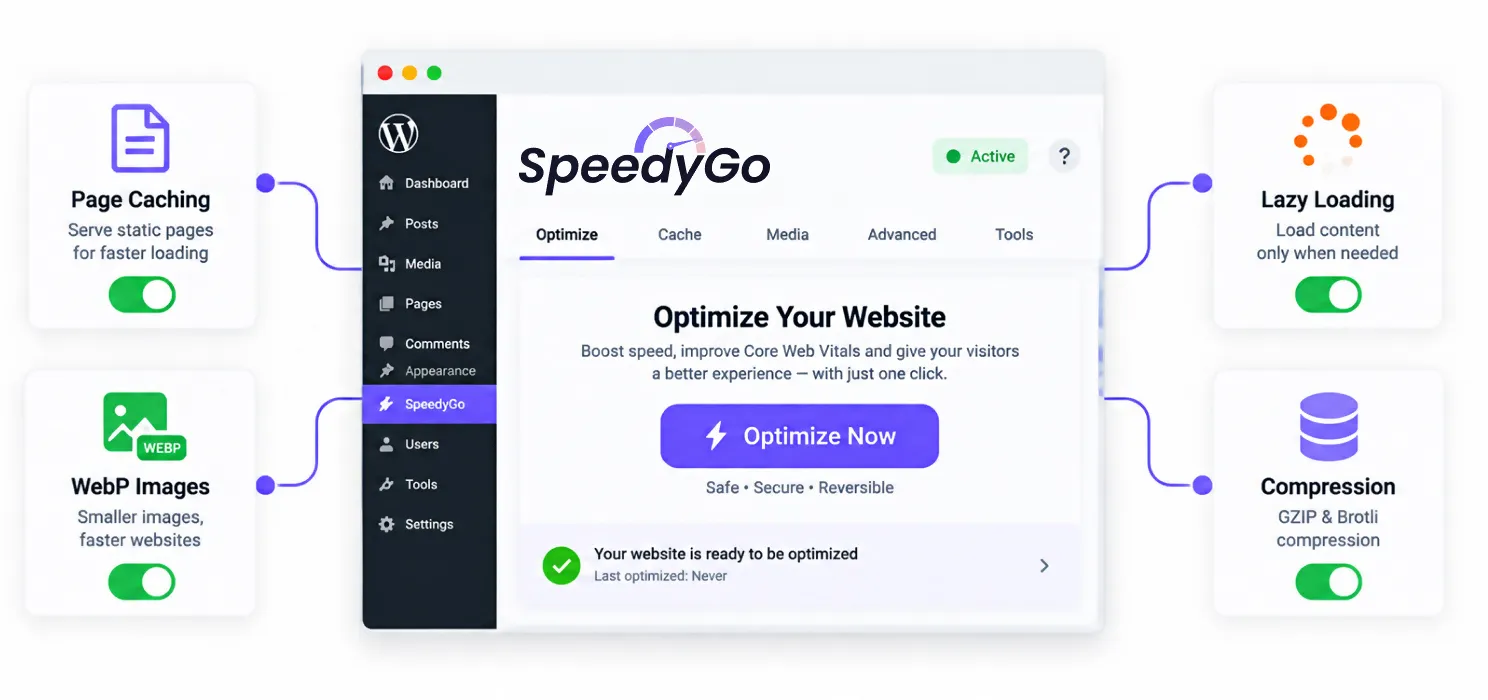
SpeedyGo is built specifically for people who want WP Rocket’s simplicity without the recurring cost of a premium-only tool. It’s a one-click setup plugin covering full page caching, cache preloading, WebP image conversion, automatic lazy rendering, browser caching, and GZIP or Brotli compression, all without requiring any coding.
Where it stands out from most alternatives on this list is the combination of a genuinely free plan and real human developer support built into every paid tier, something most budget caching plugins skip entirely. It also includes a built-in CDN through BunnyCDN, JS interaction delay for improving responsiveness, and eCommerce optimization that’s built to leave cart and checkout functionality untouched. It’s tested for compatibility with WooCommerce, Elementor, Divi, Astra, Yoast, WPForms, and most of the popular WordPress stack.
Pricing starts with a genuinely usable free plan, then moves to a Starter tier at $3 per month billed yearly, a Plus tier at $9 per month billed yearly with WooCommerce support and technical fixes included, and a Pro tier at $16 per month billed yearly for higher traffic sites. Every paid plan comes with a 14-day money-back guarantee, and agencies managing multiple client sites can get bundled pricing instead of paying per site.
2. LiteSpeed Cache
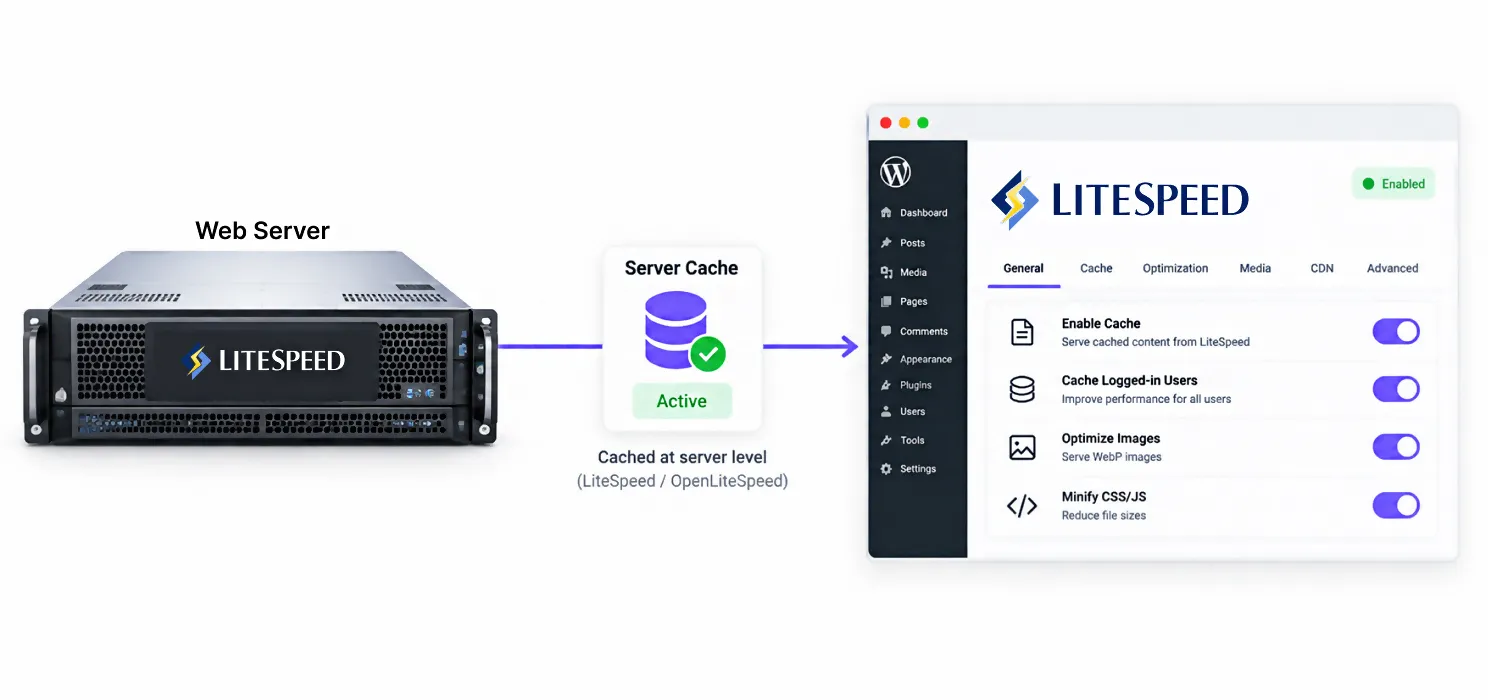
If your hosting runs on LiteSpeed or OpenLiteSpeed servers, this is the strongest server-level alternative on this list. It’s free, it operates below the PHP layer, and it includes a genuinely capable image optimization suite built in.
The catch is that its biggest advantage disappears on Apache or Nginx hosting. Without a LiteSpeed server, it falls back to standard PHP based caching and loses the edge that makes it worth choosing in the first place. Check your hosting provider before picking this one.
3. FlyingPress
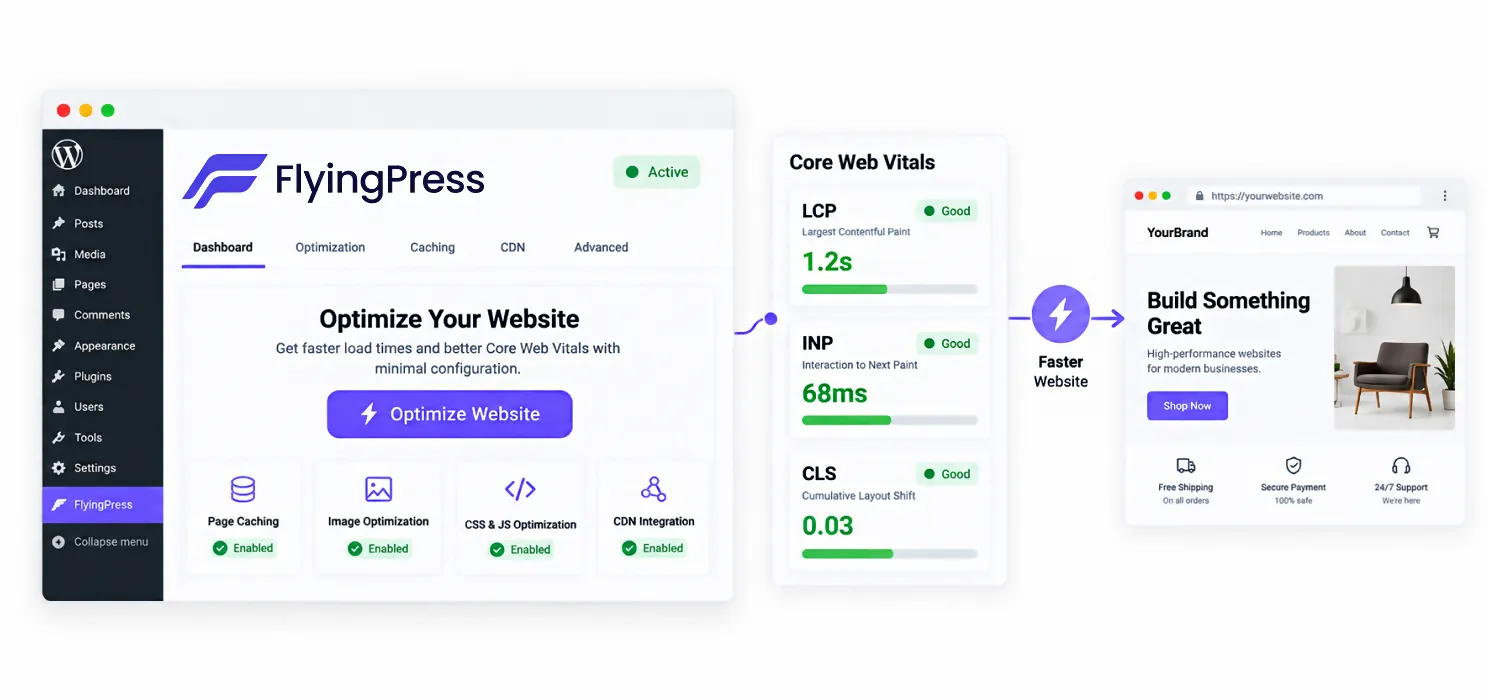
FlyingPress shows up repeatedly in 2026 comparisons as the plugin most specifically built around improving Core Web Vitals, rather than general page speed. Its element delay feature, which defers non-critical parts of the page until user interaction, is particularly effective on Interaction to Next Paint, which our guide on how to fix LCP, INP, and CLS covers in more detail.
It’s a paid plugin with a smaller user base and less documentation than WP Rocket, so expect a slightly steeper learning curve if you run into an edge case.
4. W3 Total Cache
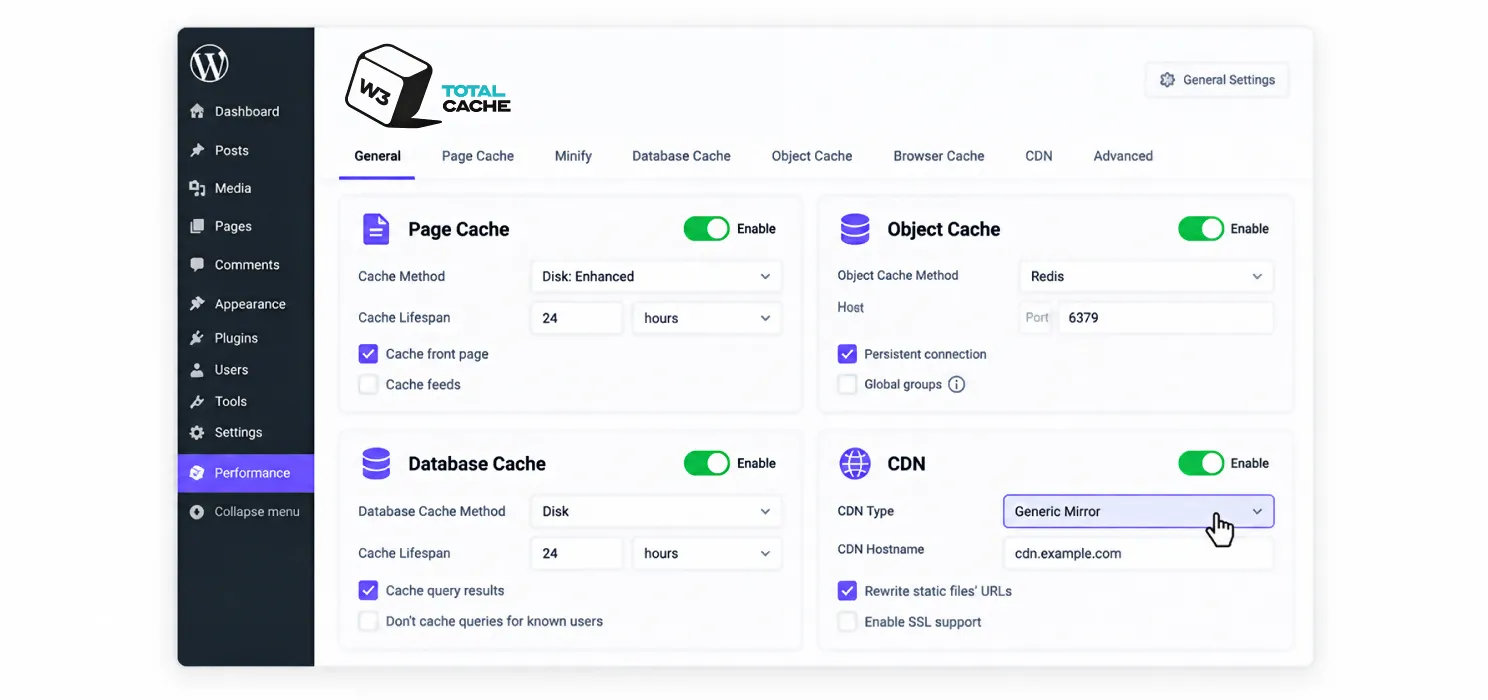
This is the most configurable free plugin on the list, supporting page caching, object caching through Redis or Memcached, database query caching, and CDN integration all in one tool. That depth is genuinely useful in the right hands.
It’s also the plugin most likely to hurt your site if configured carelessly. Aggressive minification settings in particular can break scripts or create rendering conflicts. This is the pick for developers who want control, not for anyone hoping to activate it and walk away.
5. WP Super Cache
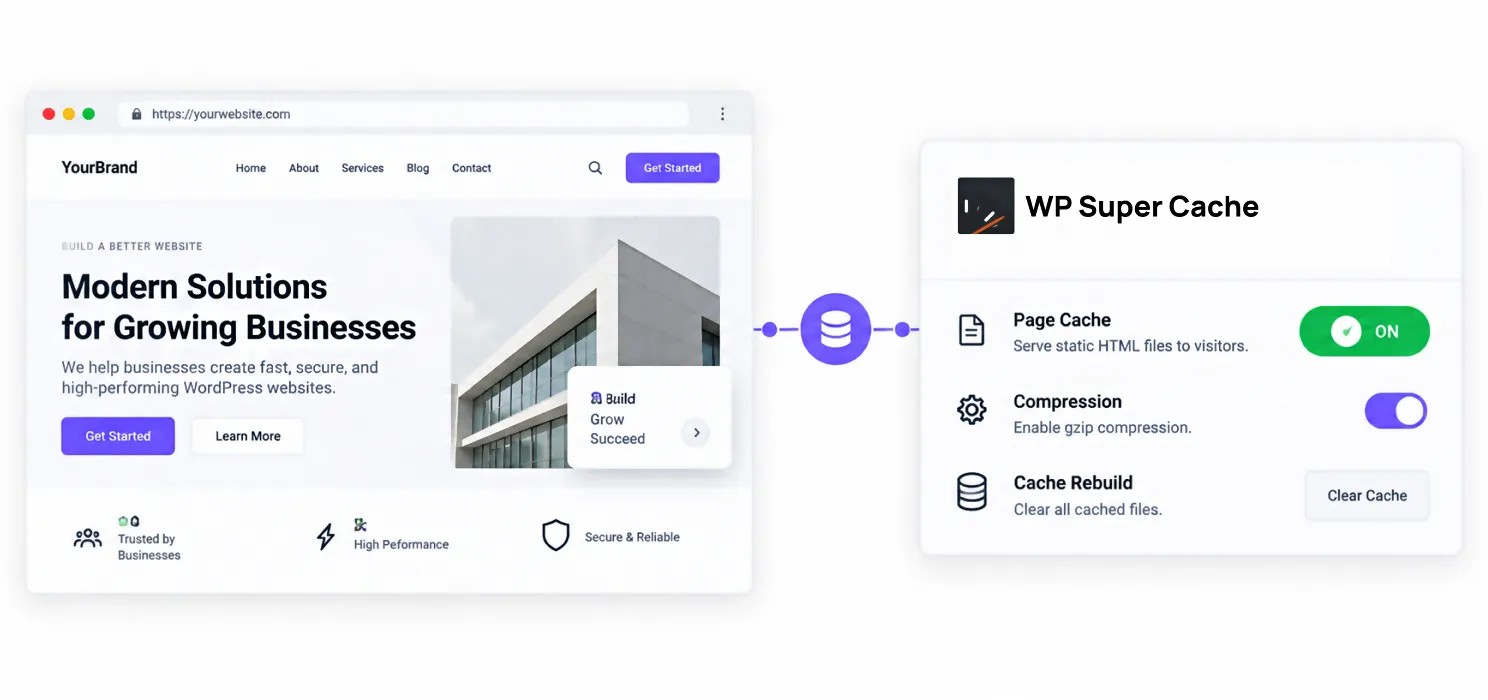
WP Super Cache is the safest free minimum. It’s simple, reliable, and low maintenance, without the depth of W3 Total Cache or the automation of WP Rocket. For a straightforward blog or small business site that just needs basic page caching, it does the core job without much risk of misconfiguration.
It won’t match WP Rocket or SpeedyGo on advanced optimization features like JS interaction delay or built-in image conversion, so larger or more complex sites tend to outgrow it over time.
6. WP Fastest Cache
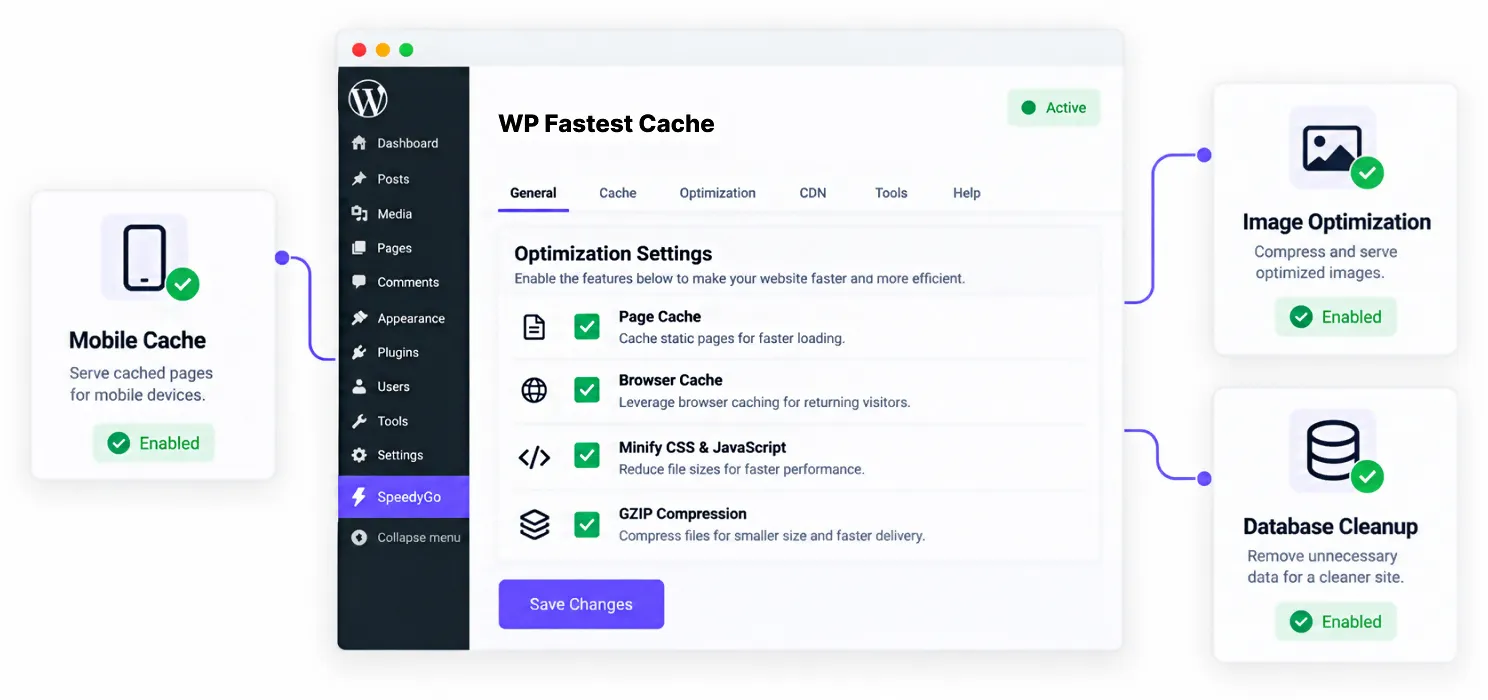
WP Fastest Cache is built for the same audience WP Rocket targets: people who want fast results without reading documentation. Its checkbox-based interface makes setup genuinely simple, and unlike WP Rocket’s subscription, the premium tier is sold as a one-time lifetime fee starting around $49.
The premium version adds mobile caching, image optimization, and database cleanup on top of the free foundation, making it one of the more complete lifetime-license options on this list.
7. WP-Optimize
WP-Optimize combines caching with database cleanup, lazy loading, and CDN integration for roughly $49 per year, undercutting WP Rocket’s price while covering a similar feature set. Several 2026 comparisons rank it as a strong overall value pick for users who want more than pure caching without paying a full premium price.
It requires a bit more initial setup than WP Rocket’s or SpeedyGo’s near-zero configuration approach, but the learning curve is manageable for anyone comfortable with a standard plugin settings panel.
WP Rocket alternative comparison: which one actually fits your site?
| Plugin | Cost | Best For | Main Limitation |
| SpeedyGo | Free plan, then from $3/mo billed yearly | One-click setup with real human support, on any budget | Newer to the market than long-established competitors |
| LiteSpeed Cache | Free | Sites on LiteSpeed or OpenLiteSpeed hosting | Loses its edge on Apache or Nginx |
| FlyingPress | Paid | Sites prioritizing Core Web Vitals specifically | Smaller community, less documentation |
| W3 Total Cache | Free | Developers wanting granular, low-level control | Easy to misconfigure, needs tuning |
| WP Super Cache | Free | Simple sites needing safe, no-frills caching | Fewer advanced features than premium options |
| WP Super Cache | $49 lifetime | Beginners wanting a one-time fee instead of a subscription | Fewer advanced tools than full-service alternatives |
| WP-Optimize | ~$49/year | Users wanting caching plus database cleanup in one tool | More setup involved than one-click options |
If you’re mainly trying to avoid a recurring fee altogether, WP Fastest Cache’s lifetime pricing is worth a look. If you want WP Rocket’s ease of use but with a genuinely free tier and support included as you scale, SpeedyGo is the closest direct comparison on price and simplicity.
And if your host runs LiteSpeed specifically, that consideration can outweigh everything else, since LiteSpeed Cache is free and typically fastest on that one stack.
Should e-commerce sites switch away from WP Rocket?
Carefully, and only with the right replacement. WP Rocket automatically excludes cart, checkout, and account pages from caching, which is exactly the kind of default that prevents broken orders on a WooCommerce store.
If you’re switching to an alternative, confirm it handles the same exclusions before going live. SpeedyGo and FlyingPress both build in WooCommerce-safe optimization by default, and WP-Optimize supports proper exclusions as well. W3 Total Cache and WP Super Cache require you to configure these manually, and skipping that step is one of the most common causes of checkout failures on WordPress stores.
A practical example
A small agency managing a dozen client sites was paying for WP Rocket licenses across every site, even though half of them were simple content sites with light traffic and no e-commerce functionality.
After reviewing hosting environments, they found four of the sites were already on LiteSpeed hosting and switched those to LiteSpeed Cache for free, with no measurable performance loss. Three low-traffic blog sites moved to SpeedyGo’s free plan, since the sites didn’t need a paid tier to begin with, and the one-click setup meant no time lost on configuration. The remaining e-commerce and higher-traffic sites moved to SpeedyGo’s Plus plan specifically for the WooCommerce support and included technical fixes, at a fraction of what they’d been paying before.
The result wasn’t “WP Rocket is worse.” It was that matching each plugin and plan to what each site actually needed cut the agency’s annual licensing cost by more than half, without a single site losing performance.
Frequently Asked Questions
What is the best WP Rocket alternative overall?
It depends on your budget and hosting. SpeedyGo is the closest match to WP Rocket’s ease of use while offering a genuinely free plan and human support built into paid tiers. LiteSpeed Cache is the strongest free alternative specifically on LiteSpeed servers. There’s no single universal answer, since the right pick depends on your specific setup.
Is there a free plugin as good as WP Rocket?
On LiteSpeed hosting, LiteSpeed Cache matches or beats WP Rocket’s performance at no cost. SpeedyGo also offers a free plan covering core caching and image conversion, with paid tiers available once a site outgrows the free limits. Both require less manual configuration than older free options like W3 Total Cache.
Why would someone switch away from WP Rocket?
The most common reasons are cost, since WP Rocket has no free tier; hosting fit, since LiteSpeed servers benefit more from a server-level plugin; or wanting either more granular control or a simpler setup with more affordable pricing tiers as a site grows.
Which WordPress caching plugin alternative is best for Core Web Vitals?
FlyingPress is most frequently cited as the strongest option specifically for Core Web Vitals, due to its element delay feature targeting Interaction to Next Paint. SpeedyGo’s JS interaction delay and built-in image optimization target the same metrics with a simpler setup process.
Is SpeedyGo a good alternative to WP Rocket for WooCommerce stores?
Yes. SpeedyGo’s Plus and Pro plans include WooCommerce-specific optimization that’s built to leave cart and checkout functionality untouched, along with included technical fixes, making it a direct comparison point against WP Rocket for store owners who also want a lower entry price.
Can I switch caching plugins on a live WooCommerce site without breaking checkout?
Yes, but only if you confirm your new plugin excludes cart, checkout, and account pages from caching the same way your previous plugin did. Test a full purchase flow immediately after switching to catch any issues early.