8 mins read
Best WordPress Speed Optimization Plugins for 2026 (Honest Roundup)
Share Article :


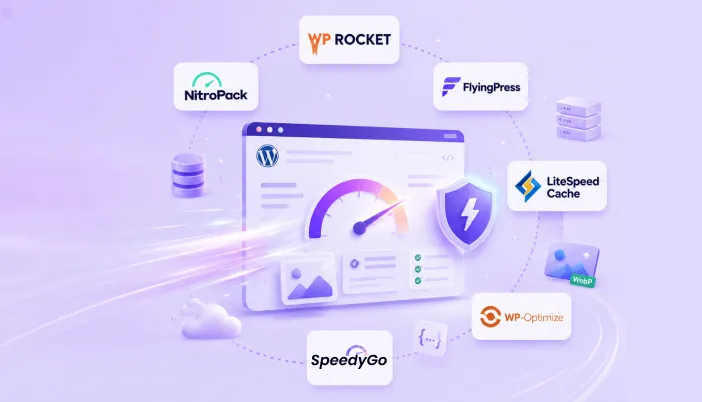
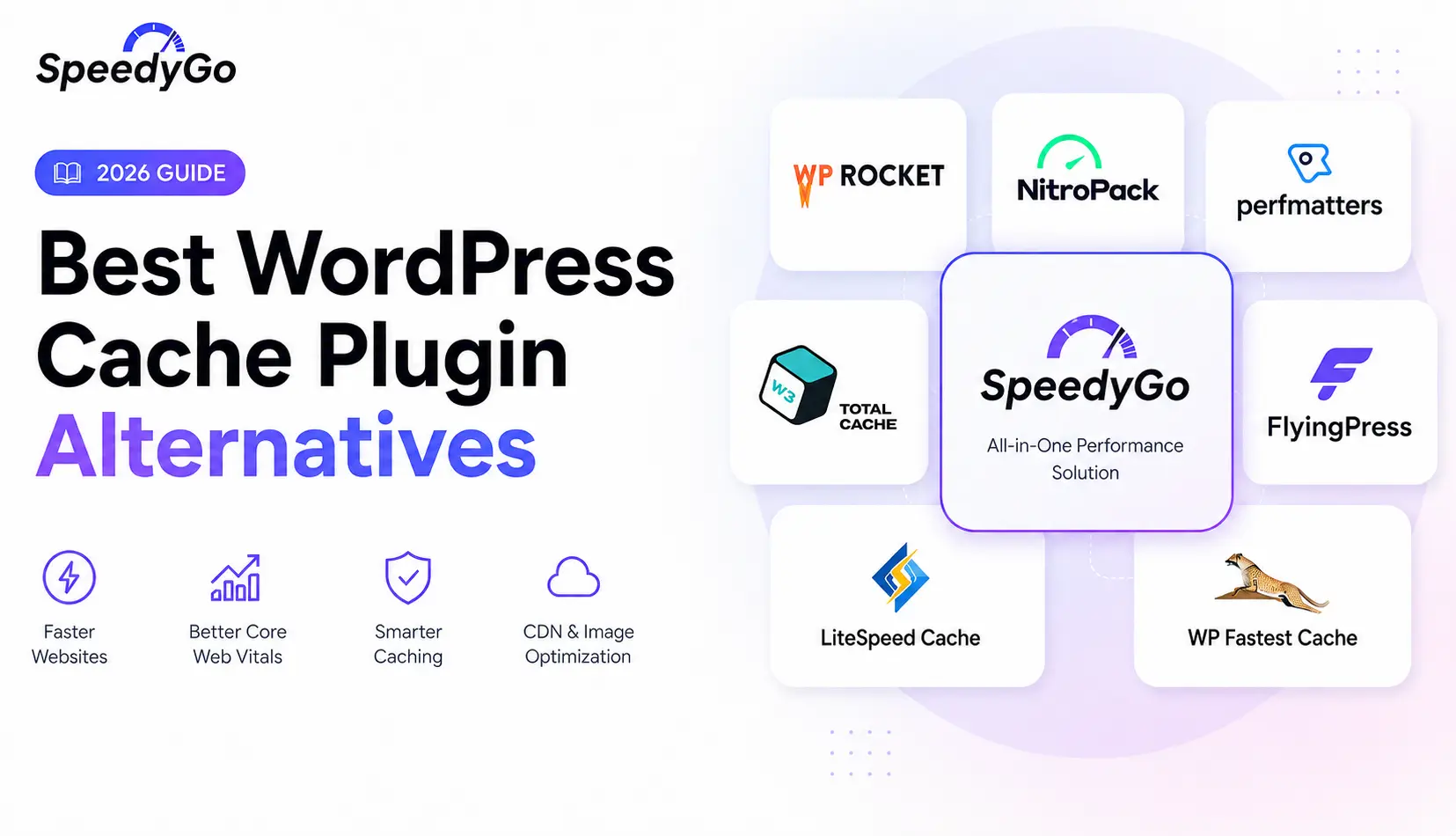
In this guide, we’ll compare six of the best WordPress speed plugins in 2026: SpeedyGo, WP Rocket, NitroPack, FlyingPress, LiteSpeed Cache, and WP-Optimize. We’ll evaluate each plugin based on its features, pricing, performance, ease of use, support, strengths, limitations, and ideal use cases. Whether you’re running a personal blog, WooCommerce store, agency website, or a high-traffic publication, this comparison will help you choose the plugin that best fits your website and budget.
There is no single “best WordPress speed plugin” for every website. The right choice depends on factors such as your hosting provider, traffic levels, technical expertise, and the features you need. Rather than ranking plugins based on popularity or marketing claims, this guide focuses on real-world use cases to help you make an informed decision.
How We Picked the List: We included only plugins that are actively maintained, regularly updated, and have a meaningful user base in 2026. We excluded plugins that are abandoned, unreliable, or simply repackage existing optimization tools without offering meaningful value.
Quick decision table
| If you are… | The plugin that usually fits |
|---|---|
| A business owner who wants speed plus a real human to help | SpeedyGo |
| A self-managed site owner with your own CDN already | WP Rocket |
| A confident technical user with five to fifty small sites | FlyingPress |
| Running on LiteSpeed hosting | LiteSpeed Cache |
| Looking for the lightest paid option with DB cleanup | WP-Optimize |
| A media or large-content site with high pageviews | NitroPack |
1. SpeedyGo: Best for Owners Who Want Speed Plus a Human
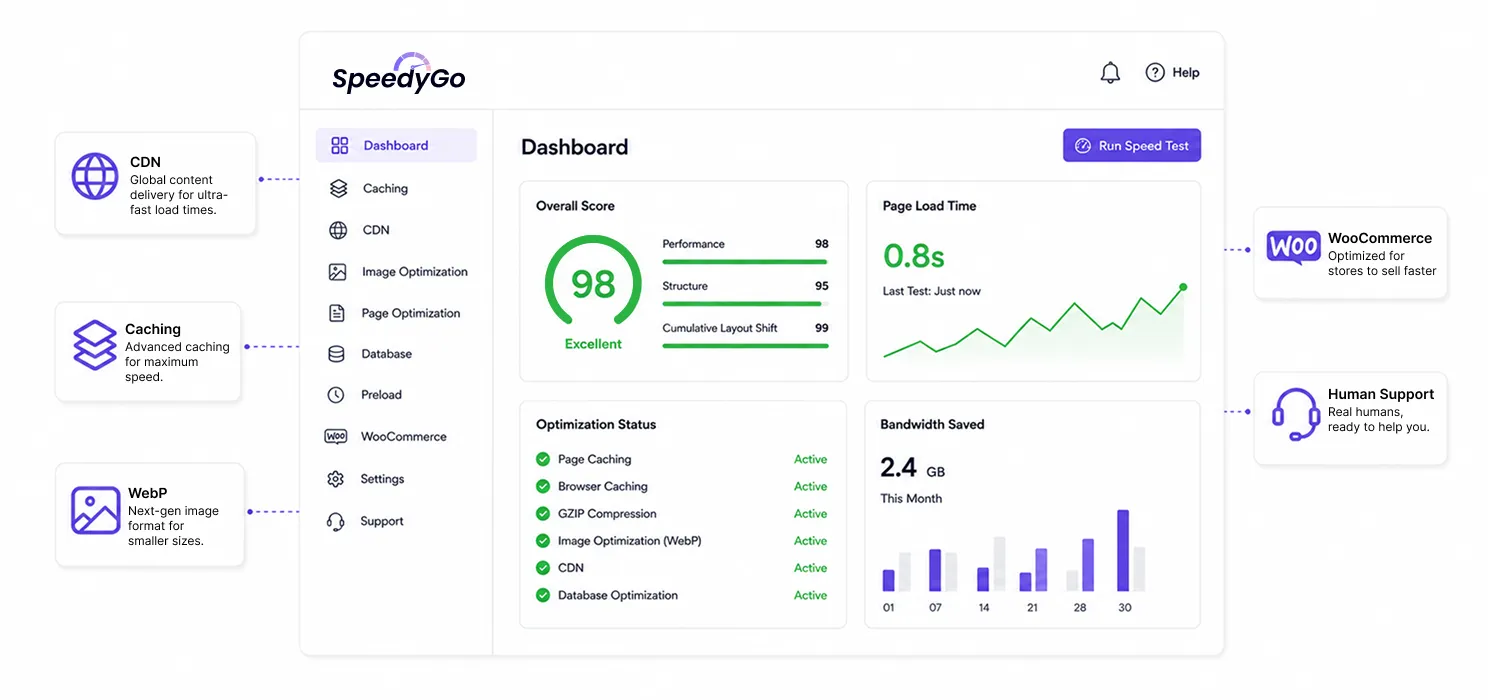
Best for: business owners and WooCommerce stores that want caching, CDN, image conversion and human help, all in one plan.
Pricing: Free / $3 / $19 / $16 / per month.
Free version: Yes, real, usable on a small site.
What SpeedyGo Does Well
- Caching, BunnyCDN, and WebP image conversion are bundled into every paid plan, no separate accounts.
- Human support is included on every paid plan: ticket reply, onboarding call on Plus, managed help time on Pro, dedicated channel on Agency.
- Preset model (Starter / Moderate / Extensive) makes setup approachable for non-technical buyers.
- WooCommerce-aware out of the box on Plus and above.
- Online dashboard manages one or many sites in one place.
Honest Limitations
- New brand, less battle-tested across thousands of niche themes than WP Rocket or LiteSpeed.
- No Critical CSS or AVIF support today (on the roadmap).
- No database optimization in the plugin currently.
Choose SpeedyGo if you want a complete speed stack without picking three subscriptions, and you want a real person to talk to.
2. WP Rocket: Most Popular Paid Caching Plugin
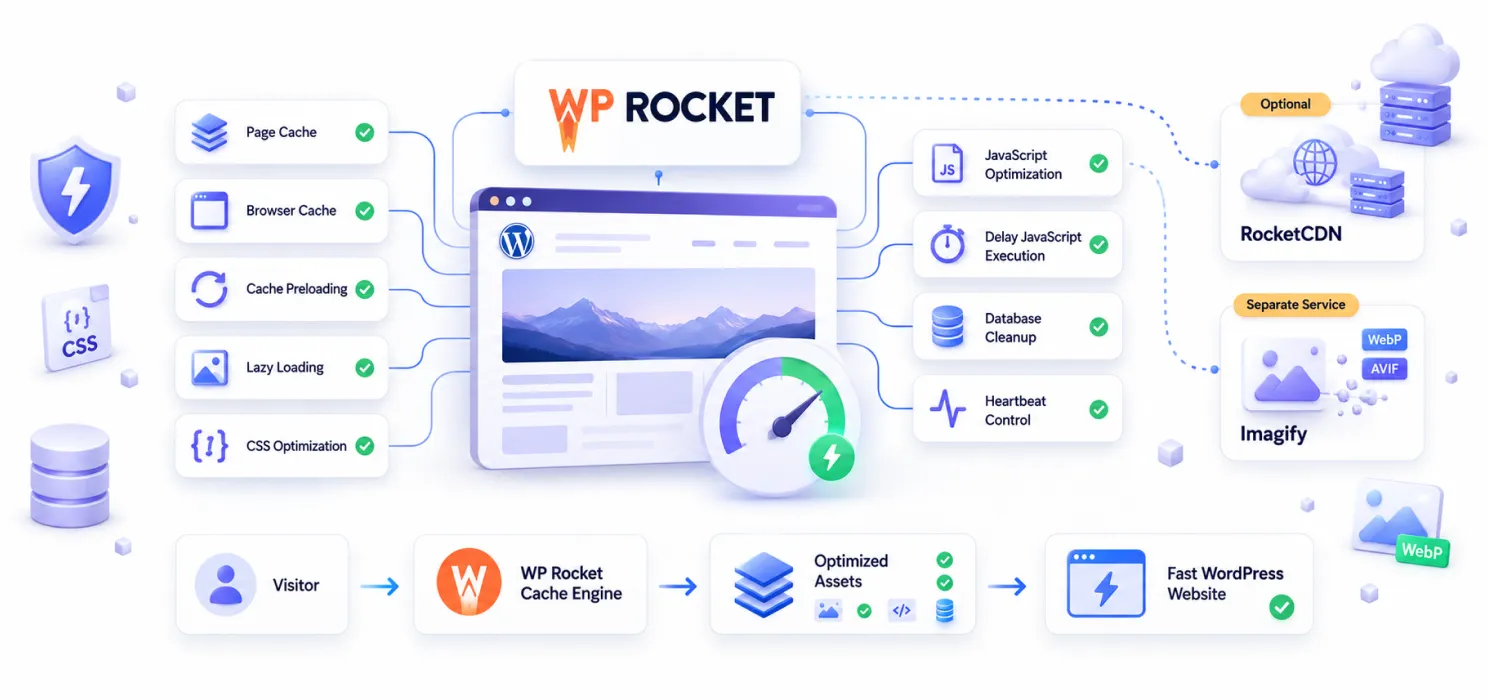
Best for: self-managed sites that already have a CDN, owners comfortable in plugin settings.
Pricing: Starts at €51/year for one website, €104/year for three websites, and €261/year for up to 50 websites. All plans include one year of updates, support, and Rocket Insights.
Free version: No.
What WP Rocket Does Well
- Long-standing brand, very wide compatibility.
- Mature feature set: caching, defer, delay, lazy load, database cleanup, heartbeat control.
- Strong ecosystem; many themes and hosts test against WP Rocket first.
Honest Limitations
- No CDN included; RocketCDN is a separate subscription.
- No image optimization in the plugin; Imagify is a separate subscription.
- Email/ticket support only, no human onboarding layer.
- No free version.
Choose WP Rocket if you have your own CDN and image pipeline already, and you want a clean, deep caching plugin with a yearly licence.
3. FlyingPress: Best for Confident Technical Users
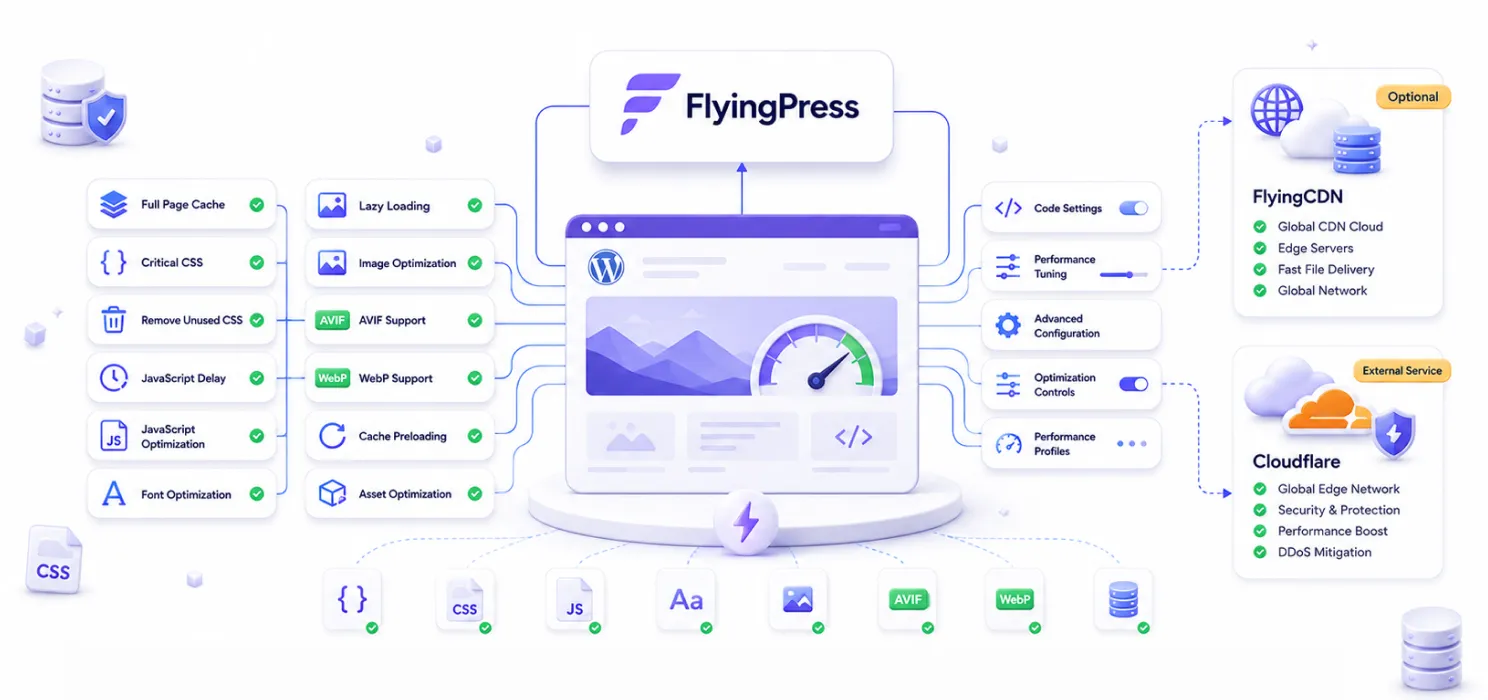
Best for: technical site owners and freelancers managing many small sites.
Pricing: Starts at $59/year for one website, $109/year for three websites, $229/year for 25 websites, and $279/year for unlimited websites. All plans include one year of updates and support.
Free version: No.
What FlyingPress Does Well
- Excellent defaults; a confident user can switch it on and get strong results immediately.
- Critical CSS, AVIF support, deep technical knobs.
- Unlimited sites at $249/year is unbeatable for freelancers and small agencies.
- Optional FlyingCDN ($5 per 100 GB) is a clean, cheap pay-as-you-go CDN.
Honest Limitations
- No human support layer beyond email and the community.
- CDN is optional, not included; most buyers end up paying for FlyingCDN or Cloudflare separately.
- No free version.
Choose FlyingPress if you are comfortable in settings panels, want lean technical defaults, and have many small sites.
4. NitroPack: Best for High-Traffic Content Sites
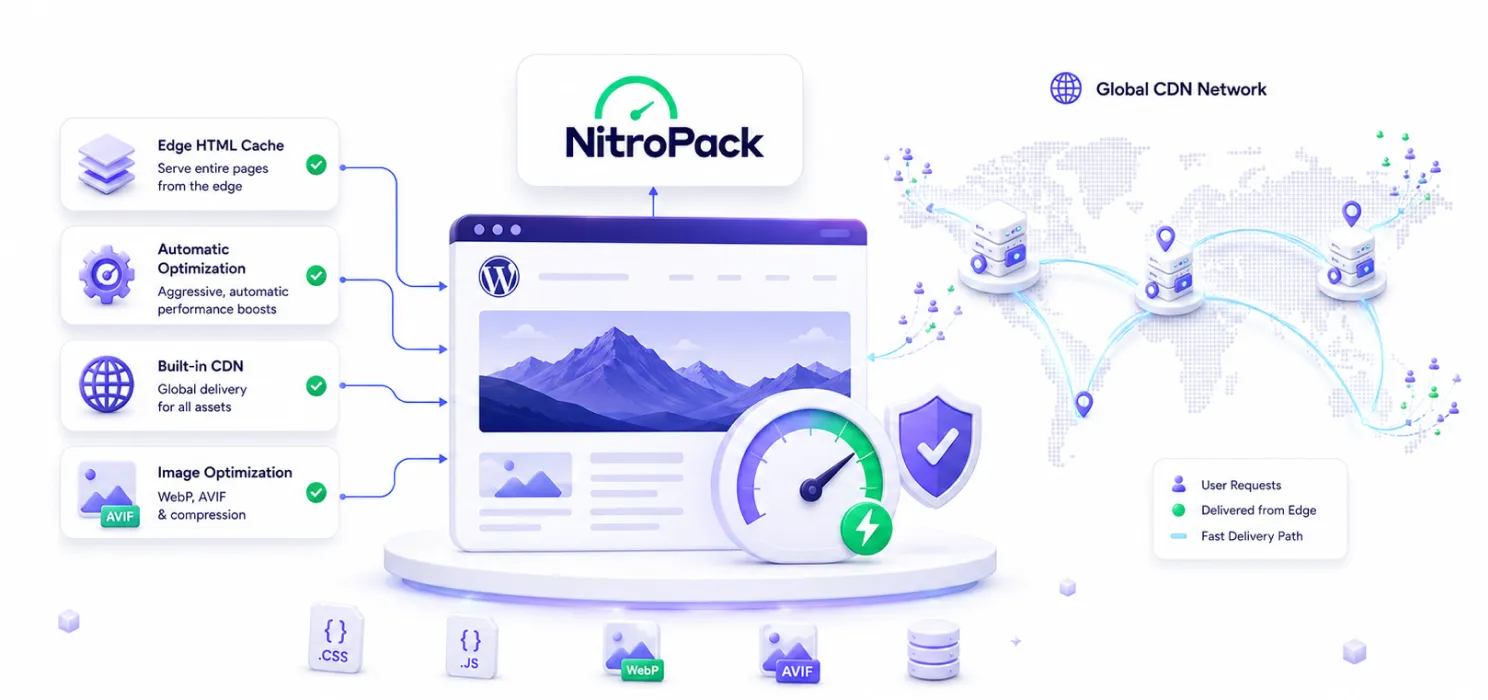
Best for: content and media sites with significant monthly pageviews.
Pricing: Starts at $7/month (billed annually) for one website, $18/month for growing websites, $83.01/month for up to three websites and enterprise-scale traffic, while Agency plans are available with custom pricing for businesses managing multiple websites.
Free version: Yes, limited to 5,000 pageviews and shows a NitroPack badge.
What NitroPack Does Well
- Mature, aggressive auto-optimization engine.
- Edge HTML caching, serves whole pages from the CDN, not just static assets.
- Comprehensive built-in CDN and image optimization.
Honest Limitations
- Pricing is metered by pageviews; a traffic spike can push you into a higher tier overnight.
- “Ludicrous” mode is famous for occasionally breaking sliders, modals, and complex front-end components.
- Support is ticket-only; no human onboarding.
Choose NitroPack if you are a content-heavy site doing serious traffic, and you want the most aggressive optimization engine on the market.
5. LiteSpeed Cache: Best Free Option, Especially on LiteSpeed Hosting
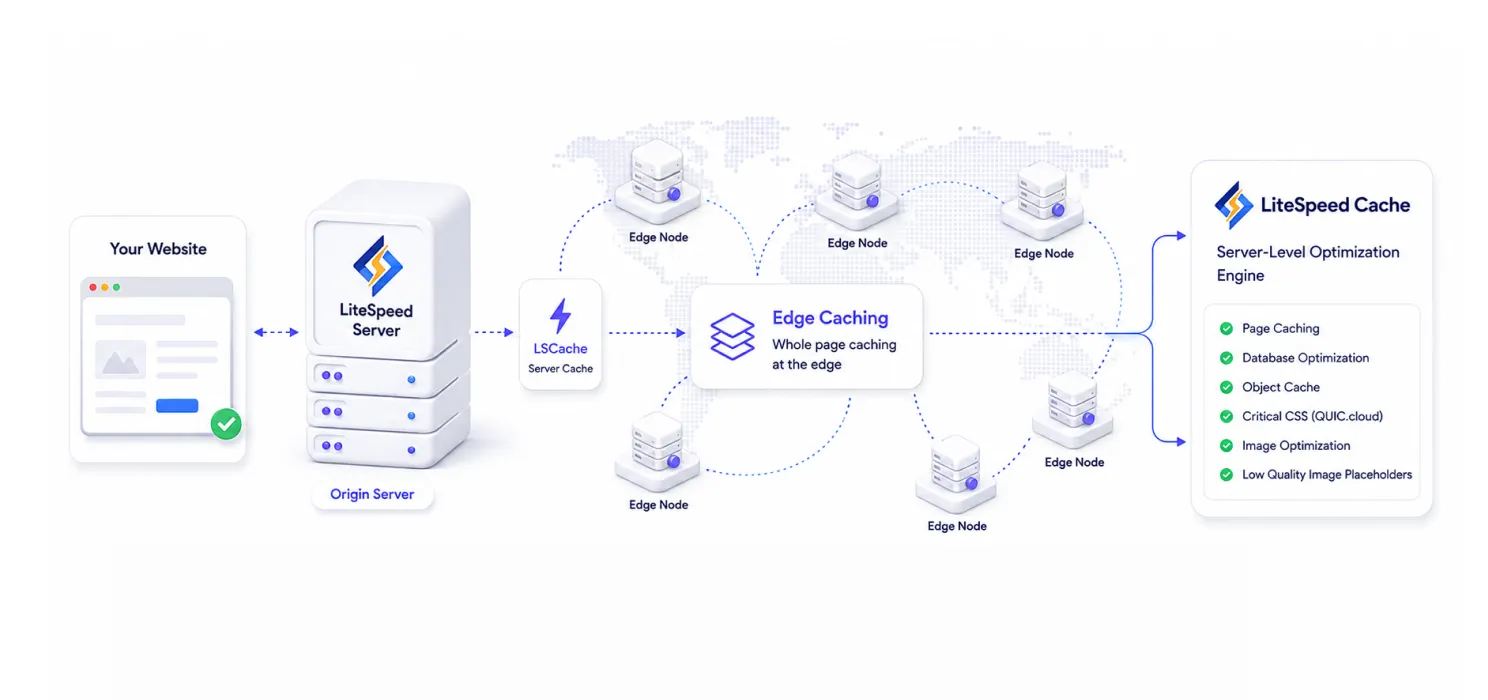
Best for: sites already on LiteSpeed or OpenLiteSpeed servers.
Pricing: LiteSpeed Cache is a free WordPress plugin with no licensing cost. Advanced services such as image optimization, Critical CSS generation, Low-Quality Image Placeholders (LQIP), and the QUIC.cloud CDN are available through QUIC.cloud, which includes a free monthly quota and pay-as-you-go pricing for additional usage.
Free version: Yes, the plugin itself is the free version.
What LiteSpeed Cache Does Well
- Genuinely free plugin, no licence.
- Server-level caching is fastest when paired with LiteSpeed or OpenLiteSpeed hosting.
- QUIC.cloud CDN includes a free monthly quota per domain.
- Critical CSS, image optimization, and Low-Quality Image Placeholders available via QUIC.cloud.
Honest Limitations
- Best performance is locked to LiteSpeed-family hosting.
- Settings panel is famously deep and technical; many buyers get lost.
- No human support in the traditional sense.
Choose LiteSpeed Cache if your host runs LiteSpeed and you are comfortable tuning settings yourself.
6. WP-Optimize: Best Lightweight Option with DB Cleanup
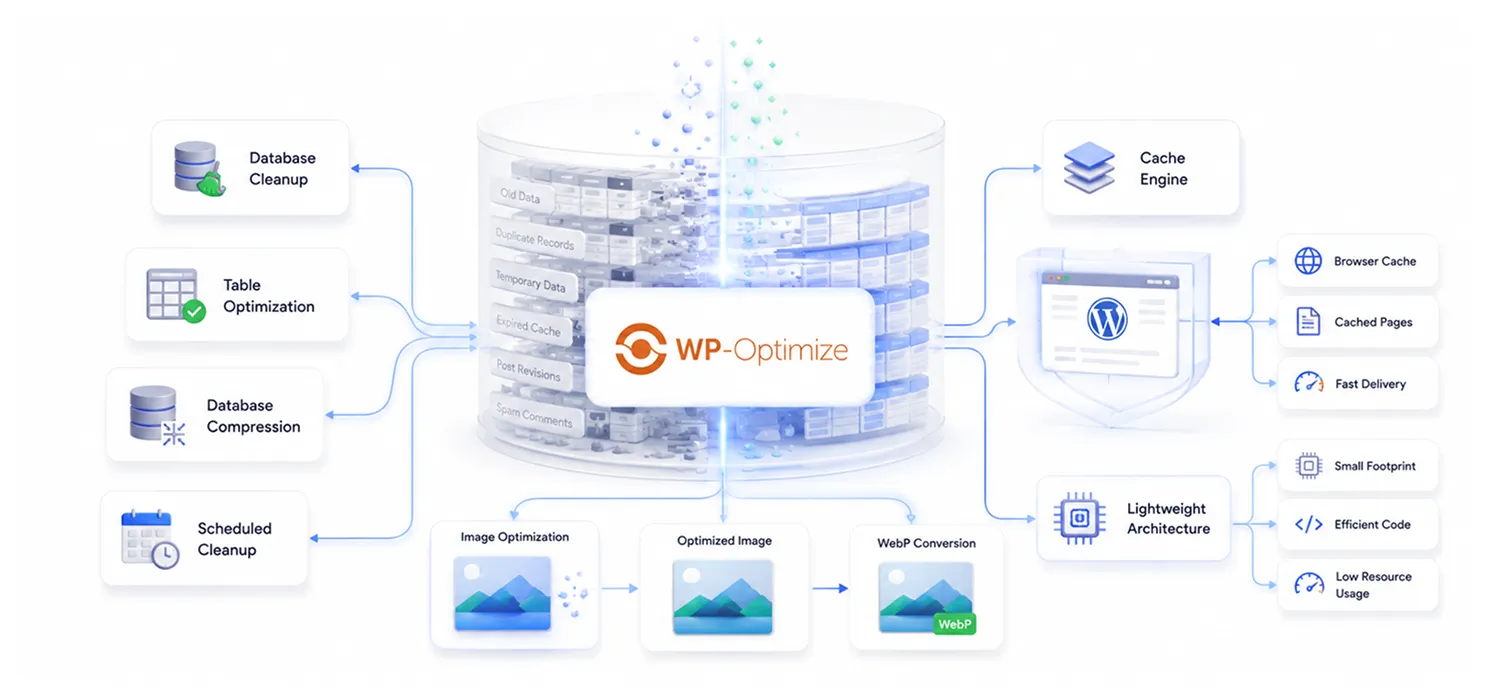
Best for: owners who want caching plus database cleanup in one plugin.
Pricing: Starts at $49/year for up to 2 websites, $99/year for 5 websites, and $194/year for unlimited websites. All Premium plans include advanced caching, image optimization, database cleanup, minification, premium features, and support.
Free version: Yes, basic version of the plugin.
What WP-Optimize Does Well
- Caching, image optimization (with WebP), and database cleanup in one plugin.
- Very lightweight footprint.
- Made by the same team as UpdraftPlus, trustworthy and stable.
Honest Limitations
- Caching and asset optimization are noticeably lighter than WP Rocket, NitroPack, FlyingPress, or SpeedyGo.
- No built-in CDN.
- Not the best choice for serious WooCommerce stores or high-traffic sites.
Choose WP-Optimize if your priorities are database cleanup and basic caching, not advanced PageSpeed gains.
Side-by-Side Comparison
| WP Rocket | NitroPack | FlyingPress | LiteSpeed Cache | WP-Optimize | SpeedyGo | |
|---|---|---|---|---|---|---|
| Free plan | No | Yes (limited) | No | Yes (plugin) | Yes (basic) | Yes (real) |
| Entry paid | €51/yr | $8/mo | $59/yr | Free + QUIC.cloud credits (optional) | $49/yr | $3/mo |
| CDN included | Yes | Yes | Optional | Optional | No | Yes (BunnyCDN) |
| Image optimization | No (add-on) | Yes | Yes (WebP & AVIF) | Yes (QUIC.cloud) | Yes (basic) | Yes (WebP) |
| Human support | Email/Ticket | Ticket | Email/Community | Community | Ticket | Ticket + call + managed time |
How to Actually Decide
- Are you on LiteSpeed hosting? Use LiteSpeed Cache (free) and stop reading.
- Do you have your own CDN already? WP Rocket or FlyingPress.
- Do you want CDN and image optimization included, without picking add-ons? SpeedyGo or NitroPack.
- Do you want human help, not just ticket replies? SpeedyGo.
- Do you have a content site doing serious monthly traffic? NitroPack (but watch pageview bills).
- Do you mainly want database cleanup and basic caching? WP-Optimize.
- Do you manage many small sites and live in settings panels? FlyingPress Unlimited.
The Verdict
If you want one product that does caching, CDN, image conversion, WooCommerce caching, and gives you a real person to ask when something looks off, SpeedyGo is the most complete pick for non-technical buyers in 2026.
If you are technical and already have a CDN and image stack, WP Rocket or FlyingPress is the leaner choice. If you are on LiteSpeed hosting, LiteSpeed Cache (free) is hard to beat.
Want to speed up your WordPress website without handling every technical setting manually? Try SpeedyGo and start optimizing your site performance faster.
See what fast feels like
Start free, no credit card needed — or pick the plan that fits your site.
Are free plugins enough?
For a small personal site or a low-traffic blog, yes. For business sites, you usually outgrow free quickly.
Why isn't there a single "best" plugin?
Because “best” depends on your hosting, your traffic, your technical comfort and your budget.
Can I switch between plugins?
Yes, but deactivate the previous one first. Running two caching plugins together causes conflicts.
Do these plugins fix slow hosting?
No. No caching plugin can fix a fundamentally slow host. If your host’s TTFB is 1+ second on an empty page, change host first, then add a caching plugin.