5 mins read
Cloudflare vs BunnyCDN for WordPress: Which CDN Wins in 2026?
Share Article :


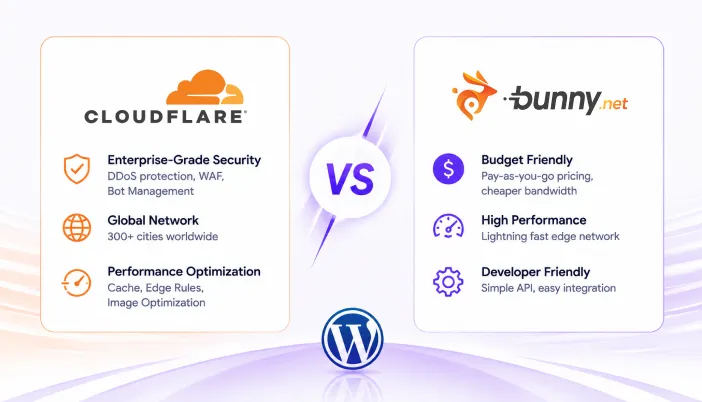
In this blog, we’ll compare Cloudflare and BunnyCDN across pricing, performance, WordPress caching, setup complexity, security, and ease of use. We’ll also look at which CDN makes more sense for different types of WordPress websites and why SpeedyGo uses BunnyCDN for its built-in CDN.
Cloudflare and BunnyCDN are the two CDNs most WordPress site owners actually consider. They are very different products and they win for different reasons.
This honest 2026 comparison covers pricing, performance, ease of setup, and which one fits your site.
Pricing
| Cloudflare | BunnyCDN | |
|---|---|---|
| Free tier | Yes — generous CDN + DNS + basic security | $1/month account minimum |
| Pay-as-you-go bandwidth | Free CDN on free tier (no metering) | Volume Network: ~$0.005/GB global |
| Image optimization | Polish / Image Resizing — paid add-ons | Bunny Optimizer — $9.50/month per site |
| Pro plan | $20/month — adds Image Resizing, mobile optimization | n/a — pay-as-you-go |
| WordPress-specific cache | APO add-on — $5/month per domain | Native via plugin or WordPress integration |
| Number of POPs (2026) | 330+ worldwide | 119+ worldwide |
| Free DNS | Yes | No (separate provider) |
Key signal: Cloudflare’s free tier is genuinely the most generous CDN free tier in the market. BunnyCDN’s pitch is the lowest paid CDN bandwidth price in the industry for predictable cost.
What Cloudflare Does Better
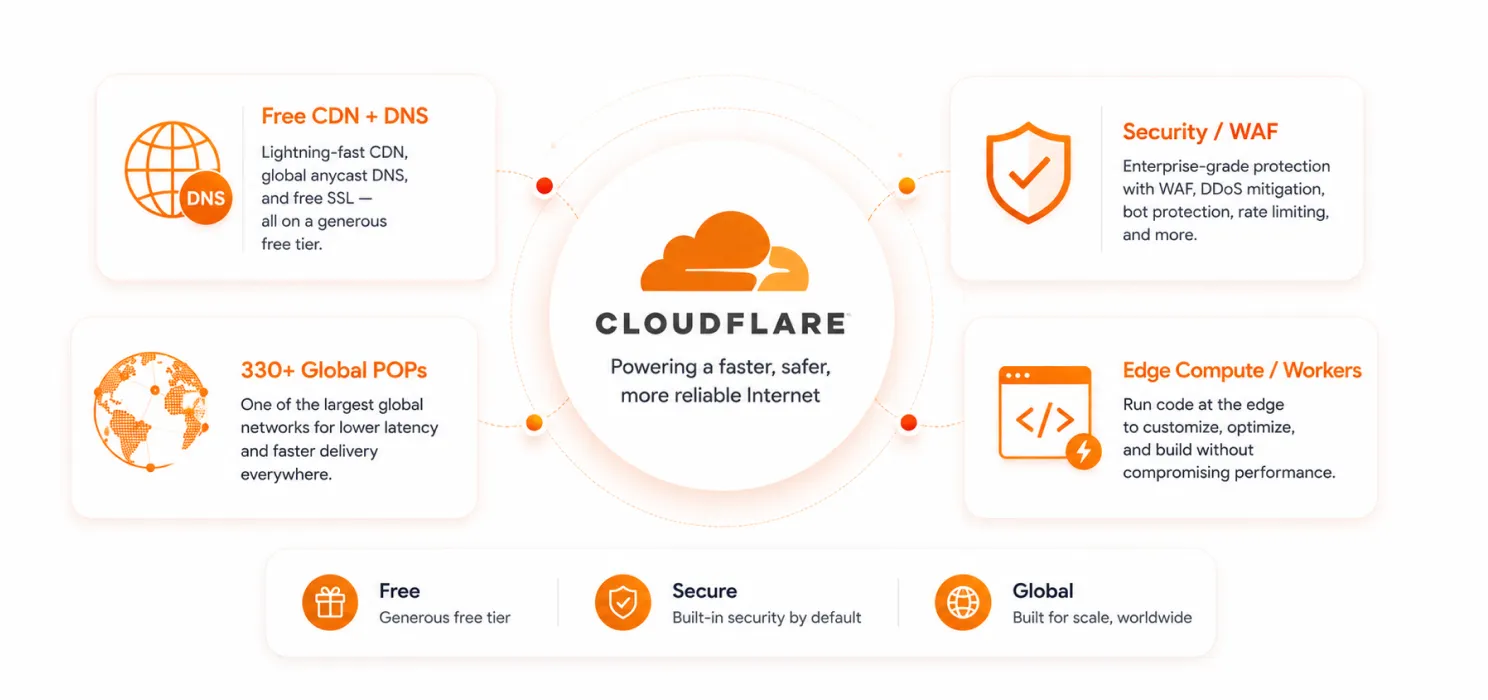
- Generous free tier. A real, usable CDN at zero cost, with DDoS protection, free SSL, basic DNS and basic page rules.
- Best-in-class security. Web Application Firewall (WAF), bot protection, DDoS mitigation, rate limiting.
- DNS that does not cost extra. Cloudflare runs one of the fastest DNS networks in the world, included.
- Workers and edge compute. Run code at the edge. Useful for advanced setups, A/B tests, redirects.
- More POPs globally. 330+ data centres vs Bunny’s 119. If your traffic is highly distributed, that matters.
- Automatic Platform Optimization (APO) for WordPress. A $5/month add-on that caches HTML pages at the Cloudflare edge.
What BunnyCDN Does Better

- Predictable, transparent pricing. Volume Network is ~$0.005/GB globally. You always know what you will pay.
- Lower bandwidth cost at any real volume. Once you pass the free tier, Cloudflare’s Pro plan jumps to $20/month flat. BunnyCDN scales gradually with usage.
- Cleaner dashboard. Bunny’s dashboard is one of the cleanest CDN management UIs in the market.
- No “Pro plan upsell” feature gating. Bunny gives you the full feature set on the pay-as-you-go pricing.
- Permissive caching rules. BunnyCDN does not interfere with your application logic the way Cloudflare’s default WAF rules sometimes do.
Performance
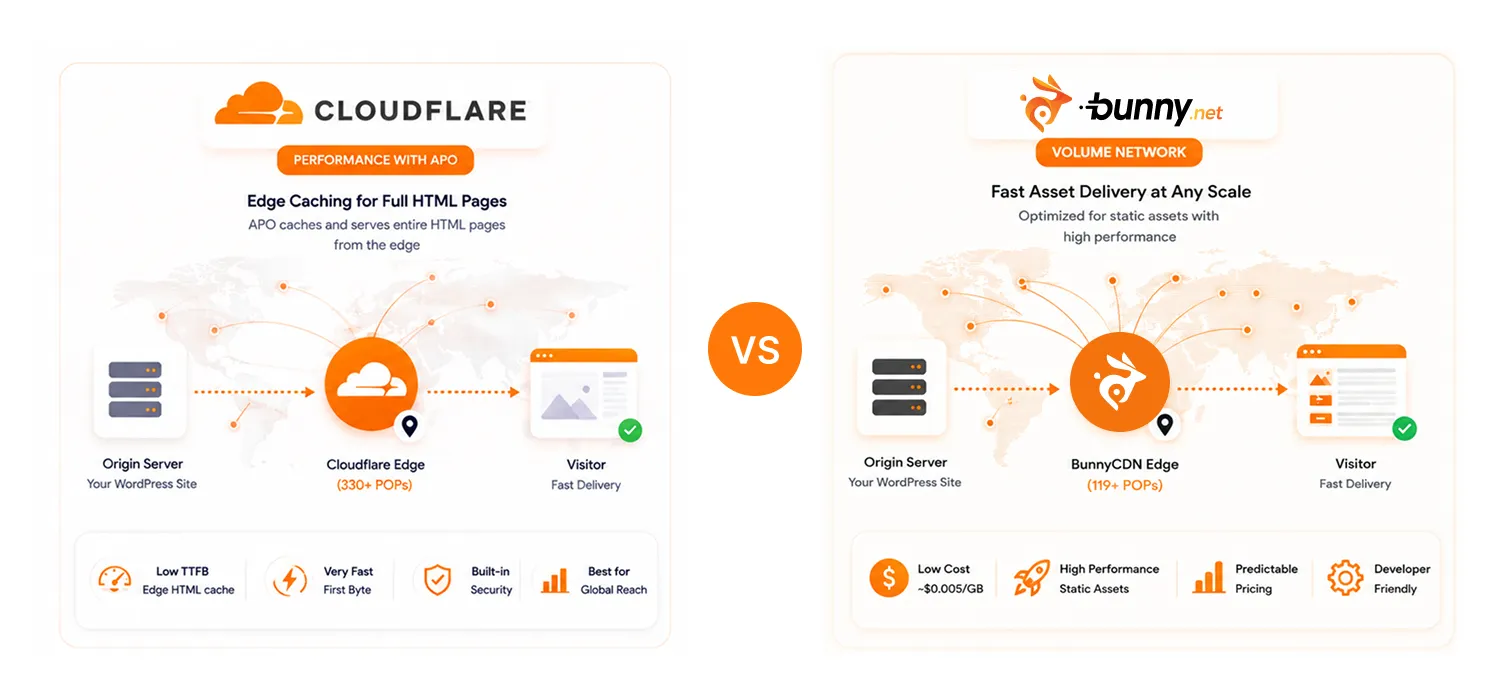
Both networks are fast. On most real-world WordPress sites, the speed difference between Cloudflare’s free tier and BunnyCDN’s pay-as-you-go is smaller than the difference between either of them and not using a CDN at all.
Where the gap shows:
- Cloudflare APO is genuinely fast it serves whole HTML pages from the edge, like NitroPack does. APO is the underrated $5/month add-on most WordPress sites should know about.
- BunnyCDN’s Volume Network is the cheapest at scale. If you do 500+ GB/month, Bunny’s bill will be a fraction of Cloudflare’s Pro plan equivalent.
- In high-latency regions (South America, Africa, parts of Asia), Cloudflare’s larger POP count sometimes wins on first-byte time.
Setup Complexity
| Cloudflare | BunnyCDN | |
|---|---|---|
| Setup steps | Change nameservers at registrar OR install plugin (CNAME mode) | Add Pull Zone, point CDN URL via plugin or .htaccess |
| Affects DNS? | Yes (full integration) | No |
| Risk to existing setup | Moderate DNS migration | Low assets-only |
| Time to first byte from CDN | Hours after DNS propagation | Minutes |
How They Handle WordPress Caching
- Cloudflare’s free tier does not cache HTML pages on WordPress by default. It caches static assets (CSS, JS, images) but not the actual HTML. To get HTML page caching at the Cloudflare edge, you need APO ($5/month per domain).
- BunnyCDN with a WordPress integration (SpeedyGo, WP Rocket, etc.) only handles static assets the HTML caching happens in your WordPress plugin.
- For WooCommerce stores, BunnyCDN is usually safer it does not interfere with cart/checkout dynamic content. Cloudflare’s default settings sometimes do.
What SpeedyGo Uses and Why
SpeedyGo’s built-in CDN runs on BunnyCDN. The reasons:
- Predictable cost that passes to customers as flat plan bandwidth.
- Clean dashboard and API that integrates well with SpeedyGo’s asset uploads and purge.
- Lower per-GB cost at volume, which lets SpeedyGo include real bandwidth in paid plans without burning margin.
- Permissive defaults that do not interfere with WooCommerce checkout or membership site logic.
Many SpeedyGo customers also run Cloudflare’s free tier in front of their site for DNS and DDoS protection and let BunnyCDN deliver the actual assets. That combination is usually the most cost-effective.
The Verdict
- Just starting out? Cloudflare’s free tier is the easiest first move. Add APO ($5/month) if you want WordPress edge caching.
- Running a WooCommerce store or high-traffic content site? BunnyCDN is cleaner and cheaper at volume. SpeedyGo includes it on every paid plan.
- Want the most cost-effective combination? Cloudflare free tier in front (for DNS + security) + BunnyCDN for asset delivery (via your caching plugin).
Want to speed up your WordPress website without handling every technical setting manually? Try SpeedyGo and start optimizing your site performance faster.
See what fast feels like
Start free, no credit card needed or pick the plan that fits your site.
Frequently Asked Questions
Can I use Cloudflare and BunnyCDN together?
Yes, and it is a common pattern. Cloudflare in front for DNS, security and edge protection; BunnyCDN behind for asset delivery. They do not conflict.
Is Cloudflare's free tier really free?
Yes. There is no usage cap on CDN bandwidth on the free tier. Cloudflare monetises via paid features not via bandwidth.
Which is better for a small business WordPress site?
For most small business sites, Cloudflare’s free tier alone is enough for DNS + security + basic CDN. Add Cloudflare APO ($5/month) if you want HTML edge caching. Or use SpeedyGo’s bundled BunnyCDN if you want a managed CDN inside your caching plugin.
Which is better for WooCommerce?
BunnyCDN it does not interfere with cart/checkout dynamic content by default. Cloudflare’s “Bypass Cache on Cookie” rules need to be configured manually for WooCommerce.
Does BunnyCDN have a free tier?
Not really, there is a $1/month account minimum. But the pay-as-you-go pricing is so low that small sites pay only a few dollars a month.