6 mins read
Should You Fix WordPress Speed Before a Website Redesign?
Share Article :


| Quick summary Many people redesign their site hoping it will fix slow pages. Often it does not, and sometimes it gets worse. This guide explains why WordPress speed before a redesign is a smart move, what to fix first, what to leave for the redesign, and how to protect your speed and SEO through the whole project. |
You spend three months and a big budget on a beautiful new website. Launch day comes. The design is stunning. And the site is slower than the old one.
This happens more than most agencies admit. Big hero videos, heavy animations, many fonts and extra plugins all pile on. Nobody checked the speed until it was too late.
So before you sign off on that redesign, ask one question: should you fix speed first? Let’s answer it.
Why does speed matter in a redesign?
A redesign is a big investment, and its goal is usually more leads, more sales or better rankings. Speed is tied to all three.
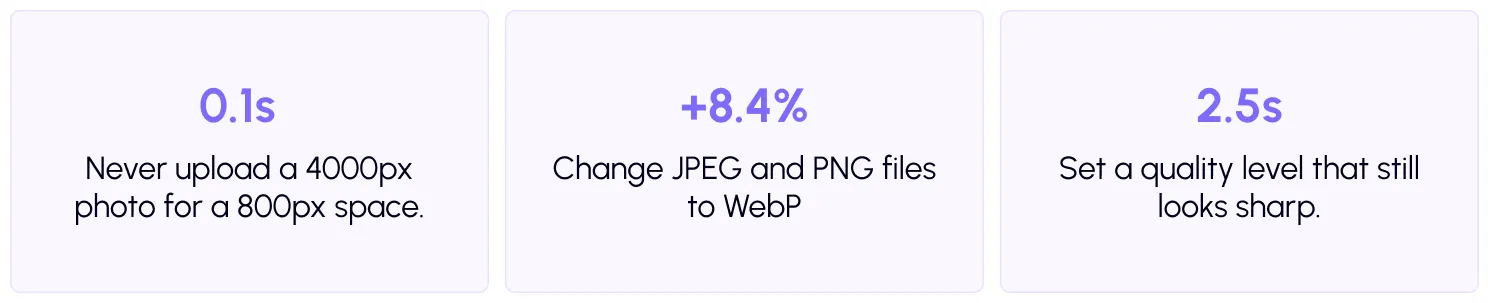
A well-known study by Google and Deloitte looked at 37 brands. It found that making a mobile site just 0.1 seconds fasterlifted retail conversions by 8.4%. Tiny changes in speed can mean real money.
Google also measures how real visitors experience your pages, usingCore Web Vitals. A slower redesign can pull those scores down and cost you rankings you already earned.
Does a redesign make WordPress faster?
Not by itself. A redesign changes how your site looks. Speed comes from how it is built and served.
Look at the usual causes of slow WordPress sites: cheap hosting, no caching, huge images, too many plugins and heavy scripts. A new theme fixes none of these. In fact, many modern designs add to them with sliders, video backgrounds and page builder layers.
What happens if you skip speed work first?
Three things usually go wrong.
You cannot prove the redesign worked. With no starting numbers, you cannot compare before and after. You only have a feeling.
You blame the wrong thing. If the new site is slow, is it the design, the host or a plugin? Without a baseline, you are guessing, and fixing takes longer.
You pay twice. Designers build around bloated foundations, and later you pay again to clean it up. It is cheaper to fix the foundation once.
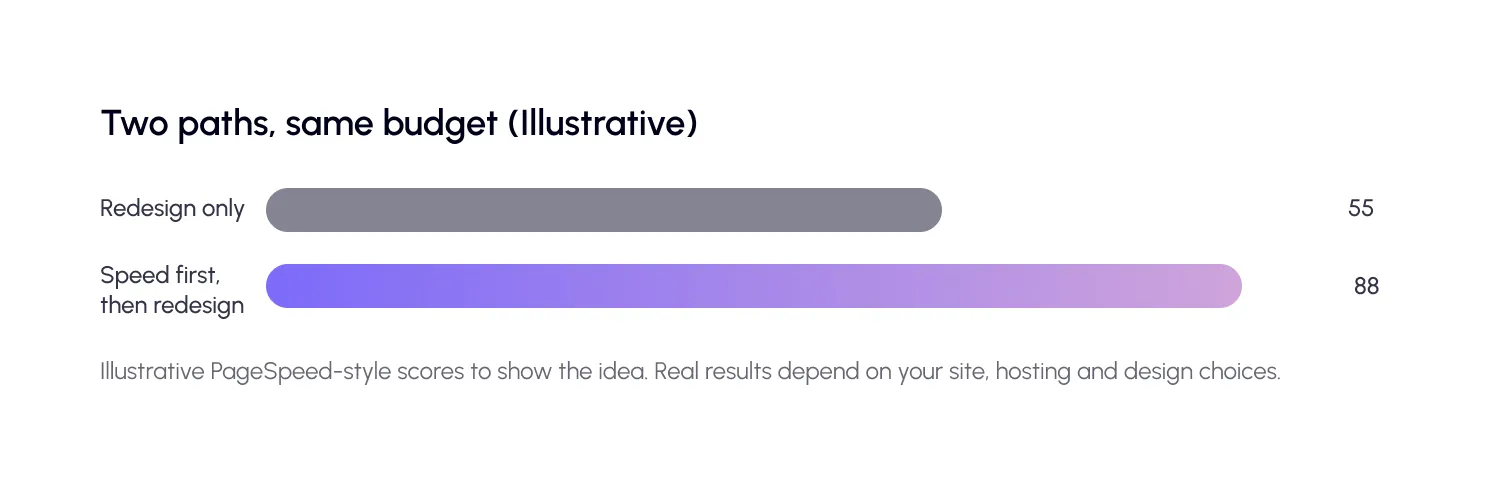
So, should you fix speed before a redesign?
Yes, at least the basics. You do not need to make your old site perfect. You need to do three things: measure it, fix the cheap wins, and learn what is really slowing you down.
The cheap wins pay off straight away. Your current visitors get a faster site while the redesign is still being built, and the design team starts from a clean base. That is the heart of performance before redesign.
What should you fix first, and what can wait?
Not everything needs to happen before the redesign. Here is a simple way to split the work.
Before: the quick wins
Start with caching. It stores ready-made copies of pages so WordPress does not rebuild them each time. SpeedyGo covers this withfull-page caching andoptimization presets, so you can start with safe settings.
Next, fix your images. They are often the heaviest files on a page. Convert them to WebP using SpeedyGo’sWebP conversion. For a full guide, see our article on image formats on theSpeedyGo blog.
Finally, clean out plugins you no longer use. Every one of them can add scripts and database work.
During: set a performance budget
Aperformance budget is a limit you set before building. For example: “Pages must stay under 1.5 MB” or “LCP must stay under 2.5 seconds.” When the design team adds something heavy, the budget tells you to trade it off.
Put the budget in writing in your design brief. It changes the conversation from “do you like it?” to “can we afford it?” This is the core of website redesign performance optimization.
After: test and warm up
Once the new site is live, run your tests again. Use the same tools as before, so the comparison is fair.PageSpeed Insights shows both lab data and real-user data. Then usecache warm-up so your first visitors do not hit an empty cache.
How do you measure speed before you start?
Write down your baseline. You need a few numbers you can compare later.
Run your key pages throughPageSpeed Insights: home page, a top service page, a blog post and, if you sell online, a product page. Note the three Core Web Vitals: LCP, INP and CLS. Real-user data comes from theChrome UX Report, and lab tests use Lighthouse.
Take screenshots and save them with the date. You will thank yourself later. On SpeedyGo Pro,PageSpeed analytics tracks these scores over time for you.
How do you protect SEO during a redesign?
Speed is one piece. Rankings can also drop if URLs change or pages disappear. Google has clear guidance onsite moves with URL changes: keep a map of old URLs to new ones, and use redirects.
Keep the pages that bring you traffic. Keep the same titles and headings unless you are improving them on purpose. And do not launch on a Friday afternoon. Give yourself a few days to watch and fix.
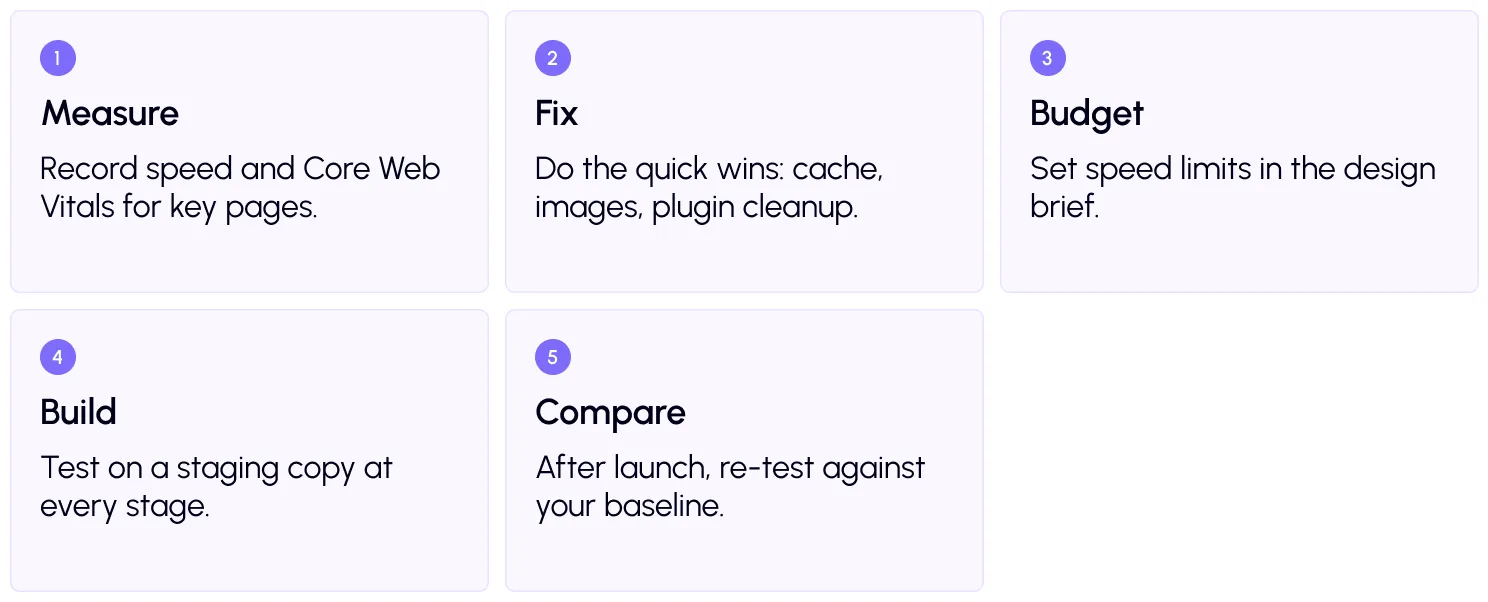
Your redesign process: 5 steps
A real-life example
Imagine a services company planning a redesign. Their old site takes five seconds to load on mobile. The agency wants a full-screen video on the home page and a slider on every service page.
The owner first turns on caching, converts images, and removes six unused plugins. The site drops to under three seconds. Then they add a rule to the brief: no auto-playing video, and a maximum of two fonts.
The redesign launches on time, and the new site is faster than the old one. Because they saved a baseline, they can show exactly how much faster. That is the payoff of working on WordPress redesign speed from day one.
Common mistakes to avoid
The first mistake is leaving speed to the end. By then, changing the design is expensive, so speed loses.
The second is trusting demo pages. A theme’s demo looks fast because it has little content. Your real pages, full of images and plugins, will behave differently.
The third is changing too much at once. If you switch host, theme, and plugins on the same day, you will not know what caused a problem.

Frequently Asked Questions
Find answers to common questions about WordPress speed before a redesign, including what to optimize first, performance budgets, SEO risks, speed testing, and how SpeedyGo can help.
Should I fix WordPress speed before a redesign?
Yes, at least the quick wins. Measuring your speed and fixing basics like caching and images gives you a baseline and a cleaner starting point for the redesign.
Will a redesign improve my site speed?
Not automatically. A redesign changes how the site looks. Speed depends on hosting, caching, images, plugins and scripts. A heavier design can make the site slower.
What is a performance budget?
It is a limit you set for page size or speed, such as a maximum page weight or LCP target. Designers and developers use it to make choices during the build.
Can a redesign hurt my SEO?
Yes, if speed drops, URLs change without redirects, or important pages disappear. Plan redirects and test speed before and after launch.
How long should I wait to judge my new site's speed?
Lab tests show results straight away. Real-user data can take several weeks to update, so review it over a month or so.
Can SpeedyGo help during a redesign?
Yes. It handles caching, image conversion and script optimization, and you can export your settings and move them to the new site. Human developer support is included in paid plans.