6 mins read
What Impact Does Hosting Have on WordPress TTFB?
Share Article :



| Quick summary Time to First Byte (TTFB) is how long your server takes to start answering. Hosting has a big effect on it, but not always the effect people expect. This guide explains how shared, VPS, managed and cloud hosting affect WordPress TTFB, how to reduce TTFB before you spend money on a new host, and how to test hosts fairly if you do decide to switch. |
You have a slow site, and everyone has the same advice: “Change your host.” It sounds simple. But hosting is a big decision, and moving a site takes time and carries risk.
So here is the real question. How much does hosting actually change your TTFB? And can you fix it without moving?
The honest answer is: sometimes a lot, sometimes very little. Let’s see when each is true.
How does hosting affect TTFB?
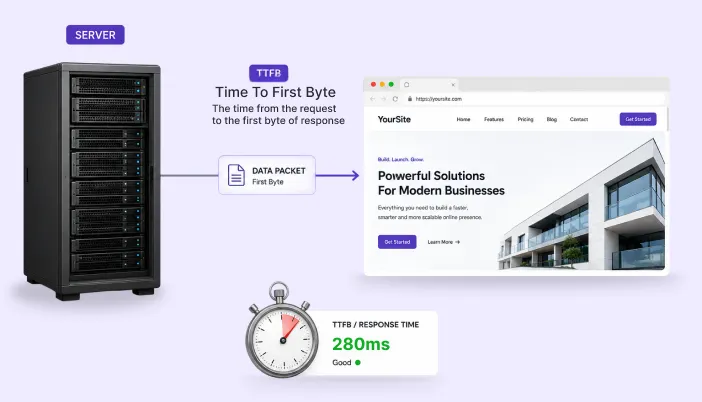
TTFB includes the time to find your server, connect securely, and, most importantly, wait for your server to build the page.
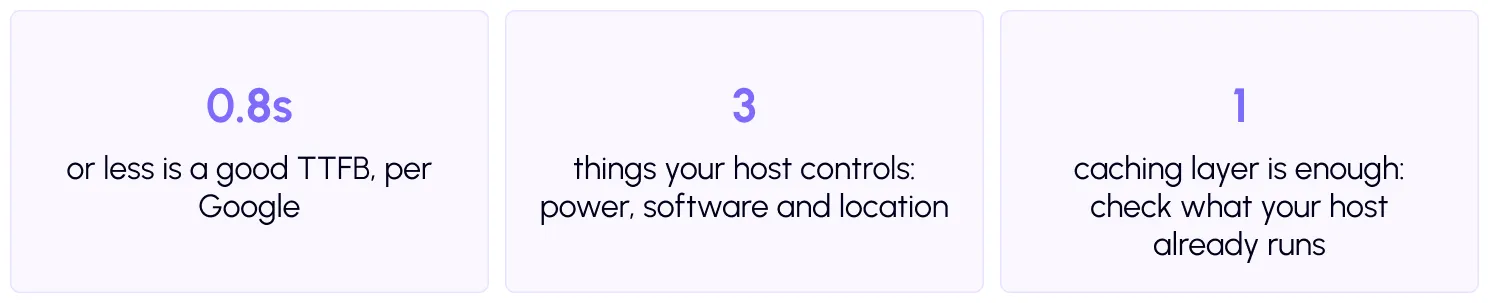
Your host controls three big things inside that wait.
Power. How much processor and memory your site gets to build pages.
Software. The PHP version, the web server, and the built-in caching.
Location. How far your server sits from your visitors.
| Did you know? A cached page hardly touches your host’s power. It is just a saved file handed out. So hosting quality shows up most on uncached pages: carts, checkouts, logged-in users and the admin. |
How do the main hosting types compare?
These are general patterns, not guarantees. Quality varies a lot between providers, even within the same type.
| Hosting type | What it means for TTFB | Best for | Watch out for |
| Shared | Resources are shared, so TTFB can vary and rise at busy times | Small, simple sites on a budget | Slowdowns from other sites, strict limits |
| VPS | A reserved slice of a server, steadier TTFB if set up well | Growing sites with technical help | You may need to manage the server yourself |
| Managed WordPress | Tuned for WordPress, often with server caching built in | Business sites and stores | Higher price, plugin or feature restrictions |
| Cloud | Scales with demand, good for spikes | High-traffic and variable-traffic sites | Costs can rise, setup can be complex |
| Dedicated | A whole server for you, the most power | Very large sites | Highest cost, needs expert management |
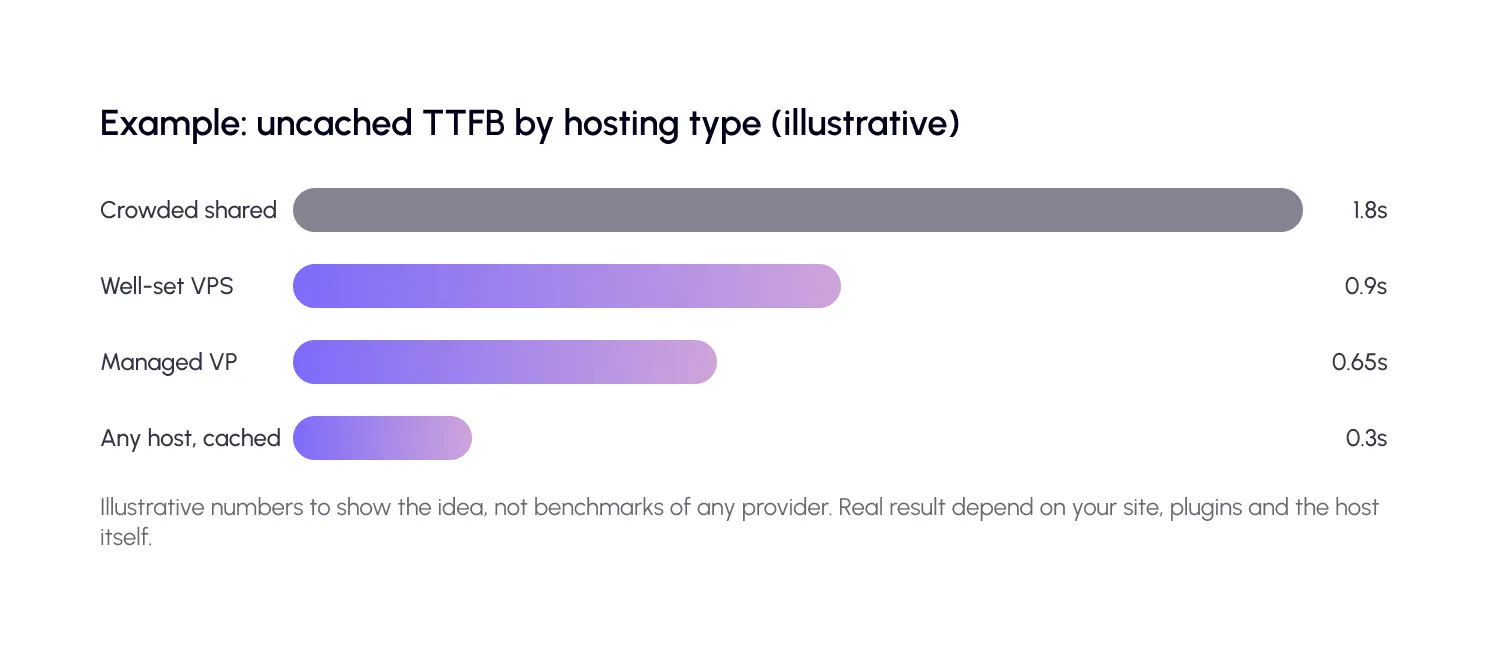
Look at the last bar. A page served from cache can be quick on almost any host. That is why caching comes before a host change.
How do you reduce TTFB without changing hosts?
Try these first. They cost little, and often make a bigger difference than a new plan.
Step 1: Measure properly
Test a cached page and an uncached page. Use the free SpeedyGo speed test. Test at a quiet hour and at a busy hour. Shared hosts often show their weakness at peak times.
Step 2: Cache your pages
Turn on full-page caching. Then use cache preloading and cache warm-up, so visitors get saved pages instead of waiting for a fresh build. Many managed hosts already include server-level caching, so check what yours does before you add another layer. SpeedyGo’s homepage lists compatibility with popular hosts such as Bluehost, GoDaddy, Flywheel, and Pantheon, and its docs explain how to set up a safe configuration.
| Note Do not run two page caching systems that do the same job. If your host has its own cache, test carefully so that old pages do not linger and the two do not fight. |
Step 3: Update software and trim plugins
Ask your host to move you to a current, supported PHP version. WordPress lists its recommended server requirements, and the PHP supported versions page shows which versions still get fixes. Then remove plugins you do not use, since each adds work to every uncached page. Back up first, using the WordPress backup guide.
Also consider object caching, which saves common database results in memory, if your host supports it. WordPress has a built-in object cache that works best with a persistent store like Redis.
Step 4: Compare hosts fairly, if you must switch
If TTFB is still slow after caching, updates, and plugin cleanup, your host may be the limit. Signs include slowness at busy times, resource limit warnings and slow admin screens. Here is how to compare options without guessing.
Ask for a trial or a refund period. Copy your site to a temporary address on the new host. Test the same pages, cached and uncached, from the same locations, at the same hours. Compare real numbers, not sales pages.
Ask the host a few direct questions. What PHP versions do you run? Is server caching included? Is a persistent object cache available? How many simultaneous requests can my site handle? Where are your data centers? Which location is closest to most of my visitors?
| Tip Pick a server location near most of your visitors. A fast server on the wrong continent still adds delay for every visit. If your visitors are spread out, combine a good location with a CDN. |
Step 5: Add a CDN for far-away visitors
A CDN delivers images and files from locations near visitors, which cuts delay and reduces the load on your host. See CDN integration for how SpeedyGo connects to one. For deeper reading, we explain how hosting, CDN, and caching fit together on the SpeedyGo blog.
A real-life example
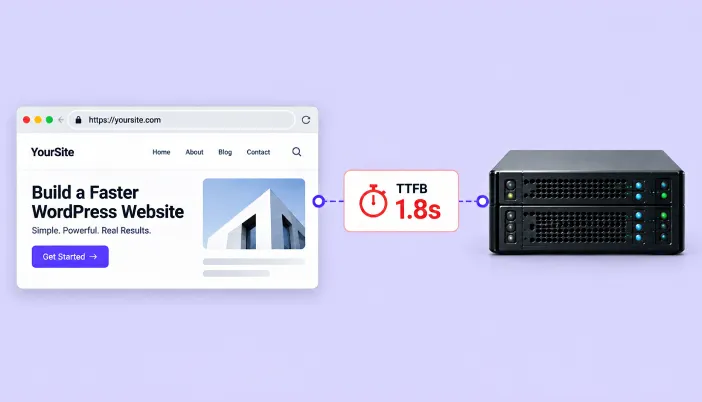
A small store sits on a cheap shared plan. The home page and product pages score well, because they are cached. But the cart and checkout take almost two seconds just to start responding, because those pages cannot be cached and the server is crowded.
The owner first updates PHP, removes four plugins and adds object caching. TTFB on checkout improves, but still drifts up at busy hours. So she tests a managed WordPress plan on a temporary copy of her site. Uncached TTFB drops to around 0.7 seconds, and checkout feels instant.
She moved only after the free fixes ran out. That order saved her money, and she knew exactly what she was paying for.
Your hosting and TTFB checklist
- Measure TTFB on cached and uncached pages
- Test at quiet and busy hours, from your visitors’ regions
- Turn on page caching and cache preloading
- Check what caching your host already provides
- Move to a current, supported PHP version after a backup
- Remove unused plugins and heavy themes
- Add object caching if your host supports it
- Ask hosts about PHP versions, server caching, limits and locations
- Trial a new host on a temporary copy before moving
- Choose a server location near most of your visitors
- Add a CDN for global visitors

Common mistakes to avoid
The first mistake is judging a host by cached pages only. Every host looks fast when serving a saved file.
The second is moving hosts without a backup or a test copy. Migration should never be a leap of faith.
The third is believing that more expensive always means faster. Test your own site, because the best host depends on your plugins, traffic and visitors.
TTFB on many hosts. It cannot fix a very weak server, so review your hosting if the problem remains.

Frequently Asked Questions
Here are answers to some common questions about WordPress TTFB, shared and managed hosting, caching, server resources, CDN performance, and how to decide whether you need to optimize your current setup or move to a better hosting plan.
Does hosting affect WordPress TTFB?
Yes. Your host controls server power, software and location, all of which affect how fast the first byte arrives. Caching can reduce the effect on cached pages.
How do I reduce TTFB in WordPress?
Turn on page caching, update PHP, remove unused plugins, add object caching if available, use a CDN for far-away visitors and consider better hosting if it is still slow.
Is managed WordPress hosting faster?
Often it is tuned for WordPress and includes server caching, which helps TTFB. But quality varies, so test your own site before paying more.
Why is my TTFB slow only at certain times?
On shared hosting, other sites compete for the same resources, and traffic spikes can slow everyone down. Test at different hours to see the pattern.
Does a CDN reduce TTFB?
It reduces delay for far-away visitors by serving files from nearby servers. It does not speed up page building on your origin server, so use caching too.
Can SpeedyGo reduce TTFB on any host?
SpeedyGo’s caching reduces the work your server does, which helps TTFB on many hosts. It cannot fix a very weak server, so review your hosting if the problem remains.