
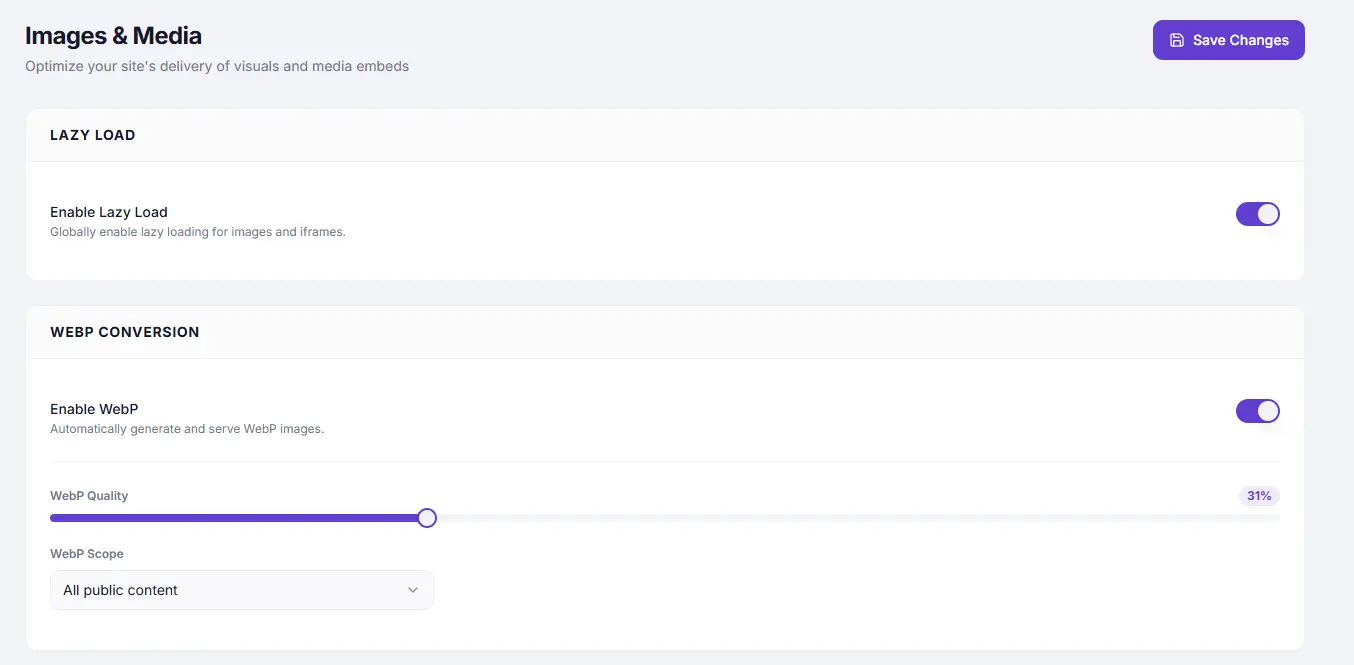
Lazy Load defers the loading of off-screen images and iframes until the user scrolls near them. Instead of downloading every image on the page at once, the browser only fetches images as they are about to enter the viewport. This reduces initial page weight and speeds up the visible portion of the page.
Dashboard path: Cache Settings → Images & Media
Section: Lazy Load
Settings #
| Setting | Type | Description |
|---|---|---|
| Enable Lazy Load | Toggle | Globally enables lazy loading for all images and iframes on the site. |
Performance Impact #
| Metric | Typical improvement |
|---|---|
| Initial page weight | 30–60% reduction (depends on image count below the fold) |
| Largest Contentful Paint (LCP) | Improved — browser focuses resources on above-fold content |
| Time to Interactive (TTI) | Improved — fewer resources competing on load |
| Total bytes transferred on first load | Significant reduction for image-heavy pages |
How It Works #
SpeedyGo adds loading="lazy" to <img> and <iframe> tags. Modern browsers natively support this attribute and only load the element when it is within a threshold distance of the viewport. For browsers without native support, SpeedyGo falls back to a JavaScript-based lazy loader.
Above-the-fold images are never lazy-loaded — the browser automatically skips loading="lazy" for images in the initial viewport.
How to Enable #
- Go to Cache Settings → Images & Media.
- Under Lazy Load, toggle Enable Lazy Load to ON.
- Click Save Changes.
- Scroll through a page on your site to confirm images load progressively as you scroll.
When to Use #
| Situation | Recommendation |
|---|---|
| Blog or content site with many images per page | ✅ Always enable — biggest benefit |
| WooCommerce shop or category page with many product images | ✅ Enable — major reduction in initial load |
| Single-product page or simple page with 1–2 images | Optional — minimal impact |
| Above-the-fold hero / banner image | Not affected — browser skips lazy load for visible images automatically |
Troubleshooting #
| Symptom | Likely cause | Fix |
|---|---|---|
| Hero image loads with a flash / delay | Hero image being lazy-loaded | This should not happen with native lazy load — if it does, the hero image may lack explicit width/height attributes; add them in your theme |
| Images not loading when scrolled to | JavaScript conflict | Check browser console for errors; a JS error may prevent the fallback lazy loader from initialising |
| LCP image penalised in PageSpeed | LCP element being lazy-loaded | Ensure the LCP image (largest above-fold image) has no loading="lazy" applied — SpeedyGo skips visible images, but check your theme isn’t adding it manually |
Tips #
Tip: Add explicit
widthandheightattributes to your images in WordPress. This allows the browser to reserve the correct space before the image loads, preventing layout shift (CLS) as images appear.
Note: Lazy Load applies to both
<img>tags and<iframe>embeds (YouTube videos, maps, etc.). Iframes are often much heavier than images — lazy loading them significantly reduces initial load time on pages with embedded media.


